


Unsolved
1 Rookie
•
1 Message
0
2663
November 26th, 2023 02:58
Upgrading option for Dell Inspiron 15 3000
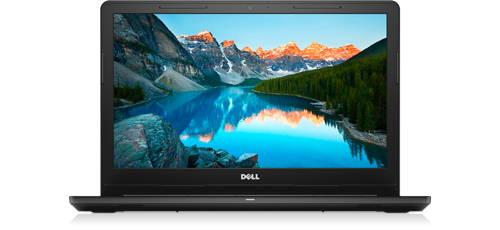
Inspiron 15 3576
I'm fairly new to computer hardware, so I want to get an idea of what I'm getting myself into. I want to upgrade my laptop to have an SSD to increase performance. However, my computer appears to have Intel core I5 8th gen, and I'm unsure if it has its own SSD slot, or if I will have to remove the HDD or CD Driver to install an SSD. Is my laptop configuration enough for 1TB SSD?
Also if you do not mind can you suggest SSD to BUY!!
Thank you in advance.
No Events found!
ejn63
10 Elder
•
29.9K Posts
1
November 26th, 2023 03:02
Storage options here
Up to 256 GB
Chino de Oro
9 Legend
•
8.1K Posts
1
November 26th, 2023 04:44
Many users use Crucial scan tool to find compatible memory and SSD upgrade. Their products are decently reliable and their support is excellent. Here is the compatible SSD selection for you to choose https://www.crucial.com/compatible-upgrade-for/dell/inspiron-15-(3576)
If your system supports M.2 SSD, you can review the selection available here. Select the SSD that suits your needs, pricing, capacity. Note that the performance are very similar between 2.5" SATA SSD and M.2 SATA SSD.