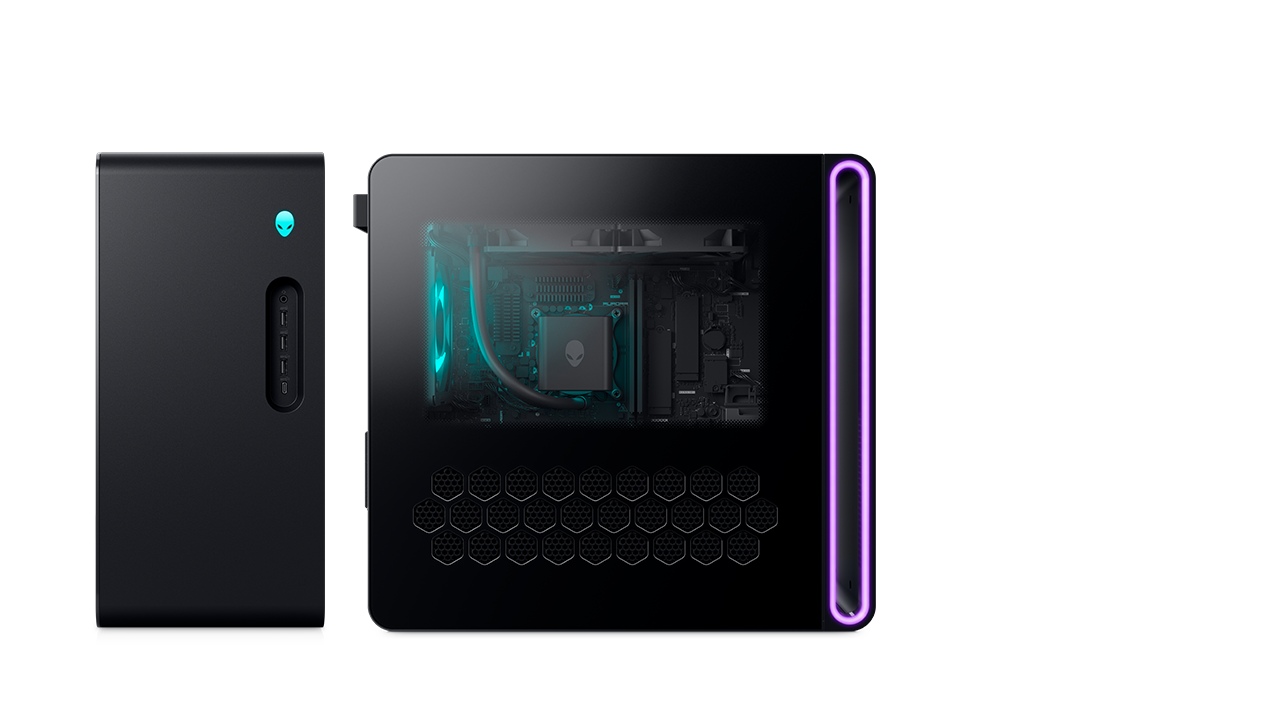
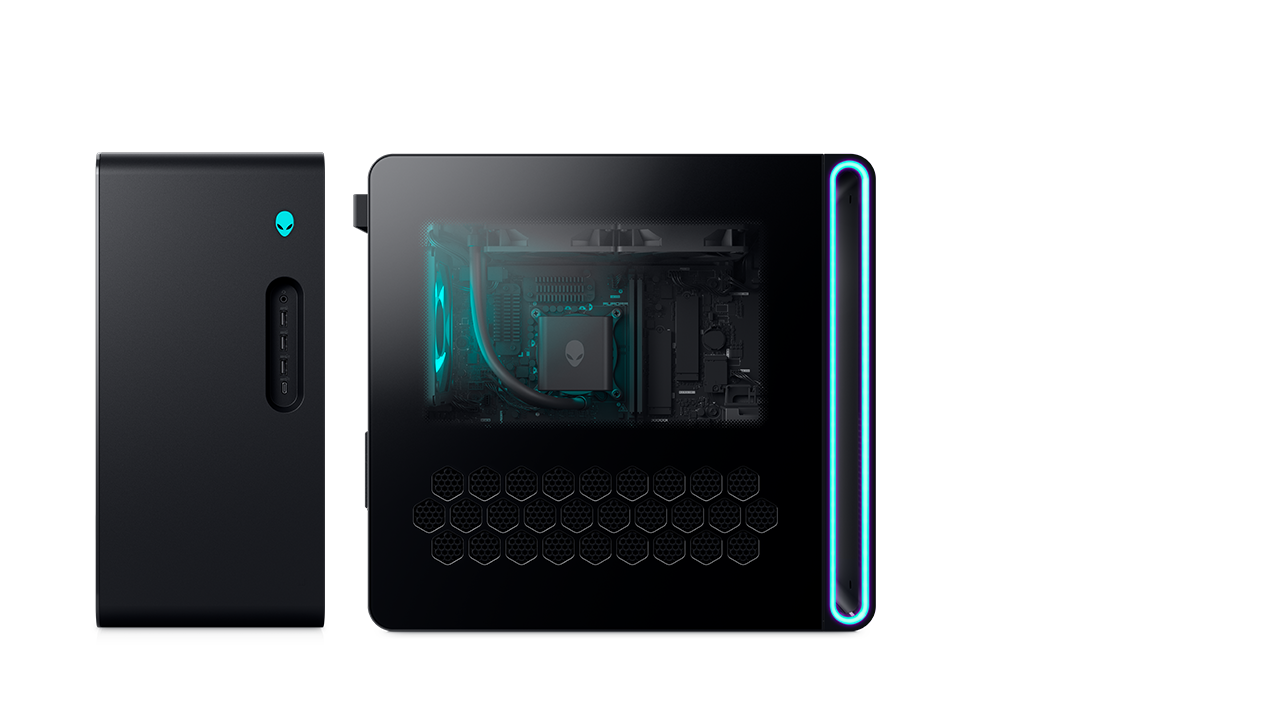
Alienware Area-51 Gaming Desktop
- Up to AMD Ryzen™ 9000X3D Series processors
- Windows 11 Home or Windows 11 Pro
- Up to NVIDIA GeForce RTX 5090 graphics
- Up to 360mm CPU liquid cooling with AlienFX
- 80L Full-Sized Gaming Tower, positive pressure airflow


To sustain peak performance, cool air is intentionally directed across core components for optimal airflow. Mindful exhausts expel hot air from the interior, maximizing thermal efficiency with minimum heat resistance.
These desktops are quieter with larger heat exchangers that cycle fluid to and from the CPU block to provide higher thermal capacity. Aurora offers 240mm versions while Area-51 offers 360mm version.

Alienware GPUs, developed for high performance by our engineers to meet rigorous thermal standards, deliver up to 450W on Aurora and 600W on Area-51, ensuring maximum visual fidelity and seamless FPS for your entire game library.

High-performance gaming stays consistent during long sessions thanks to hyperefficient voltage regulation. Ensure the CPU receives uninterrupted, steady power with 14-phase on Area-51 and 12-phase on Aurora.

Cables are organized and kept clear of airflow using dedicated management channels on the right side of the chassis. The Area-51 also provides space for up to three additional drives.


Customize your desktop's ambiance with Alienware Command Center. Tailor up to five AlienFX lighting zones on the Aurora and up to eight on the Area-51 for a personalized gaming setup.

Unlock elite gaming support from Alienware experts providing end-to-end assistance, from installation to optimizing settings for smooth gameplay.
To sustain peak performance, cool air is intentionally directed across core components for optimal airflow. Mindful exhausts expel hot air from the interior, maximizing thermal efficiency with minimum heat resistance.
These desktops are quieter with larger heat exchangers that cycle fluid to and from the CPU block to provide higher thermal capacity. Aurora offers 240mm versions while Area-51 offers 360mm version.


Customize your desktop's ambiance with Alienware Command Center. Tailor up to five AlienFX lighting zones on the Aurora and up to eight on the Area-51 for a personalized gaming setup.
Every Alienware desktop has been designed for gaming. The best Alienware desktop depends on each individual’s needs and preferences. The Area-51 is for gamers who want to own a flagship product where performance, technology, and system updates are top of mind. The Aurora is perfect for gamers who seek high performance with efficient design and a more compact size supporting a variety of living and gaming spaces.
Every Alienware gaming system is built around a chassis design, a thermal strategy, Alienware Command Center and technology components that drive the most immersive games in the known galaxy. The technology components include efficient, high-performance and AI-ready Intel processors. We also feature a variety of NVIDIA GeForce RTX graphics options, Memory or RAM options that prioritize speed with XMP profile options, a variety of solid-state storage options, power supplies with high 80 Plus efficiency ratings and high-quality motherboards with finely routed cable management to keep everything working in harmony.
Alienware desktops are designed with a thoughtfully engineered chassis, strategically placed vents, and efficient cooling solutions. This airflow strategy is defined to both manage heat, lower acoustics and maintain stable performance during the most intense gaming sessions. Through Alienware Command Center software you can manage your systems power profile to drive certain performance needs which inherently also changes fan speeds and air flow priorities according to your specific needs.
Setting up an Alienware gaming desktop is straightforward. Connect the necessary cables, power on the desktop, follow the on-screen prompts for initial configuration, install drivers and customize settings for an optimized gaming experience.
To access the internals of an Alienware gaming desktop, locate the safety screw used to secure each side panel during shipping and loosen it once. Then use the latches securing the side panels to gently slide or lift off the panels to reveal the internal components.
Customizing the AlienFX lighting colors and behaviors on your Alienware desktop is simple with Alienware Command Center. Simply open the Alienware Command Center software from Windows, navigate to the AlienFX™ section and there you’ll be able to select the zones you want to modify. You can customize the colors and lighting effects to suit your style.