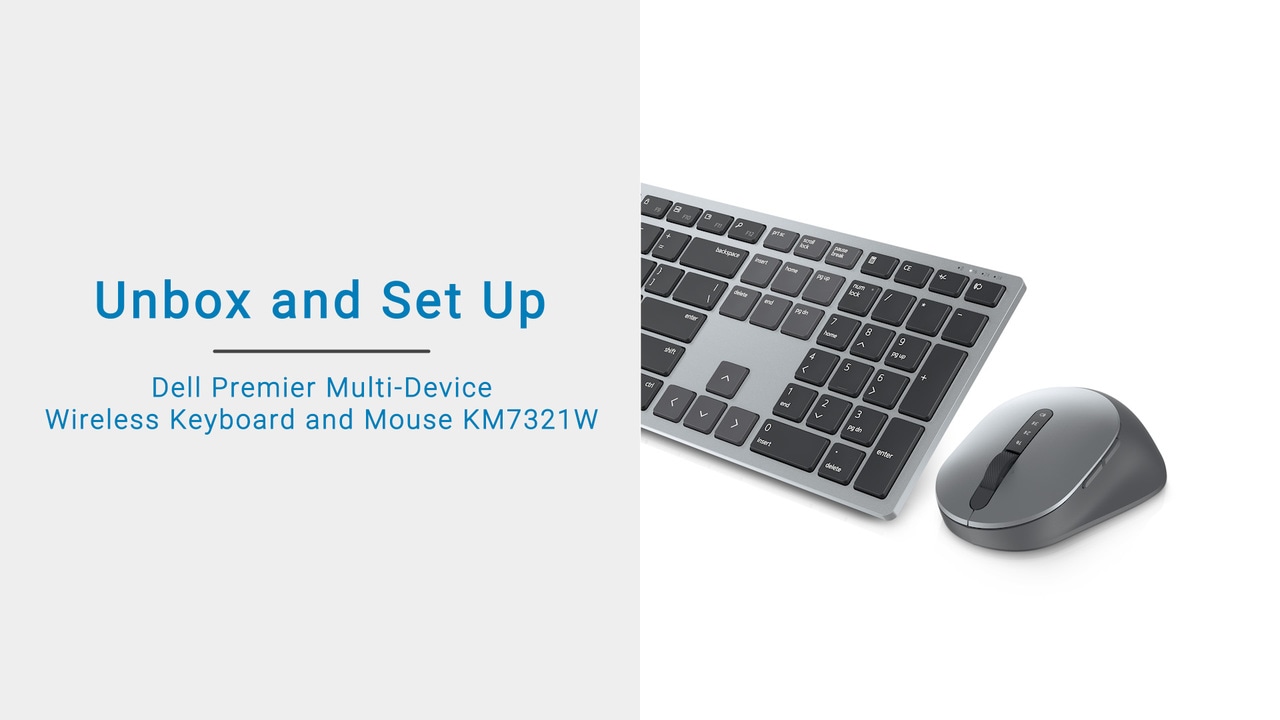
The video explains how to unbox and set up the Dell Pro Wireless Keyboard and Mouse. It involves installing batteries, adjusting keyboard height, and pairing the devices with a computer using a USB receiver. The Dell Peripheral Manager can be used to customize the keyboard and mouse. For more information or support, visit Dell Pro Wireless Keyboard and Mouse Troubleshoot.
In this video, we will show you how to unbox and set up your Dell Pro Wireless Keyboard and Mouse. First, tear the seal off and open the box. Then, slide out the brown box. Open the box.
Inside the box, you’ll find the Dell Pro Wireless Mouse; a AA battery; two AAA batteries; Dell Pro Wireless Keyboard; the Quick Start Guide; the Warranty, Safety and Regulatory Document.
Before using the Wireless Keyboard, you need to install a battery. To do this, turn the keyboard over and remove the battery cover. You’ll find the PPID label printed at the back of the battery cover.
This number is used for registering your Wireless Keyboard at Dell.com/support/warranty. Insert two AAA batteries into the battery compartment. And then, replace the battery cover.
To adjust the keyboard height, open and extend the keyboard feet. Before using the Wireless Mouse, you need to install the battery. To do this, pry open the Wireless Mouse cover using your fingertip.
You’ll find the PPID label printed on the battery compartment. Be sure to register your Wireless Mouse using the PPID number at Dell.com/support/warranty.
Remove the USB receiver and place it on a clean surface. Insert the AA battery into the battery compartment, with the positive side pointing towards the top of the mouse.
Align the tabs on the Wireless Mouse cover with the slots on the Wireless Mouse and snap them into place. Now you are ready to pair the Dell Pro Wireless Keyboard and Mouse with your computer, using the USB receiver.
Connect the USB receiver to the USB port on your computer. Slide the power switch to the right to turn on the Wireless Keyboard. Turn the Wireless Mouse over. Slide the power switch down to turn on the Wireless Mouse.
The Wireless Keyboard and Mouse are paired with your computer using Dell Universal pairing. Now you are ready to use the Dell Pro Wireless Keyboard and Mouse.
You can also customize the Dell Premier Multi-Device Wireless Keyboard and Mouse using Dell Peripheral Manager. You can assign custom actions to the 12 programmable function keys, F1 through F12 on the keyboard. Adjust the sensitivity of the mouse and choose your preferred primary click button on the mouse.
For more information or support for the Dell Pro Wireless Keyboard and Mouse, visit Dell.com/KM5221W.