Connectrix: San Nav 2.2.x: F-port trunk performance data graph not displaying as expected
Resumen: F-port trunk performance data not displaying as expected. This issue is seen when San nav user is using the option Inventory > F Port Trunks > [Switch] > Investigate does not display any performance data ...
Síntomas
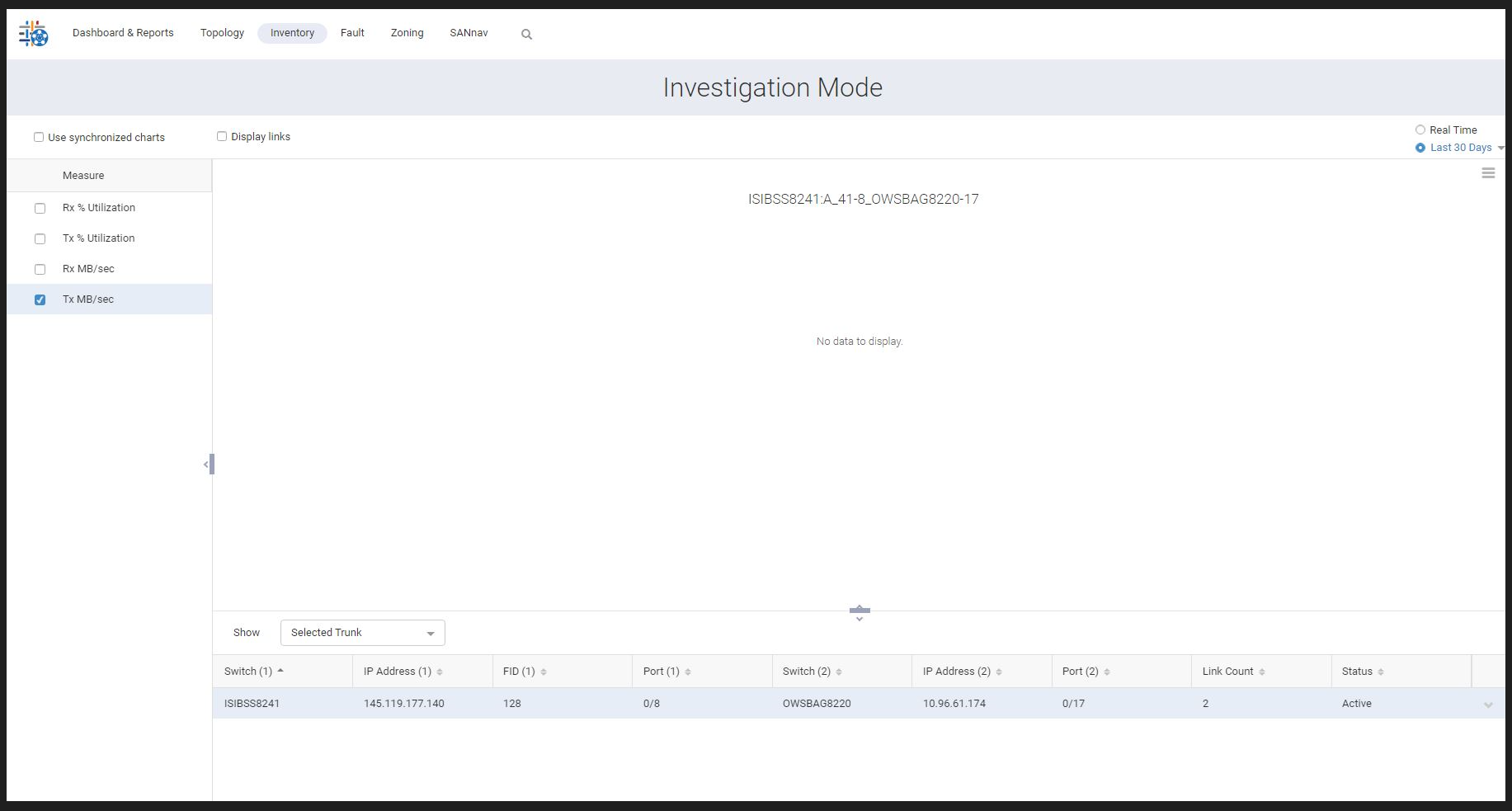
Errors from SANnav logs:
perfmon-ds - [ERROR] 2022-12-13 00:02:01.165 [perfmon-middleware-scheduler13] com.brocade.dcm.perfmon.datastore.persistence.PersistenceManager - Exception on saveTrunkStatsToDb
org.apache.ibatis.exceptions.PersistenceException:
### Error updating database.  Cause: org.postgresql.util.PSQLException: ERROR: column "trunk_type" of relation "trunk_stats_1day_1670457600" does not exist
trunk_stats_60min:
perfmon-ds - [ERROR] 2022-12-13 15:01:00.784 [perfmon-middleware-scheduler9] com.brocade.dcm.perfmon.datastore.persistence.PersistenceManager - Exception on saveTrunkStatsToDb
org.apache.ibatis.exceptions.PersistenceException:
### Error updating database.  Cause: org.postgresql.util.PSQLException: ERROR: column "trunk_type" of relation "trunk_stats_60min_1670889600" does not exist
trunk_stats_5min:
perfmon-ds - [ERROR] 2022-12-13 00:00:01.853 [pool-5-thread-6] com.brocade.dcm.perfmon.datastore.persistence.PersistenceManager - Exception on saveTrunkStatsToDb
org.apache.ibatis.exceptions.PersistenceException:
### Error updating database.  Cause: org.postgresql.util.PSQLException: ERROR: column "trunk_type" of relation "trunk_stats_5min_1670803200" does not exist
Causa
Trunk_type column is missing from the SANnav db for the server migrated from v2.1.1 to v2.2.1.
We could see the PSQLException as "trunk_type" column does not exist while inserting the trunk data into the trunk_stats tables then trunk_stats tables are created with empty data and due to this reason investigation graphs are showing empty for trunks. The migration use case has been missed to add the trunk_type column, and hence the issue seems to be after migrating from 2.1.1 to 2.2.1.
Resolución
Work Around:
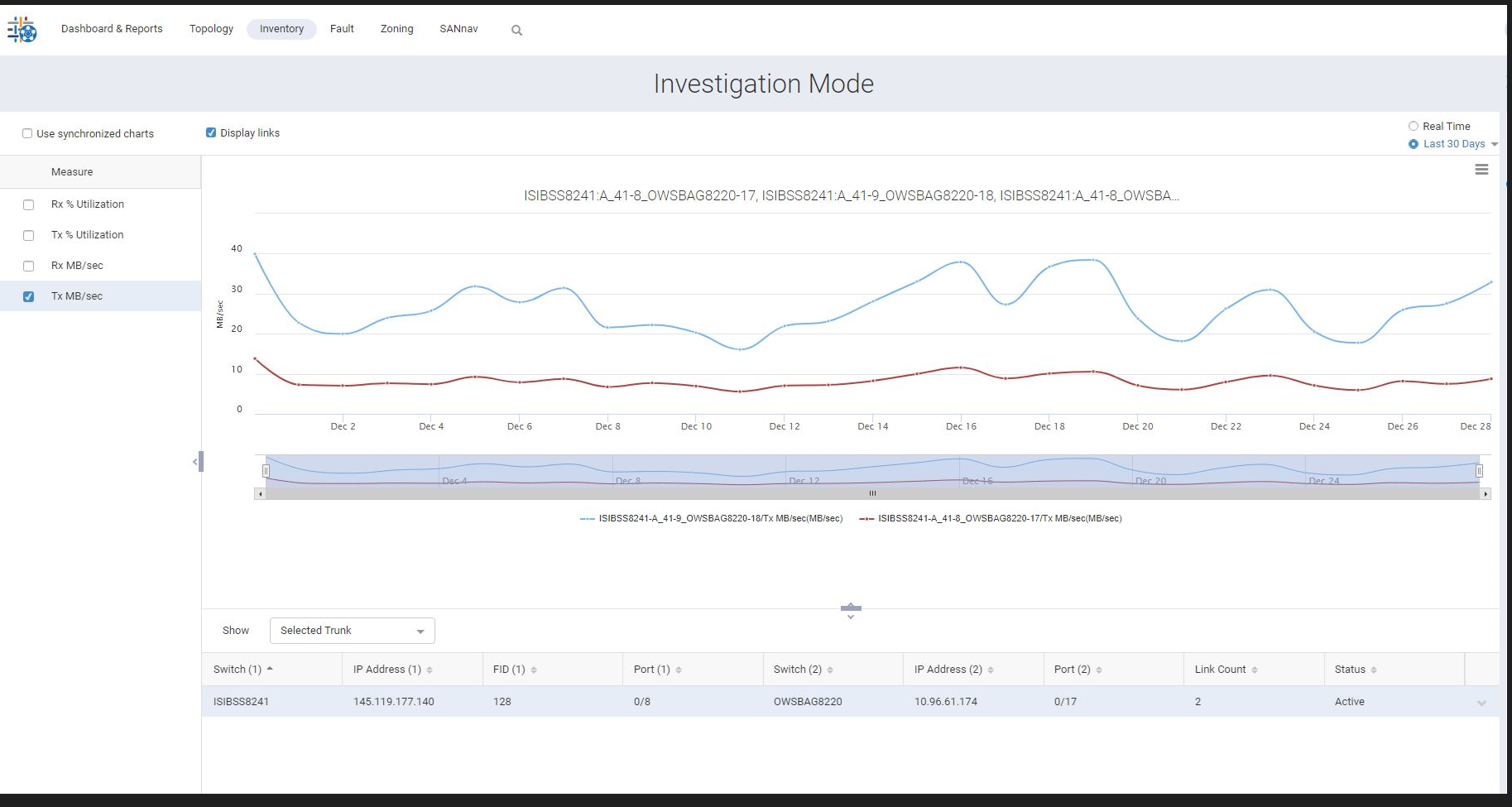
Use Inventory > F Port Trunks > [Switch] > Show Links > Investigate to display the F-port trunk performance graphs:
Fix:
To be fixed in SAN Nav release 2.3.0.