PowerEdge: Kioxia PM7 960 and 800 GB drive Labels shows a common manufacture part number
Summary: For the Dell and FCoE Initialization Protocol (FIP)s drive the Manufactures part number are Shared between the 960 GB and 800 GB version of the drive.
Symptoms
Notice in the Example labels below for the Std version of the drive the Manufactures part number in the upper right corner of the label "KPM7XVUG960G" is the same for both drives.
However the Dell part number, size, and endurance are different.
The manufacture has configured the Dell drive to our own specific capacity and endurance.
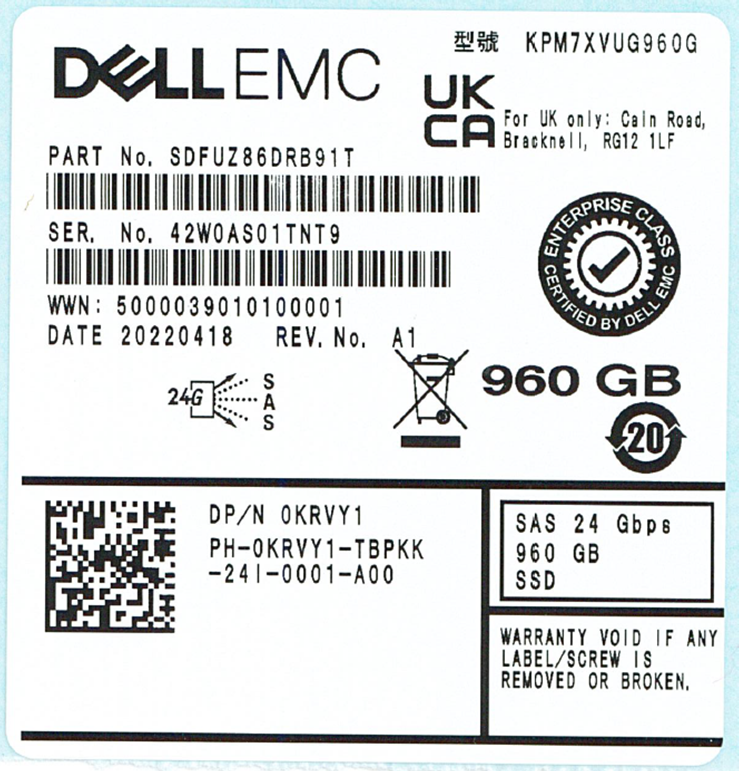
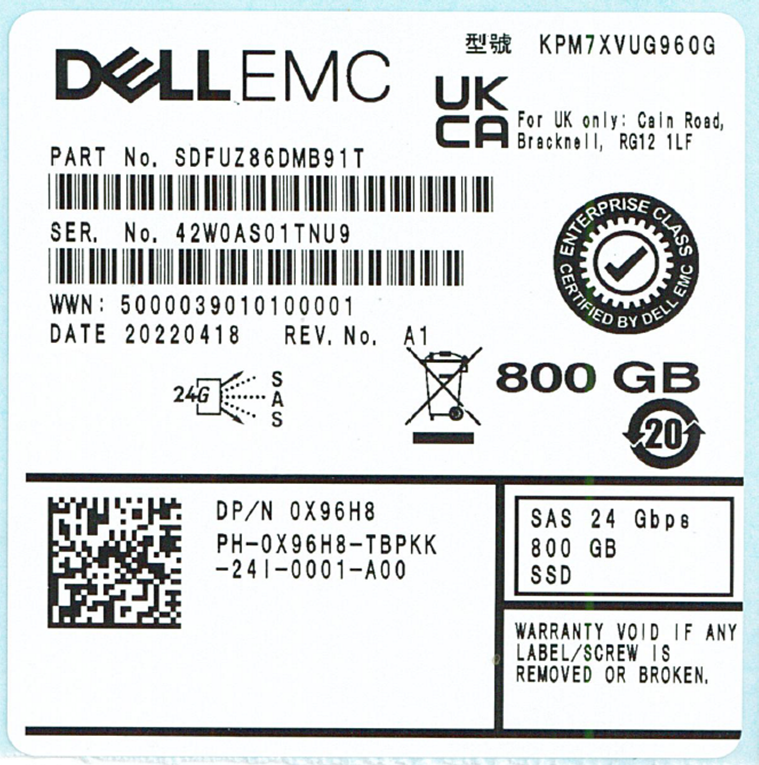
The same is true for the FCoE Initialization Protocol (FIP) versions of the drives as well seen below.
Notice in the Example labels below for FIP's version of the drive the Manufactures part number in the upper right corner of the label "KPM7WVUG960G" is the same.
However the Dell part number, size, and endurance are different.
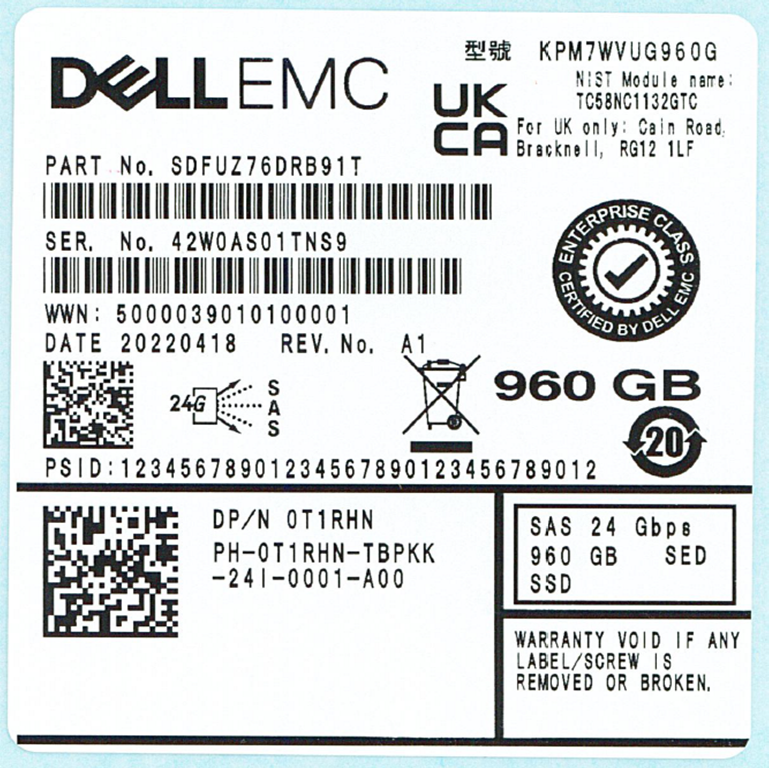
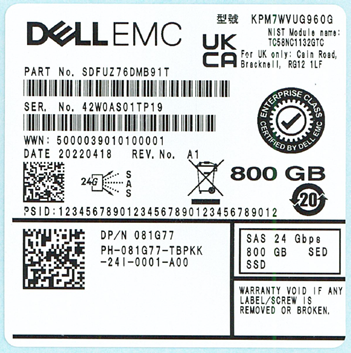
The table below presents the same information in tabular format. Additionally, note the swim lane update: the 960 GB SSDs are designated as Read Intensive (RI) drives, whereas the 800 GB SSDs are designated as Mixed Use (MU) drives.
These classifications are being updated as part of the firmware revision.
Dell PN |
Mfg |
Family Name |
Mfg Model Number |
Mfg PN |
Capacity |
Encryption |
Swim-Lane |
DWPD |
0KRVY1 |
Kioxia |
PM7 |
KPM7XVUG960G |
SDFUZ86DRB91T |
960GB |
SIE |
RI |
1 |
0X96H8 |
Kioxia |
PM7 |
KPM7XVUG960G |
SDFUZ86DMB91T |
800GB |
SIE |
MU |
3 |
0T1RHN |
Kioxia |
PM7 |
KPM7WVUG960G |
SDFUZ76DRB91T |
960GB |
SED (FIPS-140) |
RI |
1 |
081G77 |
Kioxia |
PM7 |
KPM7WVUG960G |
SDFUZ76DMB91T |
800GB |
SED (FIPS-140) |
MU |
3 |
Cause
Resolution
This article is provided for informational purposes only. There is no resolution or corrective action required.
The change is driven by the manufacturer standardizing on a single, higher-end SSD platform. The same hardware is used to fulfill both Dell offerings: the 960 GB Read Intensive (RI) drive and the 800 GB Mixed Use (MU) drive. Different firmware versions are applied to the drives to meet the specific capacity and endurance requirements of each offering.