Dell Unity: Unable To Upgrade (Error Code: 0x6000cb9)
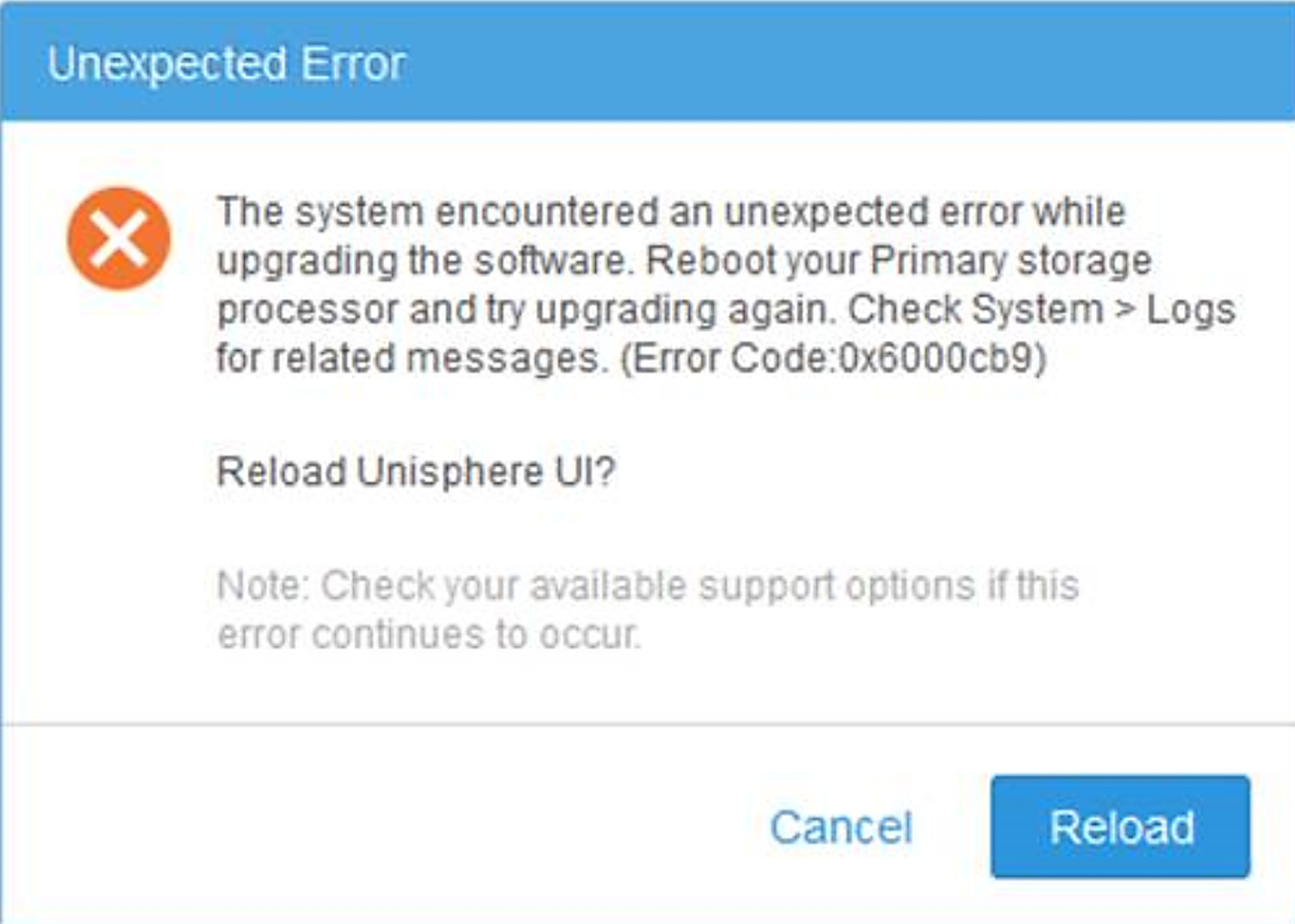
Summary: The Unity Upgrade Wizard fails and reports the following error: "The system encountered an unexpected error while upgrading the software. Reboot your Primary storage processor and try upgrading again. Check System > Logs for related messages. (Error Code: 0x6000cb9)" ...
Symptoms
.
Cause
Potential Cause: Extraneous Spaces in Upgrade File Name
Check the filename of the upgrade file for any unnecessary spaces, as this may be the cause of the issue. Ensure that the filename is correct and free of extra spaces before attempting to use the upgrade file.
- Bad File name with extra spaces:
Unity-Drive-Firmware-V2-Dec-19-2016.tgz.bin (1).gpg - Good File name no extra spaces:
Unity-Drive-Firmware-V2-Dec-19-2016.tgz.bin.gpg
To confirm if the problem matches the description in the article, check the log file SPX/var/log/messages for entries similar to the specified pattern. Searching for these specific log entries helps determine if the issue is related to the problem described in the article.
2017-02-21T23:18:19+00:00 self script: error: file /root/tmp/candidateSoftwareVersion/Unity-Drive-Firmware-V2-Dec-19-2016.tgz.bin (1).gpg does not exist
2017-02-21T23:18:19+00:00 self ECOM: error running 'papi_run.sh move_file '/root/tmp/candidateSoftwareVersion/Unity-Drive-Firmware-V2-Dec-19-2016.tgz.bin (1).gpg' '/var/tmp/upgrade/images'' meta (nil): request error code: 9, command error code: 0x100
Resolution
- Rename the upgrade file: Remove any spaces from the filename to ensure that it is correctly formatted.
- Retry the upgrade: Attempt the upgrade again with the revised filename.
- Troubleshoot further if needed: If the upgrade still fails, document any error messages, collect relevant logs, and reference this article when opening a service request for further assistance.
Additional Information
Dell Unity: How to Gather Service Data Collects (Logs) From A Unity Array (User Correctable)
Dell Unity: How to upgrade the Unity Operating Environment (OE) (User Correctable)