NetWorker Administrator Account Lost Security Permissions
Summary: User Groups is blank, NetWorker Server Properties "Administrator" reports "No privilege to view administrator list" when logged in as NetWorker administrator. NetWorker Administrator account should have full control to view and change all server permissions. ...
Symptoms
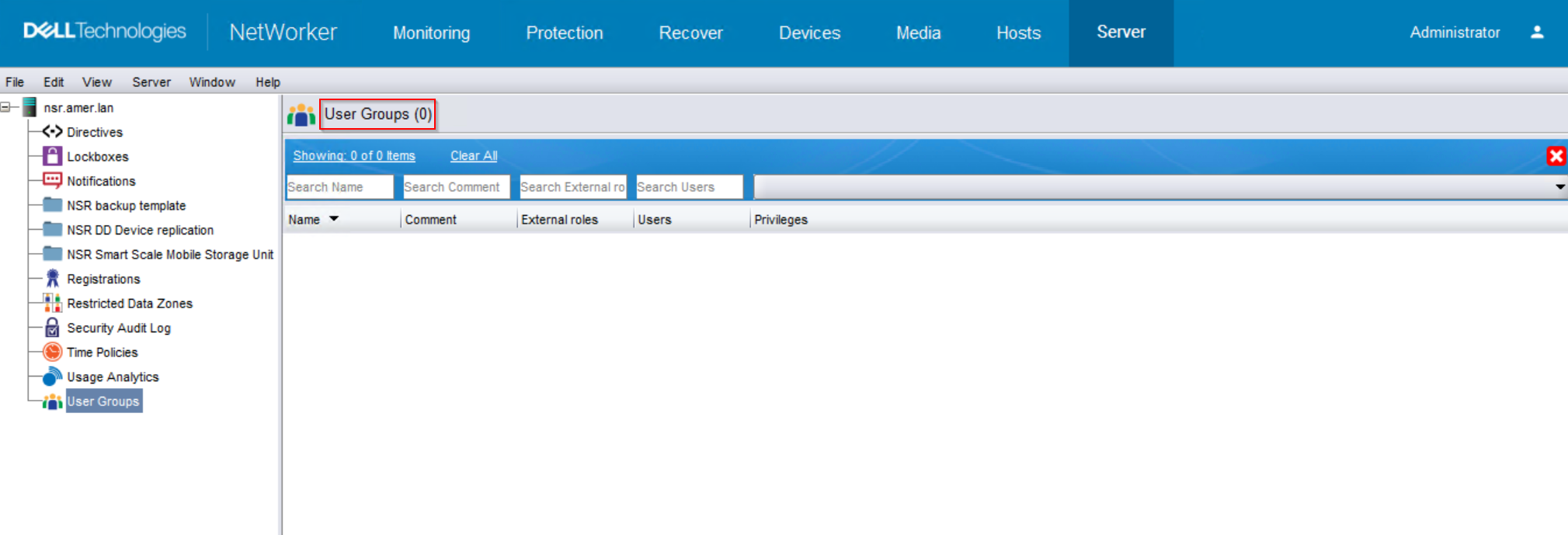
NetWorker Administrator account no longer able to view "User Groups" in the NetWorker Management Console (NMC) or NetWorker Web User Interface (NWUI)
NMC:
NWUI: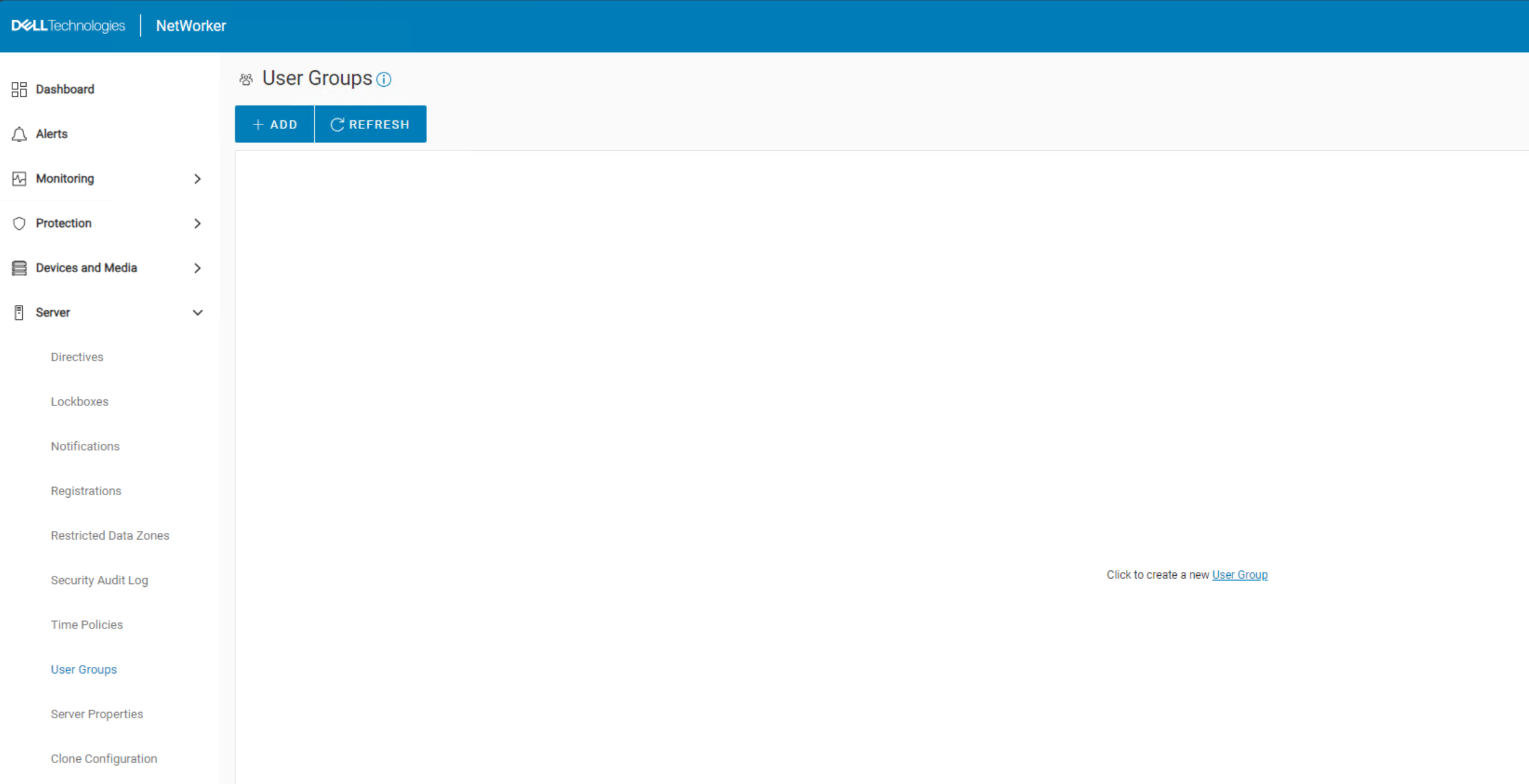
The NetWorker server properties also report a permissions issue:
NMC: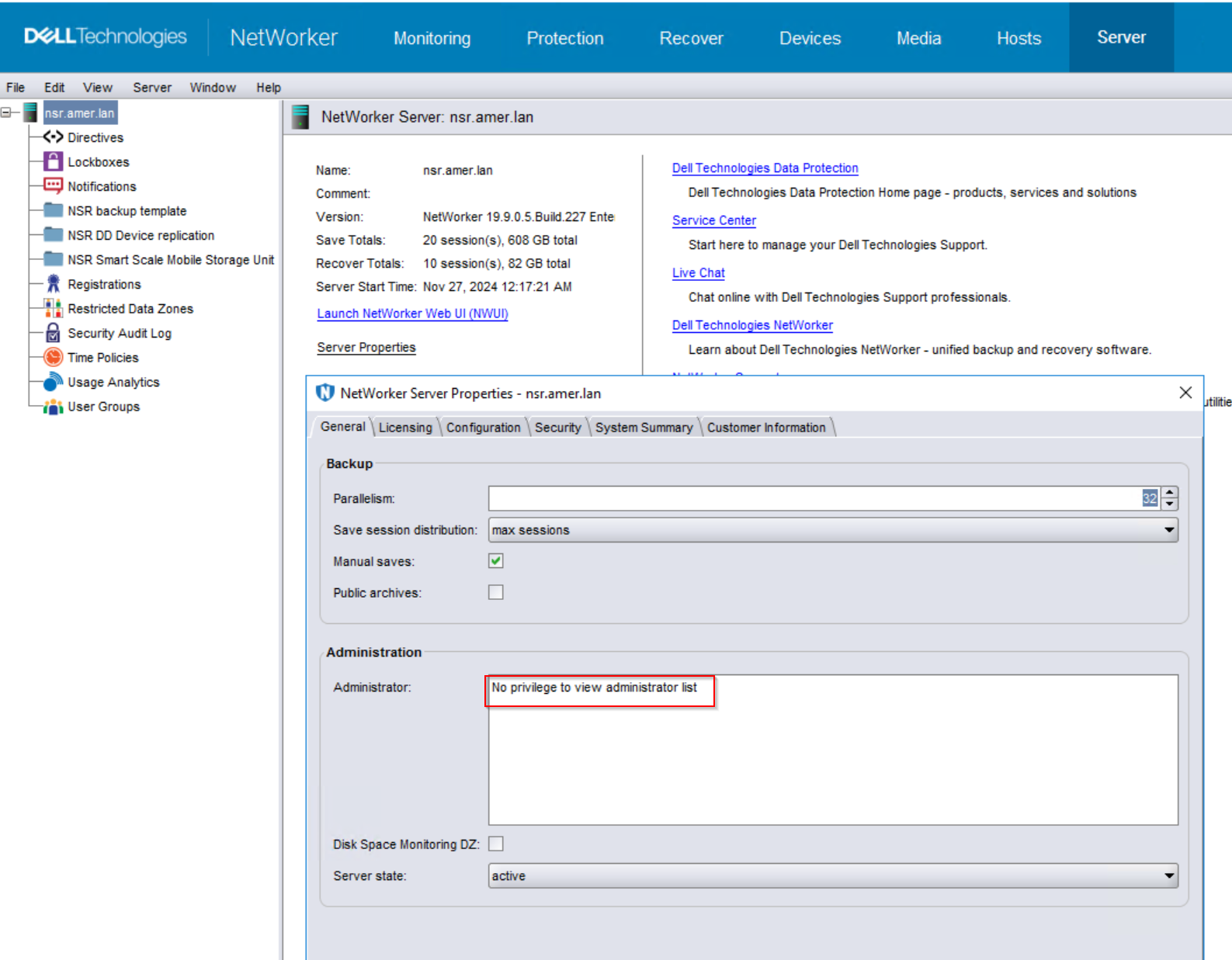
NWUI: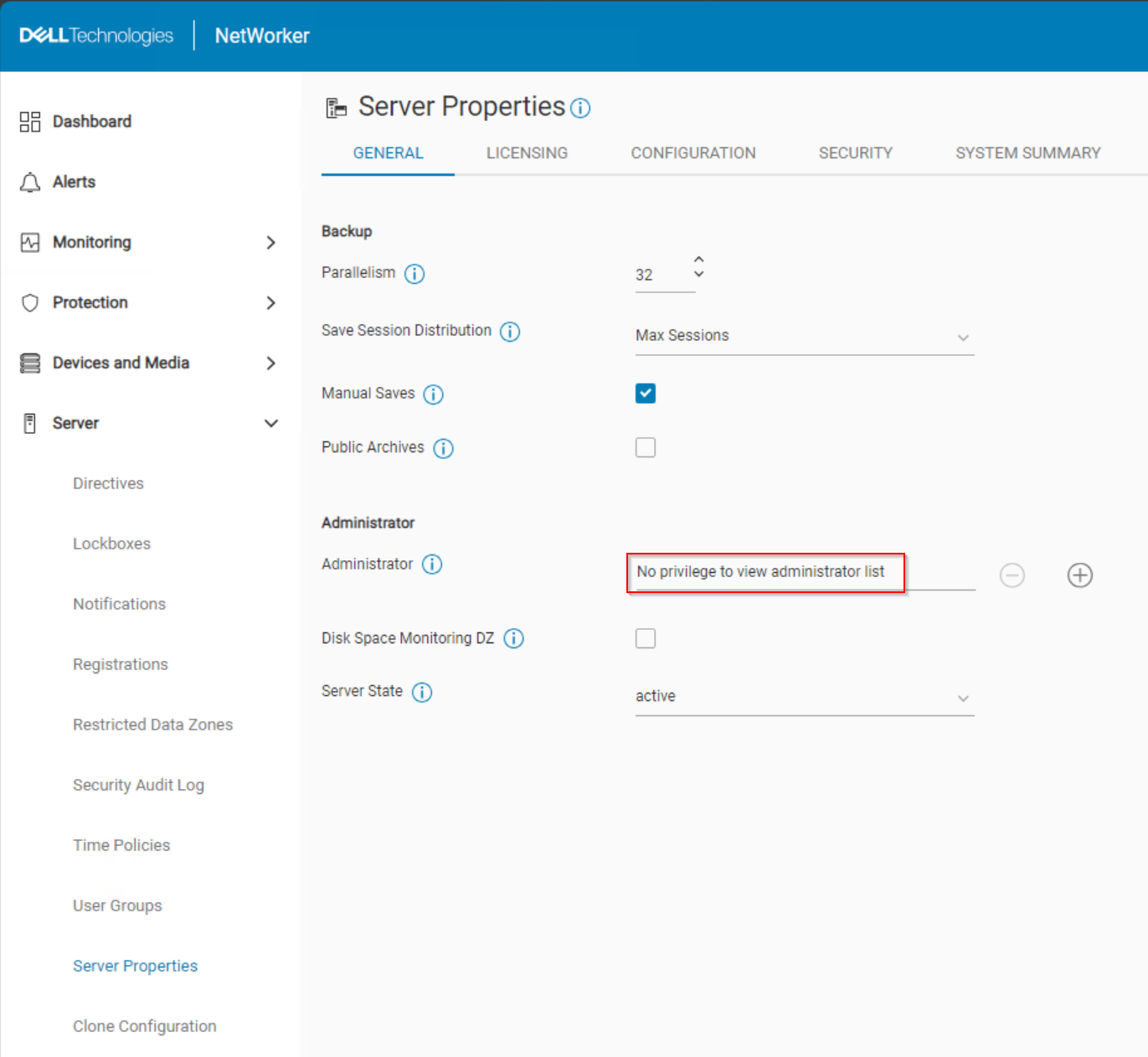
Other resources, such as clients, devices, and so forth, may still be visible.
Cause
The distinguished name (DN) of the local administrator's group was removed from the external roles field of the NetWorker server's "Security Administrators" user group.
[root@nsr ~]# nsradmin
NetWorker administration program.
Use the "help" command for help, "visual" for full-screen mode.
nsradmin> show name; external roles
nsradmin> print type: nsr usergroup; name: "Security Administrators"
                        name: Security Administrators;
              external roles: ;
nsradmin>
cn=Administrators,cn=Groups,cn=NETWORKER_SERVER_NAME,dc=DOMAIN_COMPONENT1,dc=DOMAIN_COMPONENT2". The NetWorker server's /nsr/logs/rap.log may show which user modified this field to remove the default settings.
Resolution
1. Confirm which host is the AUTHC server.
/opt/lgtonmc/etc/gstd.conf
Windows:
<INSTALL_DRIVE>:\Program Files\EMC NetWorker\Management\GST\etc\gstd.conf
This file contains a string
authsvc_hostname. The value of this field is the AUTHC host used by the NMC.
NWUI Server:
/opt/nwui/logs/install.log
Windows:
%LOCALAPPDATA%\Temp\NetWorker_DATE_MCUI.log
The
install.log contains lines showing what AUTH_HOSTNAME was set as the "Authentication server" during the NWUI initial configuration.
2. Open an administrative command prompt or root shell on the NetWorker server.
3. Enter: nsraddadmin -H AUTHC_SERVER_NAME -p 9090
Example:
[root@nsr ~]# nsraddadmin -H nsr.amer.lan -P 9090
134751:nsraddadmin: Added role 'cn=Administrators,cn=Groups,dc=nsr,dc=amer,dc=lan' to the 'Security Administrators' user group.
134749:nsraddadmin: 'cn=Administrators,cn=Groups,dc=nsr,dc=amer,dc=lan' is already on the 'external roles' list of 'Application Administrators' user group.
134749:nsraddadmin: 'cn=Users,cn=Groups,dc=nsr,dc=amer,dc=lan' is already on the 'external roles' list of 'Users' user group.
If the field was updated correctly, you should now see the "User Groups" options and the NetWorker server properties from the NMC and NWUI.
Additional Information
NetWorker Administrator Account Unable to See/Manage Resources in NMC
NetWorker: NetWorker Administrator account is unable to modify any resources in NMC or NWUI