NVP: Unable to install vCenter plugin in a multihomed environment
Summary: In a multi-homed environment, the installation of either Flash or html-5 vProxy plugin fails due to the network restrictions across the different VLANs the NetWorker server and vCenter are configured with. ...
Symptoms
Environment:
- The NetWorker server is configured with multiple network adapters (at least two).
- The vCenter server is also configured with at least two network adapters.
- To install the plugin, an external host is used, which also has several network adapters (same as NW server).
- vCenter can only reach the NetWorker server on one of the network adapters.
- This is referred to as a "multihome" environment.
Issue:
- The NetWorker vSphere plugin is installed from the NetWorker Management Console (NMC) or NetWorker Web User Interface (NWUI).
- In either scenario, the plugin installation completes successfully; however, the vCenter server's
vsphere_client_virgo.loghas the following messages:
Error downloading https://xx.xx.10.22:9090/nw-plugin-package.zip. Make sure that the URL is reachable then logout/login to force another download
Error downloading https://xx.xx.10.22:9090/vcui.zip
Cause
The vCenter is unable to reach the NetWorker server on the IP address reported. It communicates with NetWorker using a different IP address.
To install the plugin, vCenter must download the plugin from a URL that NetWorker itself provides: https://NETWORKER_SERVER_IP:9090/nwrestapi/v3/global/vmware/vcenters/VCENTER_NAME/plugins
But in a multihome environment, the IP depends on the requester host.
The NetWorker server's localhost_access_log.DATE.txt shows which IP was requesting to install the plugin:
- Linux:
/nsr/authc/logs/localhost_access_log.DATE.txt - Windows (Default):
C:\Program Files\EMC NetWorker\nsr\authc-server\tomcat\logs\localhost_access_log.DATE.txt
xx.xx.10.117 - - [05/Mar/2020:15:06:10 +0100] "POST /vcui/api/system/registerPlugin HTTP/1.1" 200 119
xx.xx.10.117 - - [05/Mar/2020:15:38:39 +0100] "POST /nwrestapi/v3/global/vmware/vcenters/VCENTER_NAME/plugins HTTP/1.1" 200 108
In the examples shown in this article, we see that it used IP xx.xx.10.117 as the source in the POST request to install the plugin. The vCenter server attempted to download the plugin from IP xx.xx.10.22 instead.
In this example, the vCenter server is unable to communicate with the NetWorker server using the xx.xx.10.22 address.
Resolution
- Confirm which IP address on the NetWorker server the vCenter can communicate with.
- Open a root shell on the vCenter server.
- Initiate the NetWorker plugin installation from the vSphere using REST API command-line:
curl -kvi \
  -H 'Content-Type: application/json' \
  --user 'Administrator:PASSWORD' \
  -d '{"pluginType":"VC",
       "httpsPort":"443",
       "nwUserId":"administrator",
       "nwPassword":"PASSWORD"}' \
  'https://IP_ADDRESS:9090/nwrestapi/v3/global/vmware/vcenters/VCENTER_NAME/plugins'
Replace:
PASSWORDwith the password for the NetWorker Administrator account.IP_ADDRESSwith the NetWorker Server IP address that the vCenter can communicate with.VCENTER_NAMEwith the name of the vCenter as it is registered in NetWorker.
root@vcsa [ ~ ]# curl -kvi \
>   -H 'Content-Type: application/json' \
>   --user 'Administrator:!Password1' \
>   -d '{"pluginType":"VC",
>        "httpsPort":"443",
>        "nwUserId":"administrator",
>        "nwPassword":"!Password1"}' \
>   'https://192.168.9.150:9090/nwrestapi/v3/global/vmware/vcenters/vcsa.amer.lan/plugins'
...
...
* Server auth using Basic with user 'Administrator'
> POST /nwrestapi/v3/global/vmware/vcenters/vcsa.amer.lan/plugins HTTP/1.1
> Host: 192.168.9.150:9090
...
* upload completely sent off: 114 bytes
< HTTP/1.1 200
HTTP/1.1 200
...
{
  "resultCode" : "Success",
  "data" : "Registration Success",
  "debug" : "",
  "responseString" : null
* Connection #0 to host 192.168.9.150 left intact
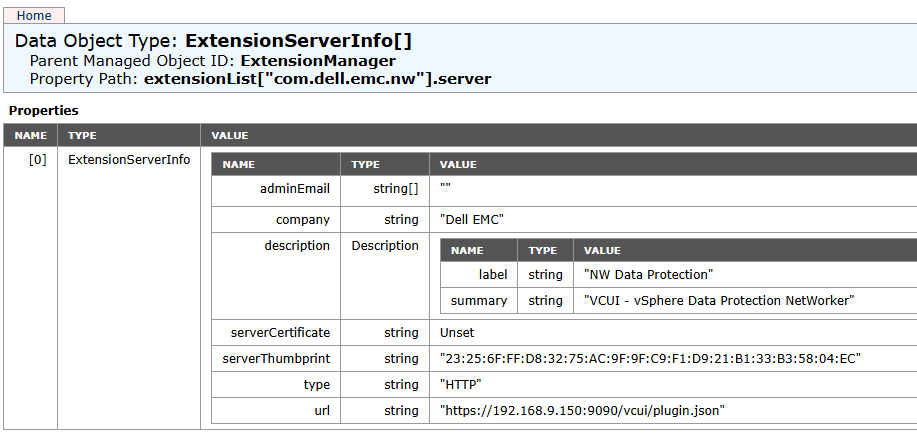
The NetWorker plugin is listed in the vCenter server's extension manager: https://VCENTER_ADDRESS/mob/?moid=ExtensionManager&doPath=extensionList%5b%22com.dell.emc.nw%22%5d.server
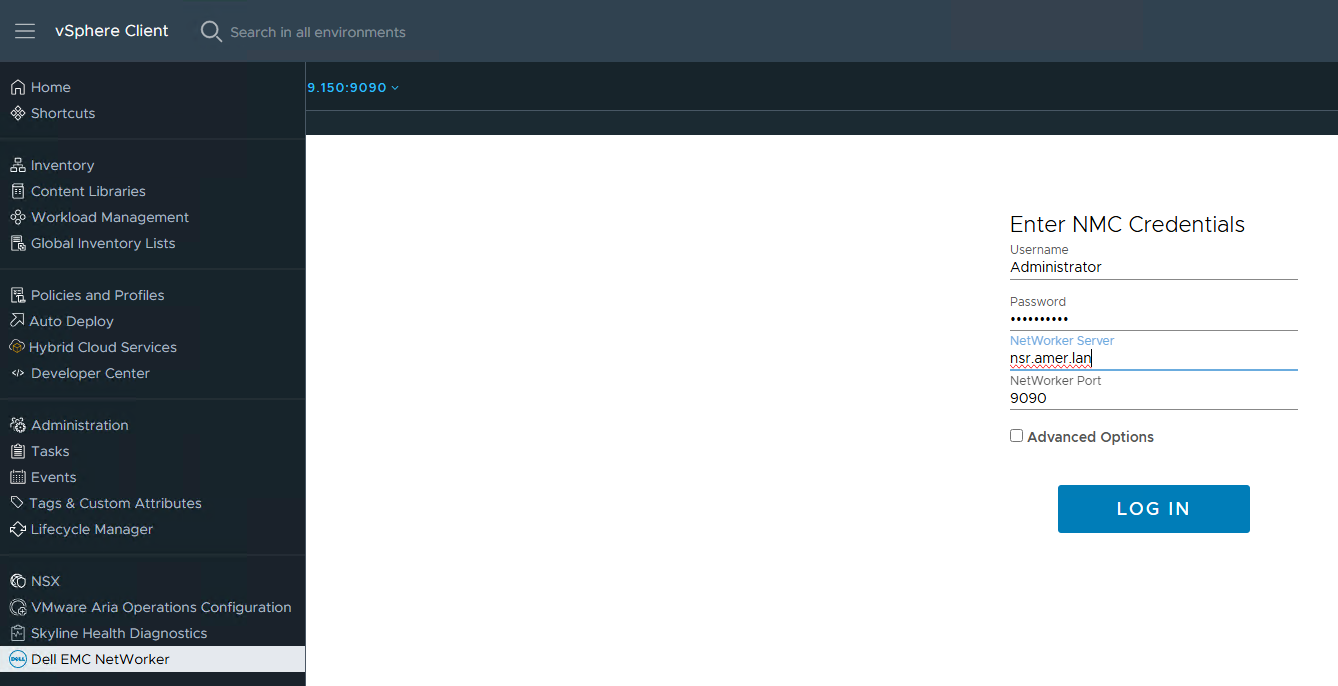
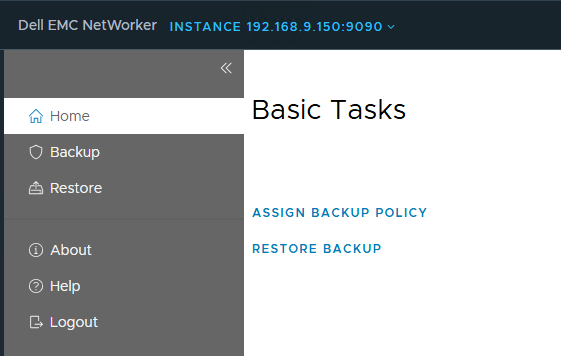
The plugin is accessible from the vSphere client: