SRM 4.9.0 kan ikke logge på SRM GUI
Summary: Efter opgradering af SRM 4.8.01 til 4.9.0 kan ikke logge på SRM GUI
This article applies to
This article does not apply to
This article is not tied to any specific product.
Not all product versions are identified in this article.
Symptoms
Efter opgradering af SRM 4.8.01 til 4.9.0 kan brugeren ikke logge på SRM GUI
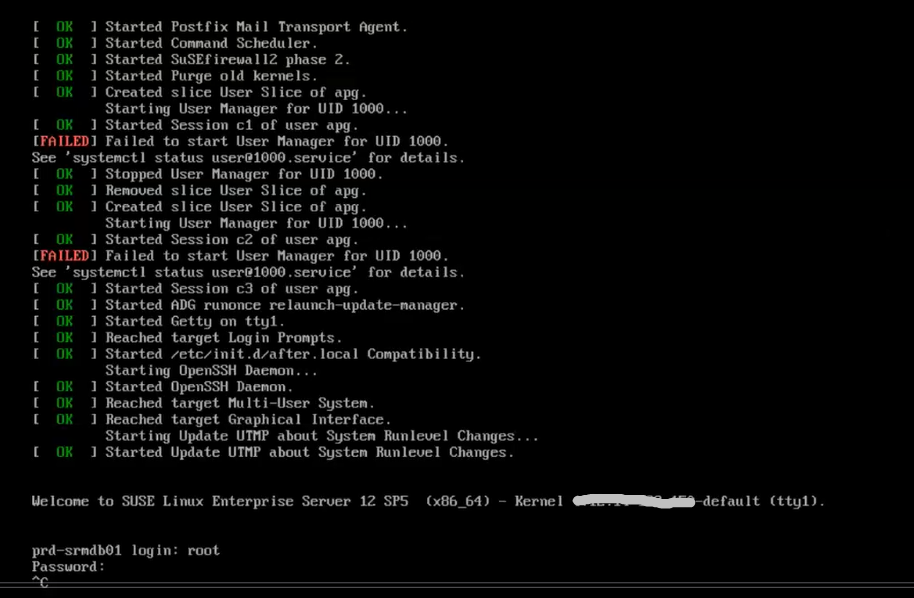
I vSphere Client forsøgte at logge på den primære backend VM-konsol ved loginprompten, Den hængte.
Forsøgte at Ctrl C ud af det, og det ville ikke fungere
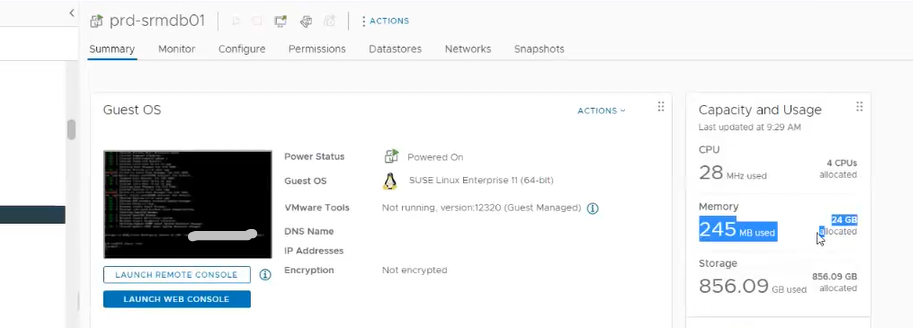
Primær backend VM bruger ikke meget hukommelse
Cause
Primær backend-VM hængt op
Resolution
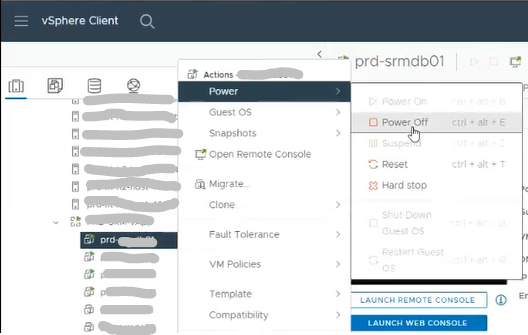
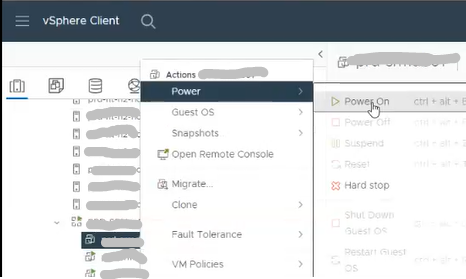
1. Sluk for den primære backend-VM
Bemærk: Nedlukning af SRM vApp virker
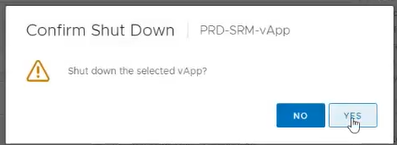
ikke 2. Bekræft nedlukning
3. Tænd for primær backend-VM
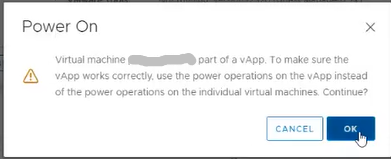
4. Klik på OK
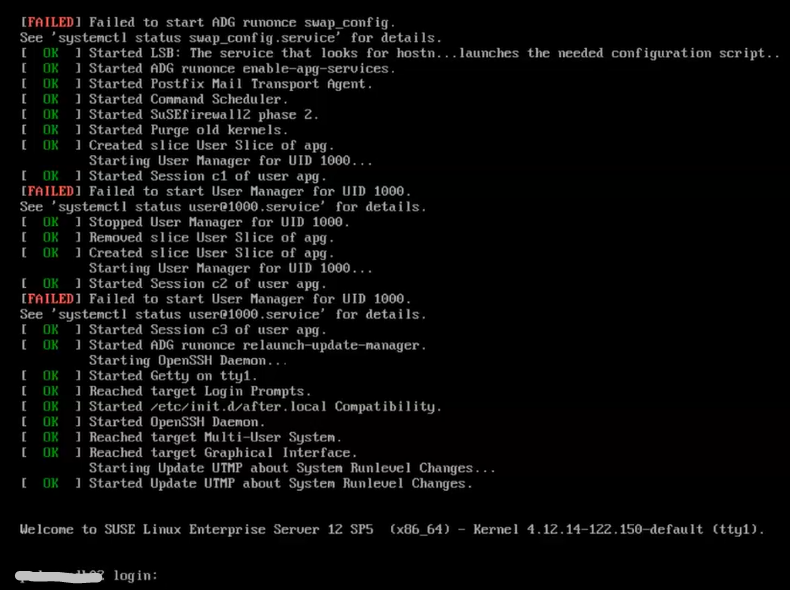
5. Ved logonprompten skal du bekræfte, at brugeren kan logge på den primære backend-VM
Article Properties
Article Number: 000215261
Article Type: Solution
Last Modified: 18 مايو 2026
Version: 4
Find answers to your questions from other Dell users
Support Services
Check if your device is covered by Support Services.