SRM 4.9.0 無法登入 SRM GUI
Summary: 將 SRM 4.8.01 升級至 4.9.0 後,無法登入 SRM GUI
This article applies to
This article does not apply to
This article is not tied to any specific product.
Not all product versions are identified in this article.
Symptoms
將 SRM 4.8.01 升級至 4.9.0 後,使用者無法登入 SRM GUI
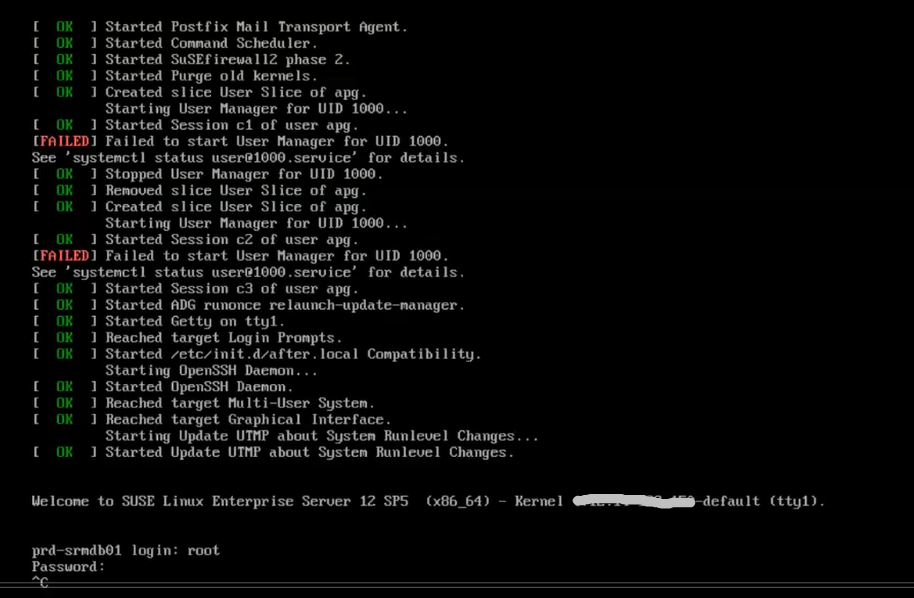
在 vSphere Client 中嘗試在登入提示時登入主要後端 VM 主控台,但無回應。
已嘗試從中拔出 Ctrl C,但無法運作
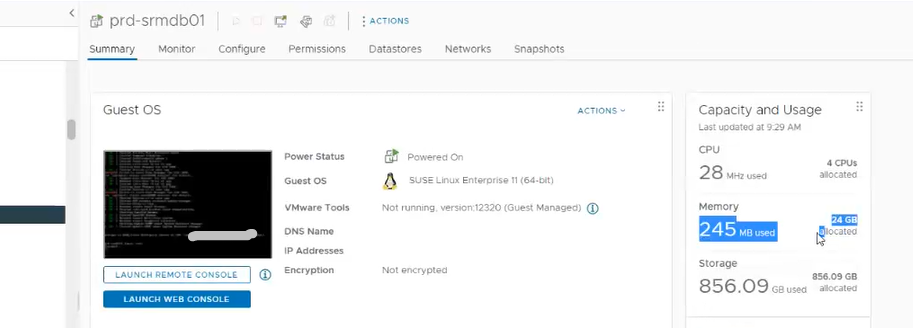
主要後端 VM 不會消耗大量記憶體
Cause
主要後端 VM 當機
Resolution
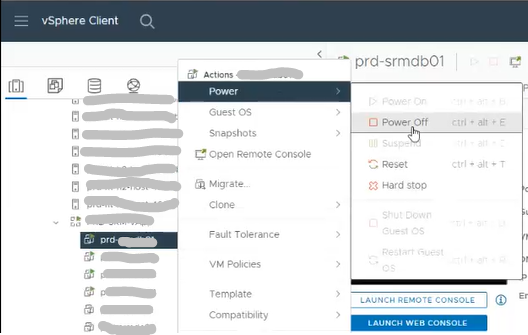
1.關閉主要後端虛擬機器電源
注意:關閉 SRM vApp 將無法運作
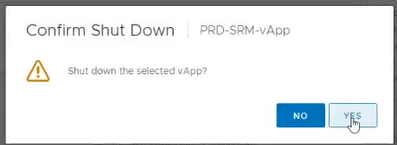
2.確認關機
3.開啟主要後端 VM
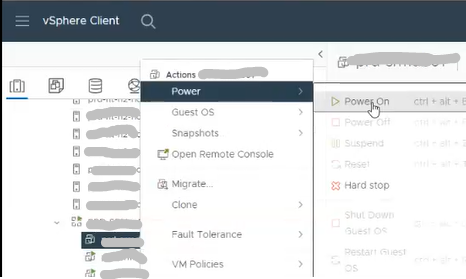
4 的電源。
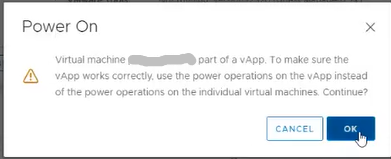
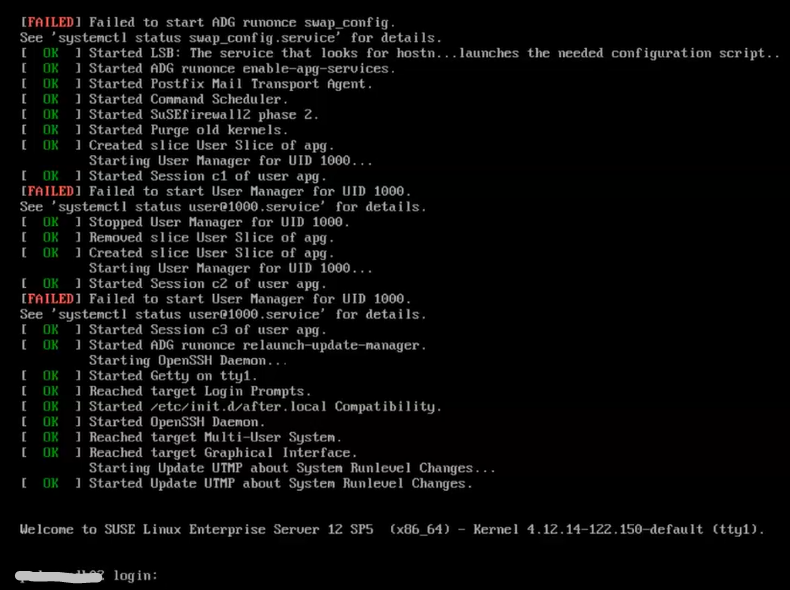
按一下確定 5.在登入提示中,確認使用者可以登入主要後端 VM
Article Properties
Article Number: 000215261
Article Type: Solution
Last Modified: 18 مايو 2026
Version: 4
Find answers to your questions from other Dell users
Support Services
Check if your device is covered by Support Services.