SRM 4.9.0 无法登录 SRM GUI
Summary: 将 SRM 4.8.01 升级到 4.9.0 后,无法登录 SRM GUI
This article applies to
This article does not apply to
This article is not tied to any specific product.
Not all product versions are identified in this article.
Symptoms
将 SRM 4.8.01 升级到 4.9.0 后,用户无法登录 SRM GUI
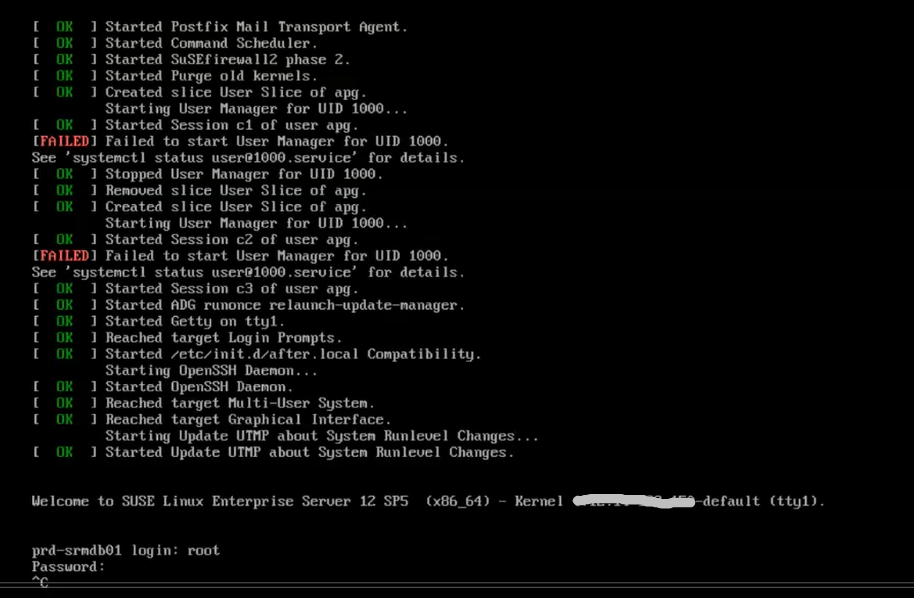
。在 vSphere Client 中,尝试在登录提示符处登录到主后端虚拟机控制台时挂起。
尝试通过 Ctrl 退出,但不起作用
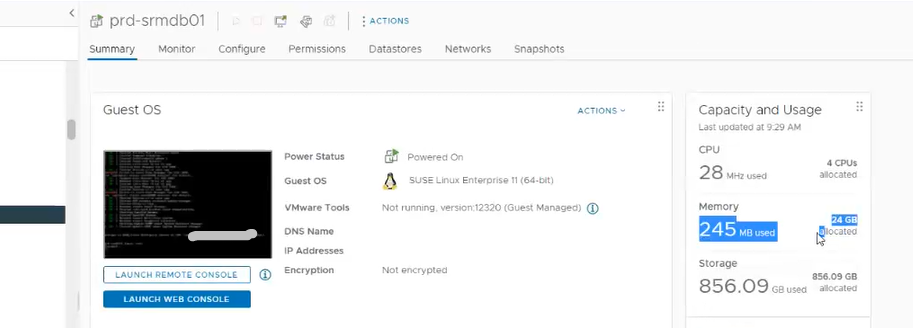
主后端虚拟机不会占用大量内存
Cause
主后端虚拟机挂起
Resolution
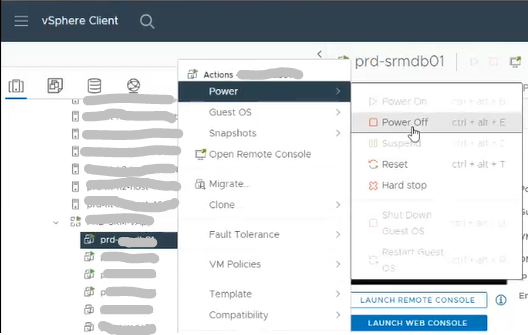
1.关闭主后端虚拟机
电源 注意:关闭 SRM vApp 将无法正常工作
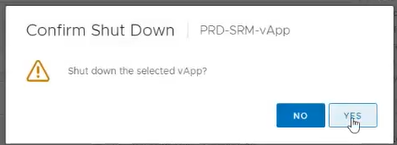
2.确认关闭
3.打开主后端虚拟机
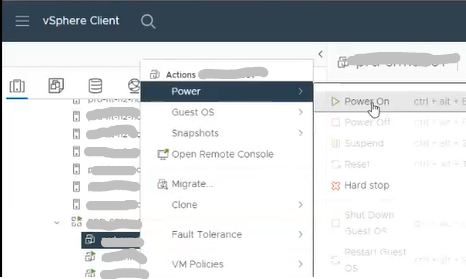
的电源 4.单击 OK
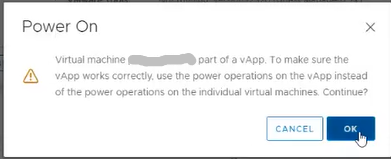
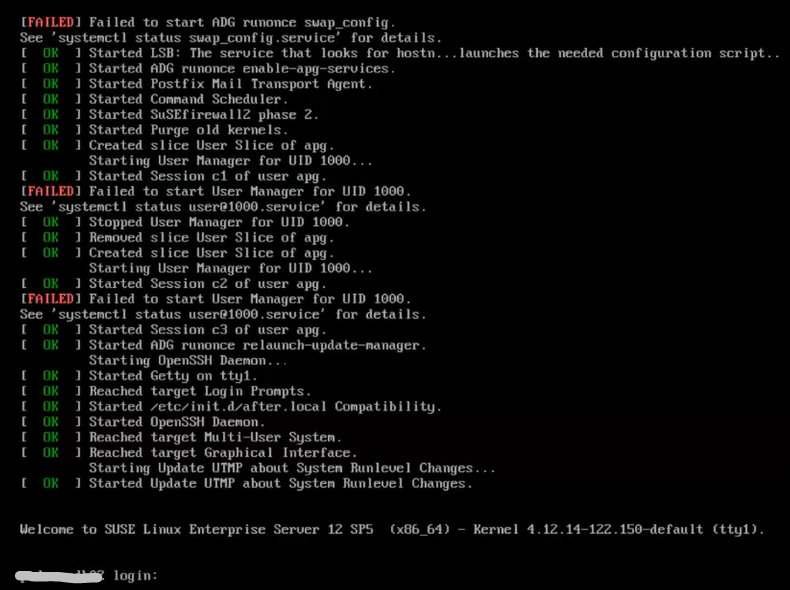
5。在登录提示符处,验证用户是否可以登录到主后端虚拟机
Article Properties
Article Number: 000215261
Article Type: Solution
Last Modified: 18 مايو 2026
Version: 4
Find answers to your questions from other Dell users
Support Services
Check if your device is covered by Support Services.