Data Domain:DDOS 升级重新启动循环
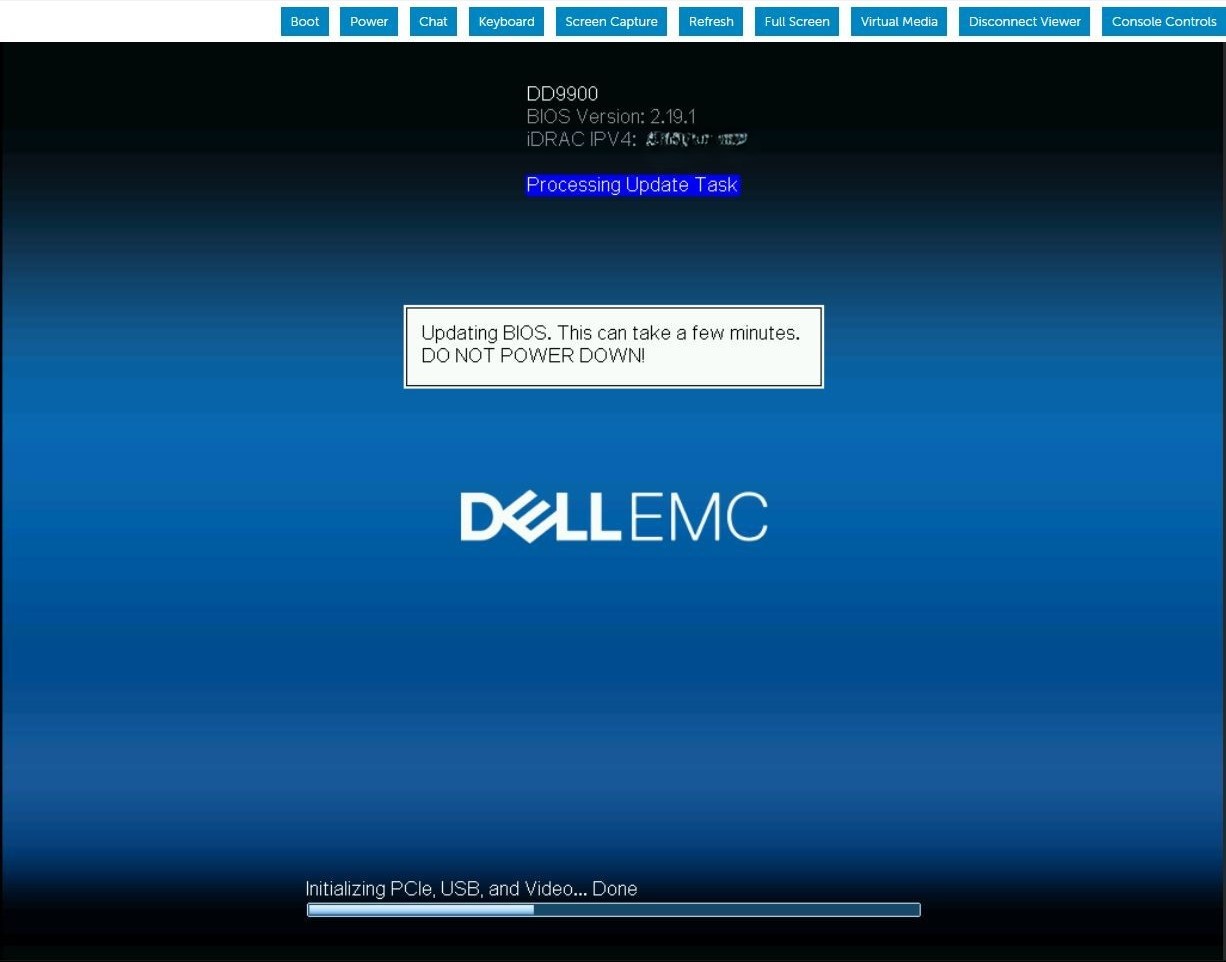
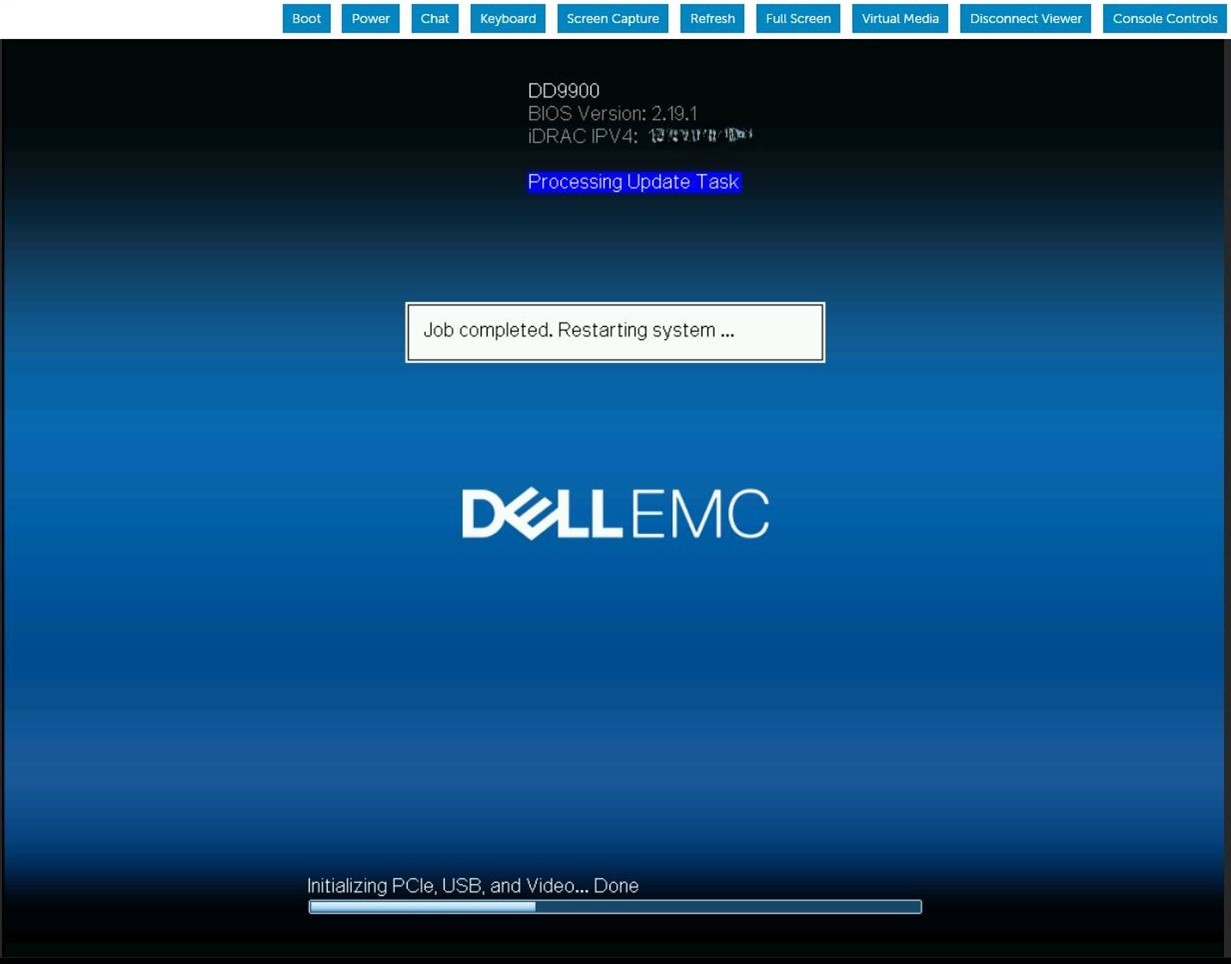
Summary: 在 BIOS 升级任务期间,DDOS 升级会持续重新启动。iDRAC 作业队列显示固件正在更新 BIOS。
This article applies to
This article does not apply to
This article is not tied to any specific product.
Not all product versions are identified in this article.
Symptoms
服务器将重新启动,并出现以下载 BIOS 压缩文件并运行 BIOS 更新。服务器重新启动后,BIOS 更新顺序将在开机自检后重复。此模式会无限期重复,直到手动干预。
Cause
当 iDRAC9 在更新暂存 BIOS 作业时内存不足时,iDRAC SMA 守护程序会在尝试处理 BIOS 文件传输时重新启动。
Resolution
iDRAC9 固件版本 6.00.30.00 更正了内存处理,以防止出现此暂存的 BIOS 更新失败情况。 解决 方案:
清除并删除当前 iDRAC 作业并重置 iDRAC。#racadm jobqueue delete -i JID_CLEARALL_FORCE (this is the only way to delete a job in running state).racadm>>racadm jobqueue delete -i JID_CLEARALL_FORCERAC1032: JID_CLEARALL_FORCE job(s) was cancelled by the user. #racadm racresetracadm>>racadm racresetRAC reset operation initiated successfully. It may take a few minutes for the RAC to come online again.
Affected Products
DD OS, iDRAC9 - 5.xx SeriesArticle Properties
Article Number: 000248899
Article Type: Solution
Last Modified: 01 مايو 2026
Version: 4
Find answers to your questions from other Dell users
Support Services
Check if your device is covered by Support Services.