iDRAC: iDRAC9 - Virtual Console blank after Firmware Update
Summary: The iDRAC9 Virtual Console remains blank after an iDRAC firmware update when accessed by the Fully Qualified Domain name (FQDN) and a trusted certificate.
This article applies to
This article does not apply to
This article is not tied to any specific product.
Not all product versions are identified in this article.
Symptoms
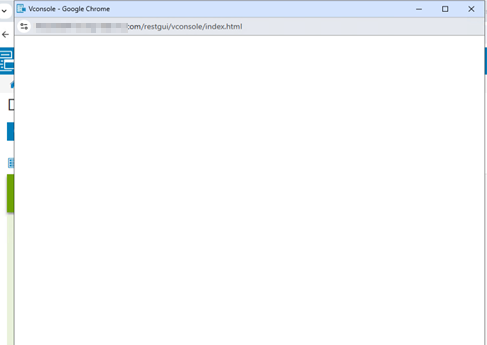
The virtual console remains blank and does not load.
Cause
The vconsole/index.html file content is different between iDRAC versions, but the file size and timestamp were the same. The Apache FileETAG does not get updated, and the incorrect file name is requested resulting in a 404.

Resolution
This behavior will be fixed in iDRAC Firmware 7.20.30.50.
To work around this issue, clear the site cache or access the iDRAC over the IP address instead of the FQDN.
Affected Products
iDRAC9, iDRAC9 - 6.xx Series, iDRAC9 - 7.xx SeriesArticle Properties
Article Number: 000299115
Article Type: Solution
Last Modified: 22 مايو 2026
Version: 3
Find answers to your questions from other Dell users
Support Services
Check if your device is covered by Support Services.