DELL APEX Cloud Platform for Red Hat OpenShift: Cluster update failed to stage firmware on node
Summary: Cluster update failed to stage firmware on node when upgrading to 03.04.01.00.
Symptoms
Failed to stage firmware during APEX Cloud Platform (ACP) upgrade to 03.04.01.00 release.
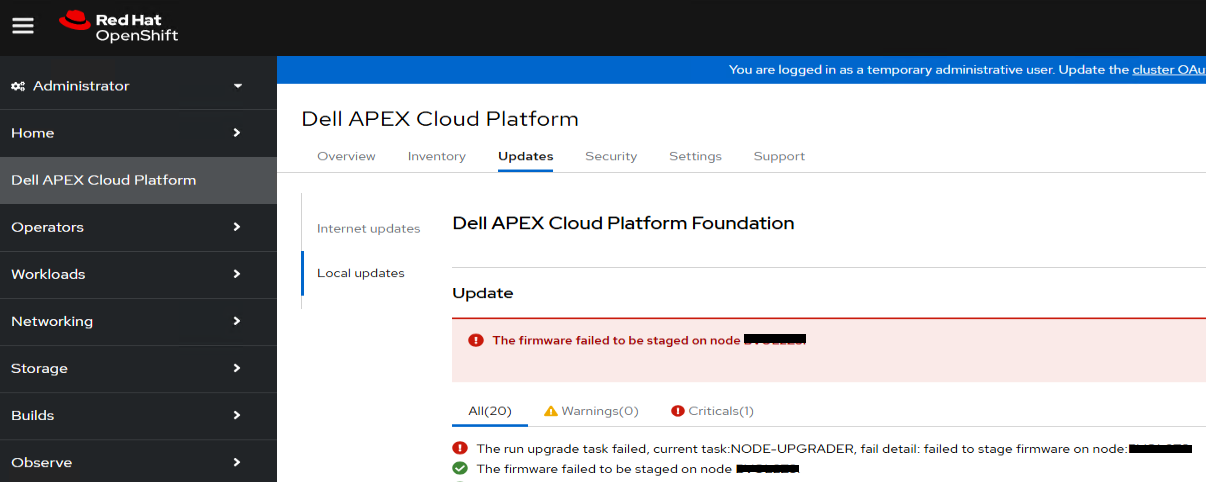
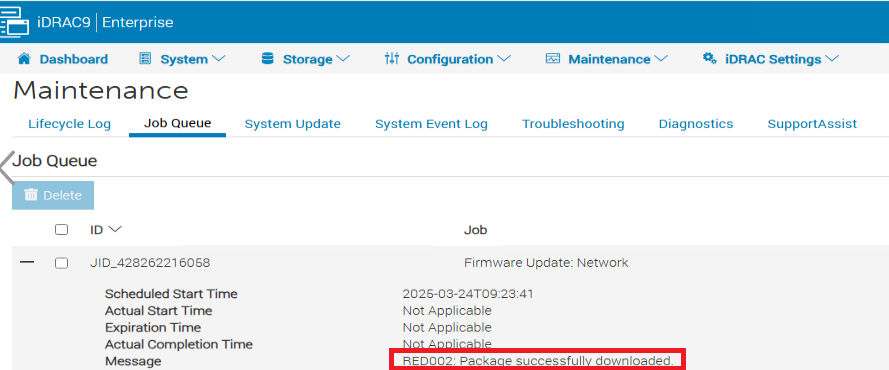
Check the iDRAC Job Queue and find the message: "RED002: Package successfully downloaded" of Job "Firmware Update: Network".
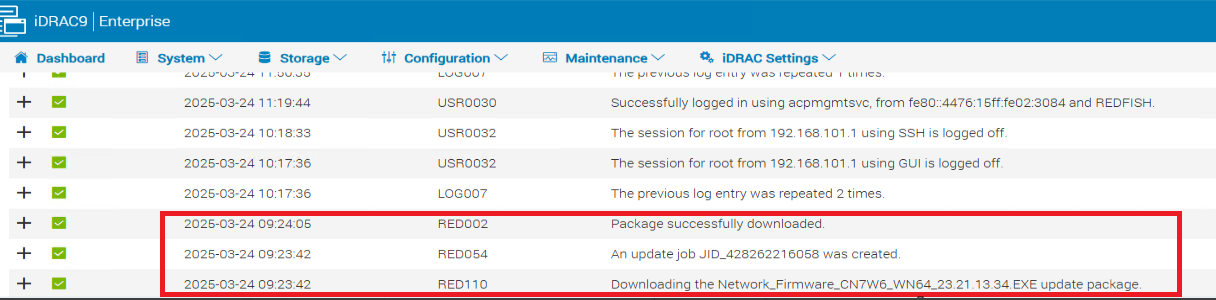
Check the iDRAC Lifecycle Log to find the related Job history for "Downloading the Network_Firmware_CN7W6_WN64_23.21.13.34.EXE".
Cause
iDRAC occasionally returns incorrect message "RED002: Package successfully downloaded" after staging the firmware "Network_Firmware_CN7W6_WN64_23.21.13.34.EXE".
Resolution
1. Drain the failure node using the following commands.
oc adm cordon <failed_node_fqdn> -n dell-acp
oc adm drain <failed_node_fqdn> --delete-emptydir-data --ignore-daemonsets --force -n dell-acp
2. Log in to the iDRAC on the failed compute node as root (default password is calvin).
3. Go to "Dashboard" and select "Reset System(warm boot)".
4. Start the Virtual Console in the bottom right portion of the screen.
5. Wait OS boots up.
6. Go to "Inventory" in "System", ensure the network firmware is upgraded to "23.21.13.34" successfully.
7. Uncordon the failure node using the following command.
oc adm uncordon <failed_node_fqdn> -n dell-acp8. Retry LCM.