「PowerEdge:LCを使用したWindows Server 2025の導入が17G AMDプラットフォームで失敗する
Summary: iDRAC仮想メディアを介して古いWindows Server 2025 ISOイメージを使用すると、Lifecycle Controller (LC)(F10→OS導入を使用)を介したオペレーティング システム(OS)のインストールが失敗します。
This article applies to
This article does not apply to
This article is not tied to any specific product.
Not all product versions are identified in this article.
Symptoms
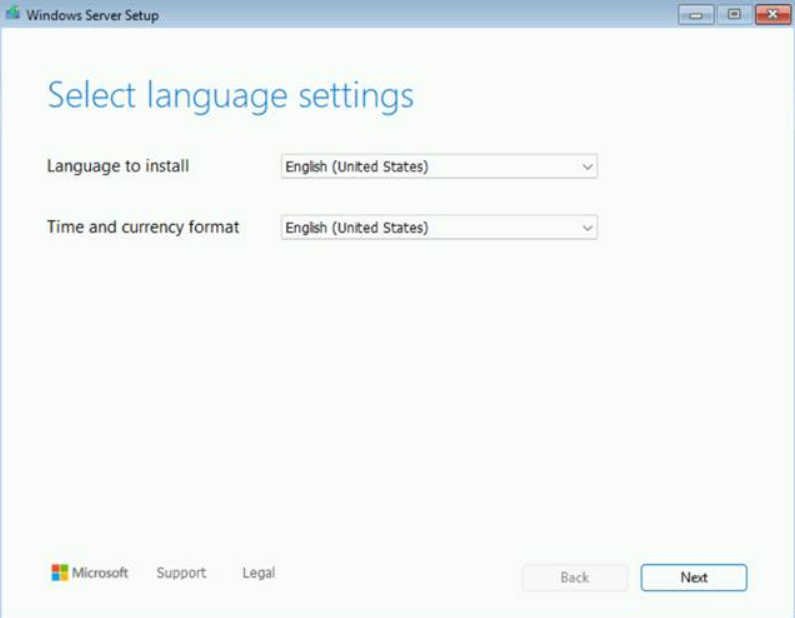
[Loading files...]画面の後に、想定される言語選択画面ではなく、[Install driver to show hardware]プロンプトが表示されます。

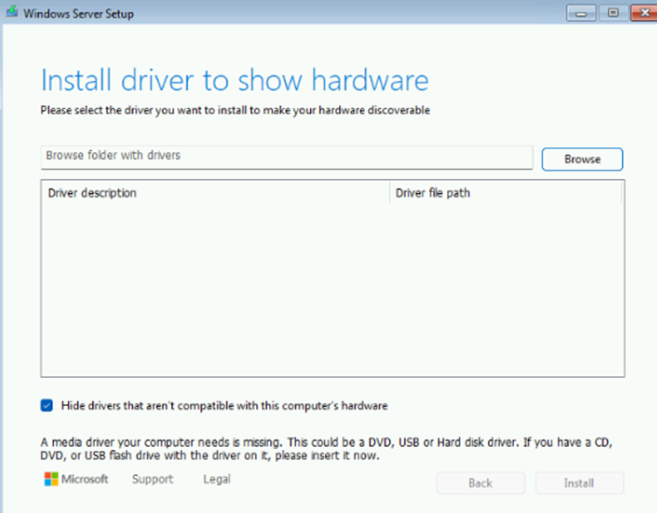
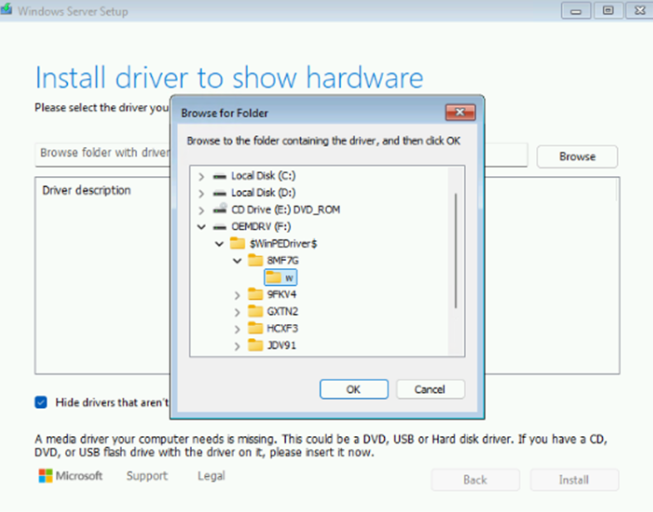
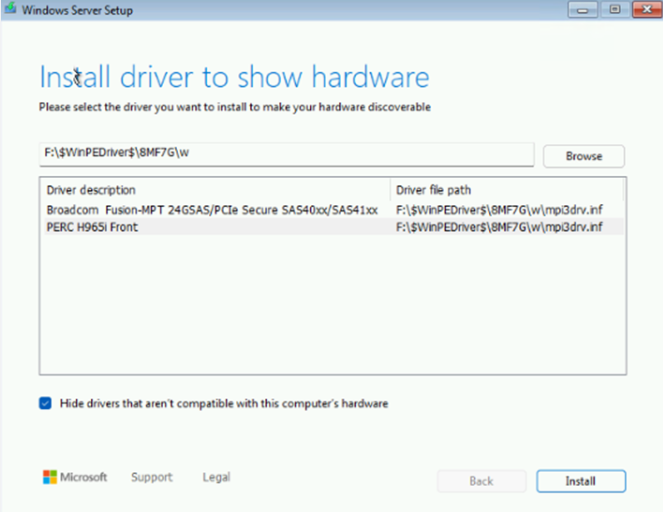
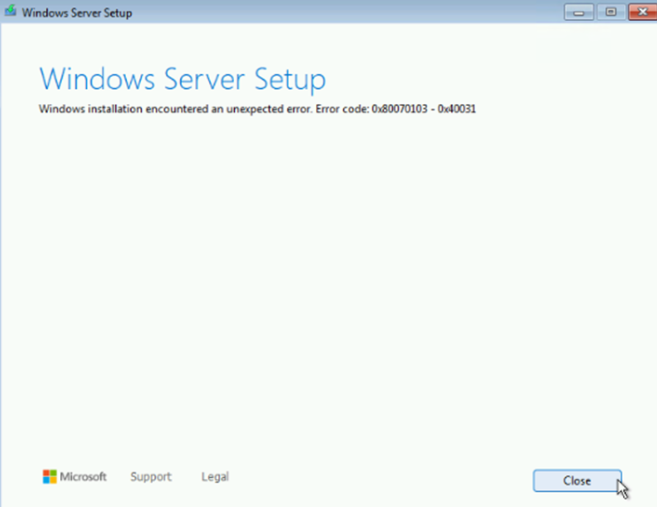
PERC H965iドライバーを手動でロードすると、Windowsのインストールで予期しないエラーが発生します。
Cause
これは、次のような古いWindows Server 2025 ISOイメージの既知の問題です。
- Windows Server 2025評価用イメージ
- Windows Server 2025 Dell OEMイメージ:
YD82YA00_WS25_MUL1_DC.isoT0K5WA00_WS25_MUL3_DC.iso
Resolution
この問題は、MSDNからダウンロードした3月または9月のリリースやDell OEMイメージなど、新しいWindows Server 2025イメージで解決されています。 00MCFA00_WS25_MUL_DC.iso
新しいイメージが使用できず、LC の導入が必要な場合は、次のいずれかの回避策を使用します。
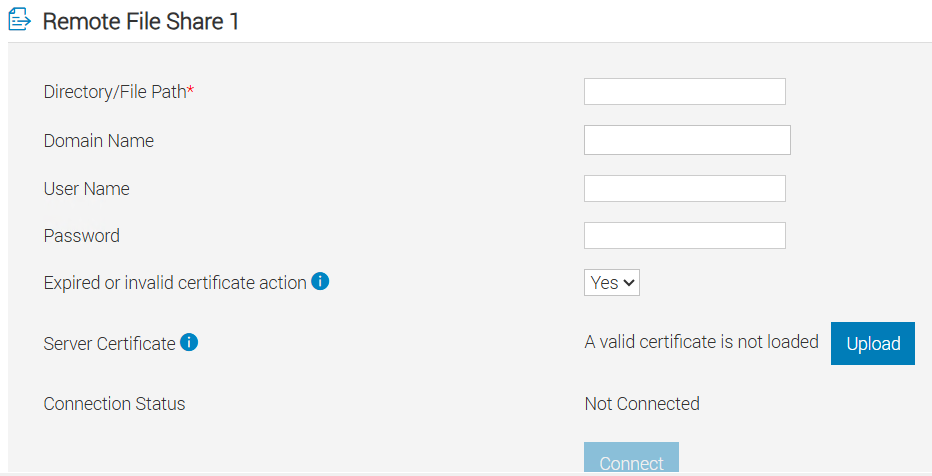
- iDRAC仮想メディアではなく、iDRACでリモート ファイル共有(RFS)を使用する
- 利用可能な場合は、物理DVDメディアを使用する
Affected Products
PowerEdge R6715, PowerEdge R6725, PowerEdge R7715, PowerEdge R7725Article Properties
Article Number: 000387609
Article Type: Solution
Last Modified: 21 نوفمبر 2025
Version: 3
Find answers to your questions from other Dell users
Support Services
Check if your device is covered by Support Services.