PowerStore: Performance tab error Unexpected ENUM value after upgrade to 4.3.0.0
Summary: Performance tabs fail to load correctly after an upgrade to PowerstoreOS 4.3.0x.
Symptoms
After an upgrade to PowerStoreOS 4.3.x, the error message An unexpected exception - Error: Unexpected ENUM value is seen when browsing the performance tab in the PowerStore Manager user interface (UI).
This issue happens after the upgrade from older versions to 4.3. Systems with a fresh installation of version 4.3 are not affected.
Cause
The way user preferences were stored in older versions was enhanced in 4.3. When new PowerStore Manager features or items are modified, some cached portions may remain in place causing pages to fail to load with enumeration errors.
Resolution
Workaround
Reset the user preferences so that the localization and cache data is cleared for the logged in user:
1. Log in to the PowerStore Manager, and in the upper right-hand corner, select the Profile icon.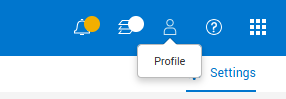
2. Select Preferences.
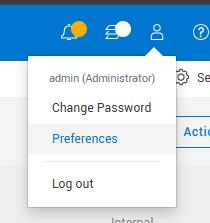
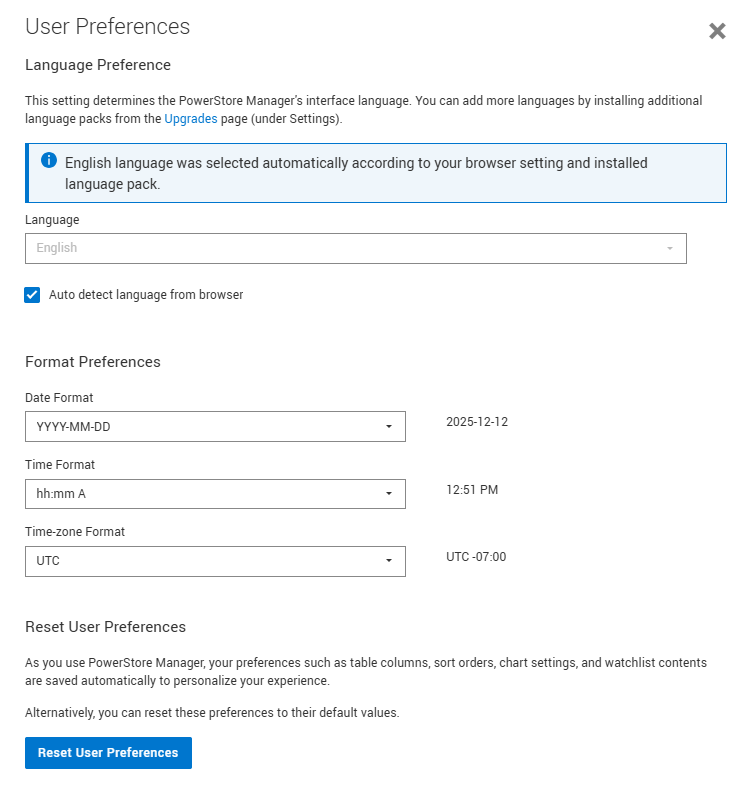
3. In the User Preferences page, scroll down to the Reset User Preferences button. This reverts the PowerStore Manager back to the default views and clears cached values.
4. Select Reset and Reload in the Confirmation page. PowerStore Manager then reloads with default preferences and pages.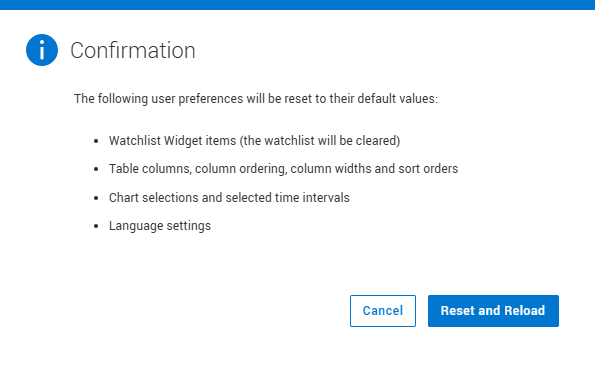
Fix
This issue will be fixed in a future version of PowerStoreOS.