Azure Local invoke-AzStackHciArcInitialization fails with 2604 Gold Image
Summary: invoke-AzStackHciArcInitialization Azure Arc registration process is required for Azure Local deployment process.
This article applies to
This article does not apply to
This article is not tied to any specific product.
Not all product versions are identified in this article.
Symptoms
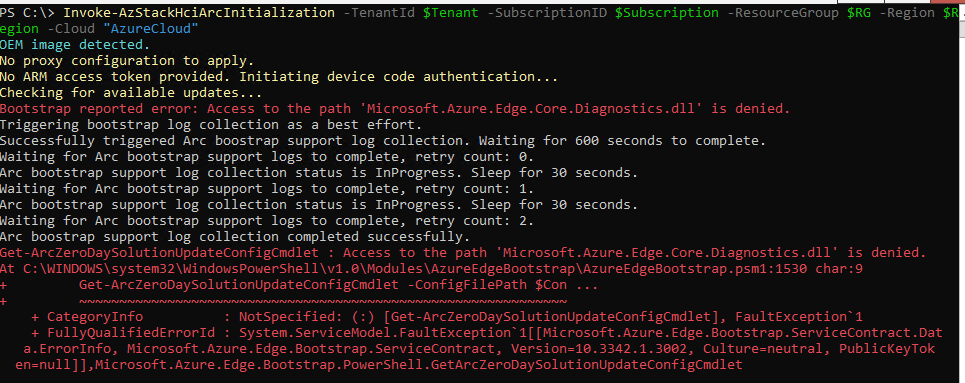
After imaging the Dell AX nodes with Dell Gold Image version 12.2604 and SBE 5.0.2603, the Arc registration process (Invoke-AzStackHciInitialization) may fail with the following error:
“Bootstrap reported error: Access to the path ‘Microsoft.Azure.Edge.Core.Diagnostics.dll’ is denied.”
See screenshots below.
Cause
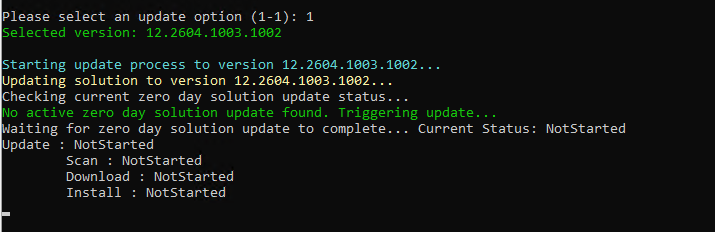
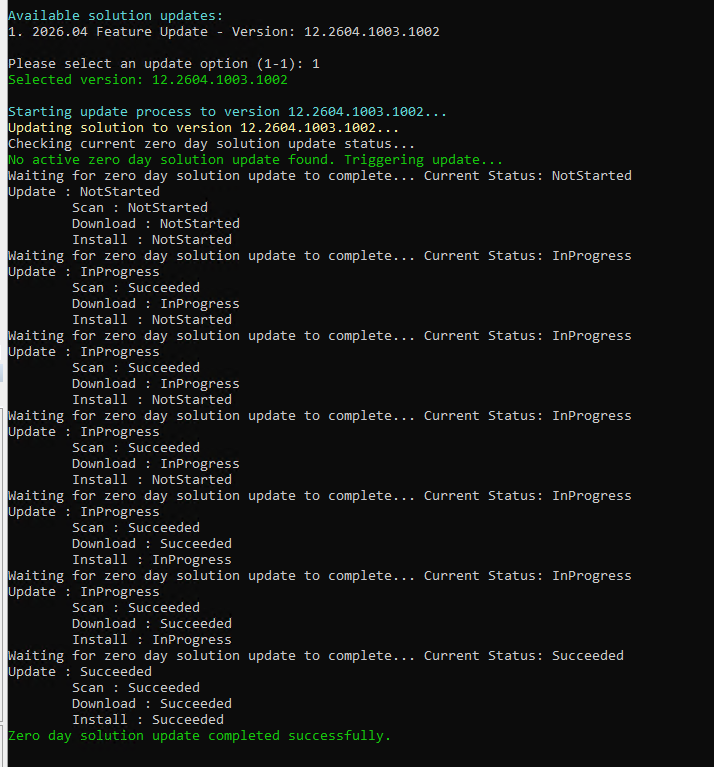
Microsoft introduced the Zero-Day update process in version 12.2604. In rare cases, this may lead to permission issues with the file "Microsoft.Azure.Edge.Core.Diagnostics.dll."
Resolution
Workaround:
1. Stop the Zero-Day update service
Stop-Service -Name ZeroDayUpdateService
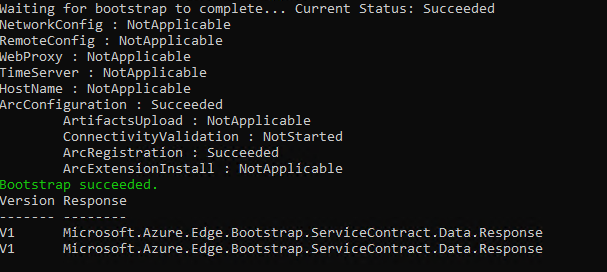
2. Run the invoke-AzStackHciArcInitialization again.

Additional Information
Azure Local Golden Images (Dell 2603) | Solutions for Microsoft Azure
Register Azure Local with Azure Arc without using Arc Gateway - Azure Local | Microsoft Learn
Affected Products
AX-4510C, AX-4520C, AX-640, ax-650, AX-6515, AX-660, AX-670, AX-740XD, AX-750, AX-7525Products
AX-760, AX-770Article Properties
Article Number: 000461804
Article Type: Solution
Last Modified: 16 يونيو 2026
Version: 8
Find answers to your questions from other Dell users
Support Services
Check if your device is covered by Support Services.