Procedure to delete orphan VMware Virtual Volumes (vVols) on a VMAX (family) or PowerMax array
Summary: Orphan vVols are a common occurrence in VMware vVol implementations, but they cannot be removed by customers. The proper way to remove them is through support running the vprecovery script on the array. If the vprecovery script fails, then INLINES is used to remove the vVols. Both processes are included herein for support for the V3 and V4 arrays. Customers must contact support and reference this KB. ...
Symptoms
After removing all VMs in a vVol storage resource or storage container, the user attempts to delete the resource or container. The user receives an error. Here is an example when attempting to remove a storage container:
"Error deleting Storage Container
The operation cannot be performed because the storage container has one or more devices consuming the resources in the container"
If using Unisphere, the error message would look similar to the following example from Unisphere version 8.x: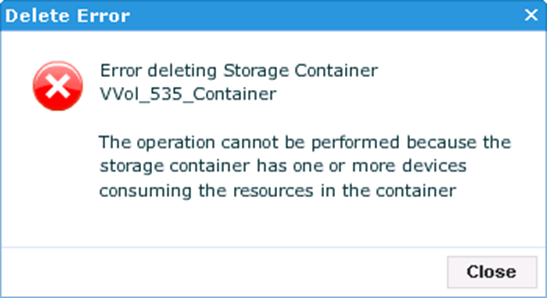
and from versions 9 or 10 the error is the same whether deleting a resource or container: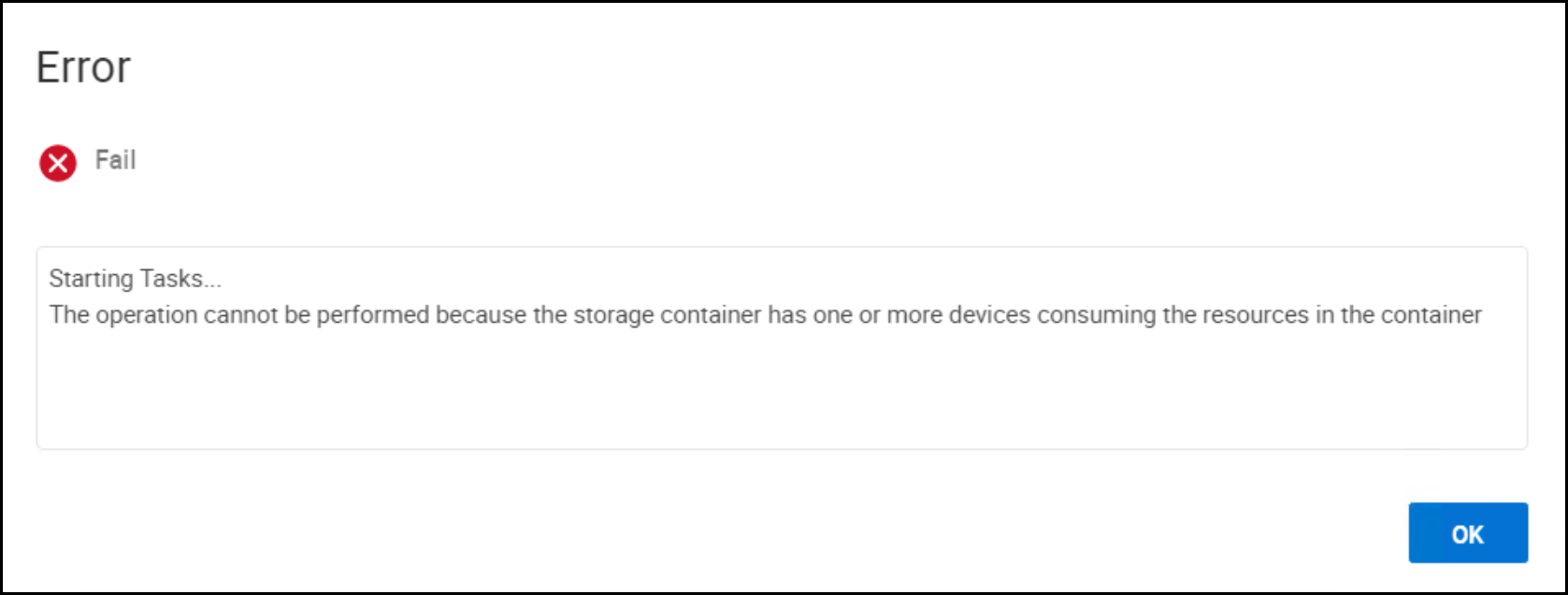
The smas.log file would contain the following information:
SMAS LOG:
2017-02-16 15:21:21,825 ERROR [em.bp.VVOL] (default task-9) StorageContainerService.SymStorContDelete:The operation cannot be performed because the storage container has one or more devices consuming the resources in the container
2017-02-16 15:21:21,825 ERROR [em.bp.VVOL] (default task-9) StorageContainerService.deleteStorageContainer():The operation cannot be performed because the storage container has one or more devices consuming the resources in the container
Orphan vVols are possible on all vVol implementations no matter the array or code level. Typically they result from a failed implementation of vVols. A common scenario might be the following: A customer implements vVols by registering the VASA Provider(s), creating storage resources/containers, then creating the VMware datastore. They proceed to deploy some VMs and do some testing. At some later time they unregister the VASA Providers, or disconnect the datastores without deleting the VMs (e.g. remove them from inventory instead). Therefore the underlying vVols remain, but VMware does not know about them and cannot remove them. These vVols are considered orphaned. Customers discover orphaned vVols when they attempt to delete a storage resource or storage container where the vVols reside.
Cause
Resolution
Please open a support ticket with Dell and cite this Knowledge Article. Unfortunately once a vVol is orphaned, it cannot be removed by a customer. There is no customer-facing interface to do so, GUI or CLI. Dell support must access the customer's array and follow a specific procedure.