VxRail: How to Identify STIG Version
Summary: How to find the installed Security Technical Implementation Guidelines (STIG) version in a VxRail cluster.
Instructions
VxRail supports Security Technical Implementation Guidelines (STIG) hardening by running the script or module provided with the STIG hardening package (see article VxRail: Security Technical Implementation Guide on VxRail). Information regarding the STIG hardening process can be found afterwards in the Custom Attributes section under the Summary tab for the cluster and service Virtual Machines (VMs).
See the Dell VxRail STIG Hardening Guide for additional information (Log in as a registered Dell Support user is required to view this document.)
Viewing Cluster Objects
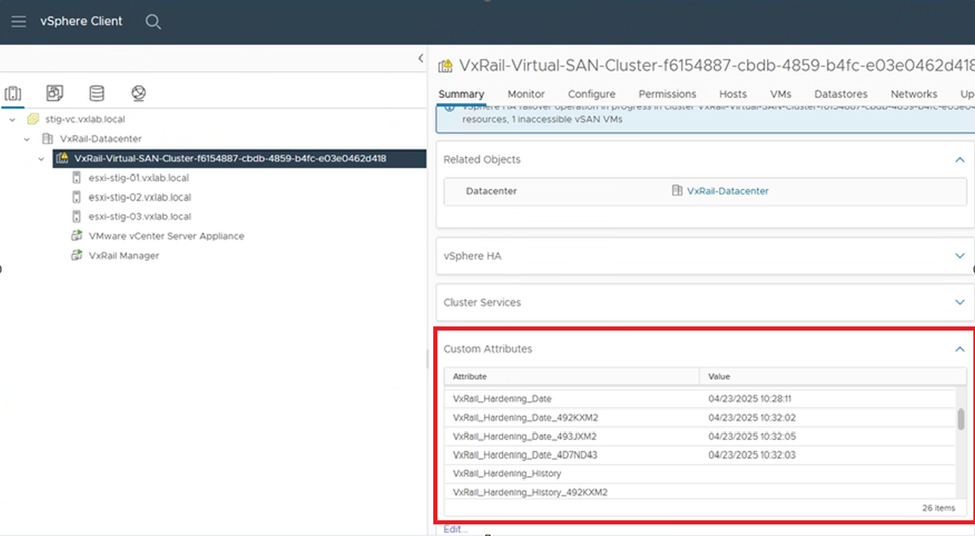
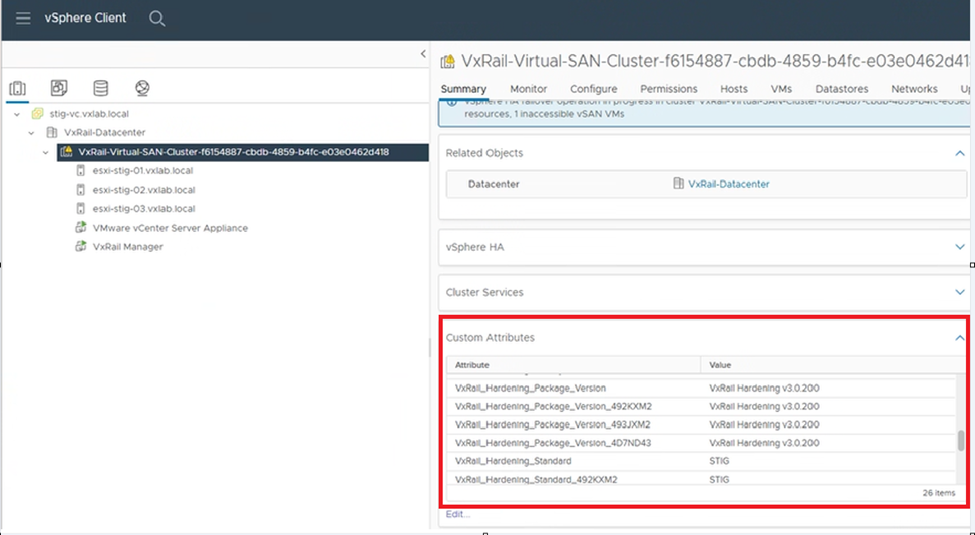
From the vCenter vSphere client Inventory view, go to the VxRail cluster > Summary > Custom Attributes and scroll through to see STIG hardening-related information for cluster objects (VxRail Hardening Date, node service tag, VxRail Hardening History, and STIG package version applied)
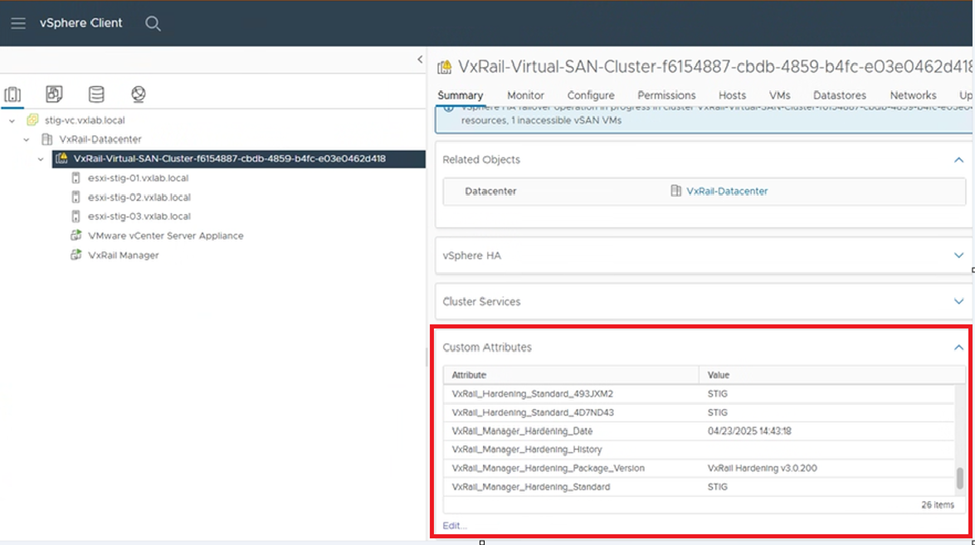
Viewing VxRail Deployed Service VMs
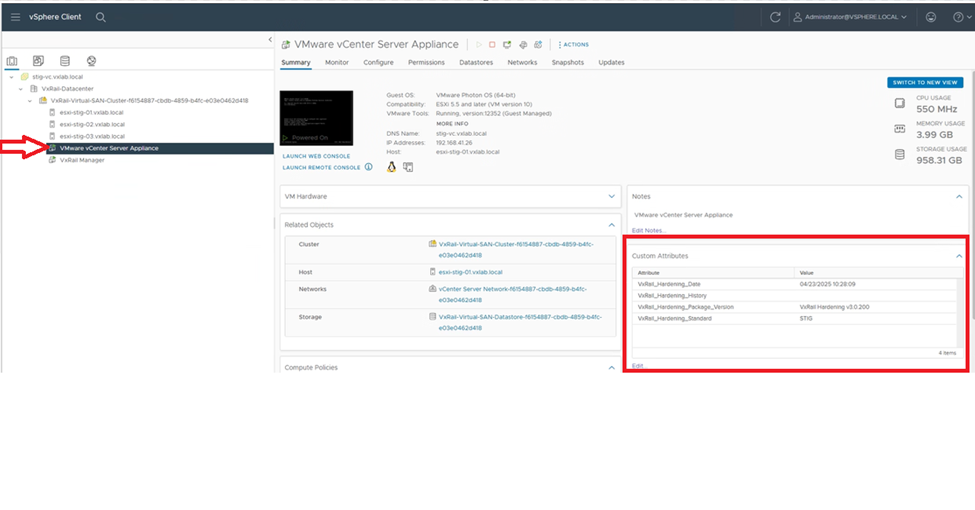
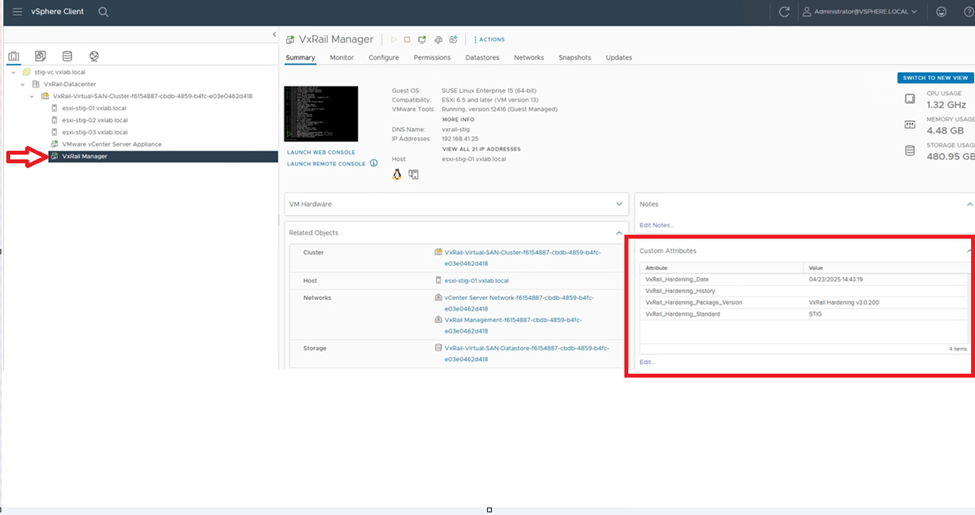
From the vCenter vSphere client Inventory view, browse to a VxRail Service VM > Summary > Custom Attributes and scroll through to see STIG hardening-related information associated with the VxRail deployed VMs (VxRail Hardening Date, VxRail Hardening History and STIG package version applied)