PowerScale F/P/PA/B series node has stopped responding
Summary: PowerScale F/P/PA/B series node is not responding. Looking at the vConsole/monitor shows output, but unable to interact with it.
Symptoms
When troubleshooting a PowerScale F/P/PA/B series node that is not responding, you try connecting to vConsole or a monitor. The connection shows messaging similar to the following:
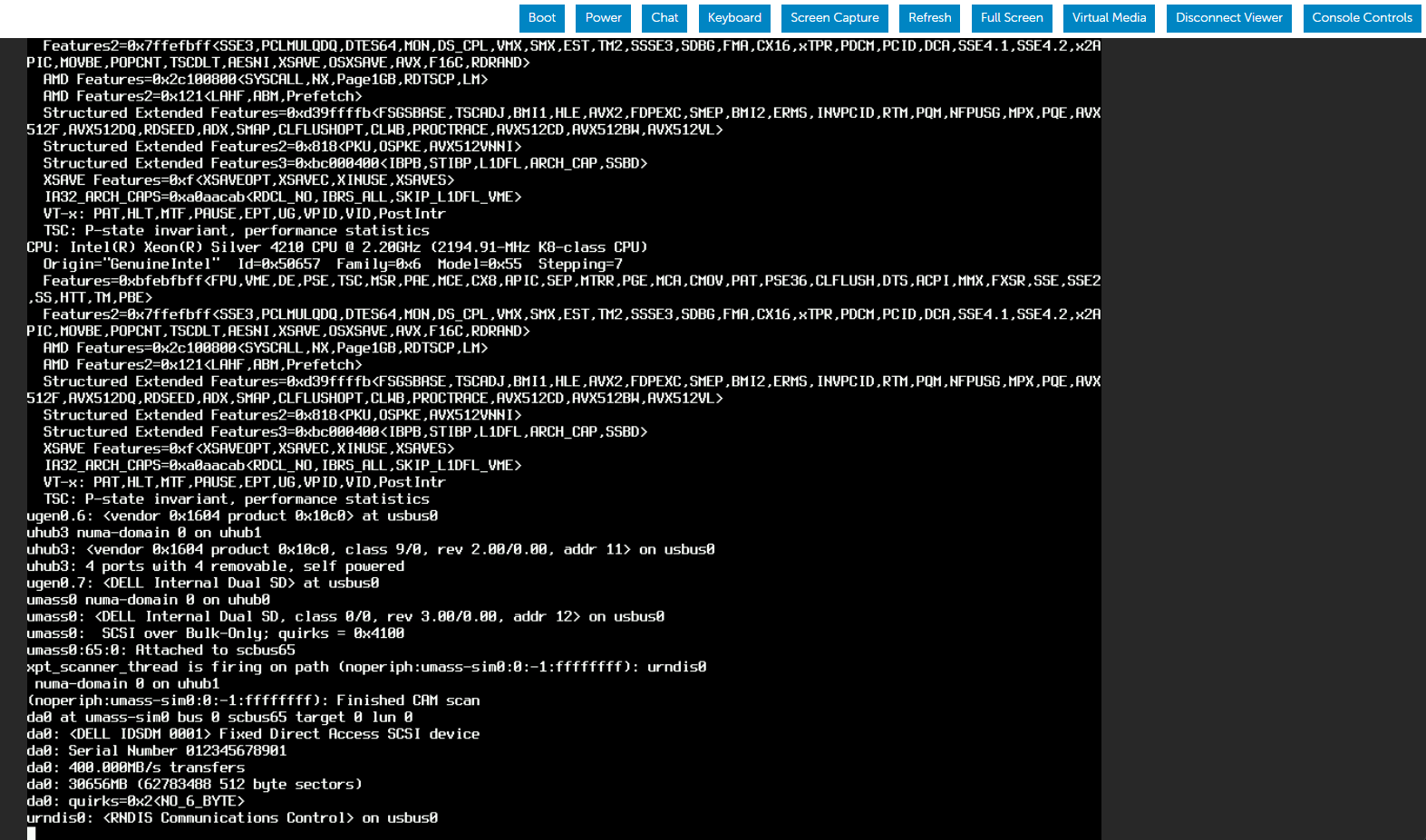
Trying to type using virtual keyboard or directly attached keyboard gets no output.
Cause
OneFS is designed to run as a headless server. The OS is not designed to be managed through an attached monitor and keyboard. The output in the screenshot shows normal output from a functioning PowerScale node.
Resolution
Direct console connection requires a null modem cable and a computer. See PowerScale: Steps to connect to serial port when remote connection is not possible for configuring the serial port and null modem connection.
If you are unable to get terminal output once connected with a null modem connection, contact Dell Support for further assistance.