PowerEdge: Verifying Network Card Compatibility
Summary: This article provides information about how to verify if a Network Interface Card (NIC) is compatible with a PowerEdge Server.
Instructions
How to check if a Network Interface Card (NIC) is Supported on a PowerEdge Server.
Table of Contents:
- Is it a Dell NIC running Dell Firmware?
- Verify the NIC Interface type
- Check available Risers and Slots
- Check OS Hardware Compatibility List (HCL) Support
- Check available Firmware Updates on Support Site
Is it a Dell NIC running Dell Firmware?
If the NIC is not running Dell firmware, there can be unexpected results with the NIC installed in the server.
- Without Dell Firmware server hardware cannot properly communicate with the NIC.
- This can cause symptoms such as increased fan speeds as the server may not be able to monitor its temperature properly.
- Firmware updates are not possible from the IDRAC as Non-Dell firmware files are not supported.
- Driver compatibility can be an issue as the Dell drivers are validated against Dell firmware versions.
Verify the NIC Interface type:
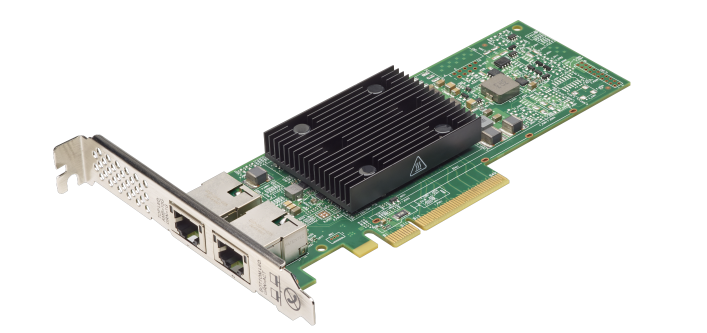
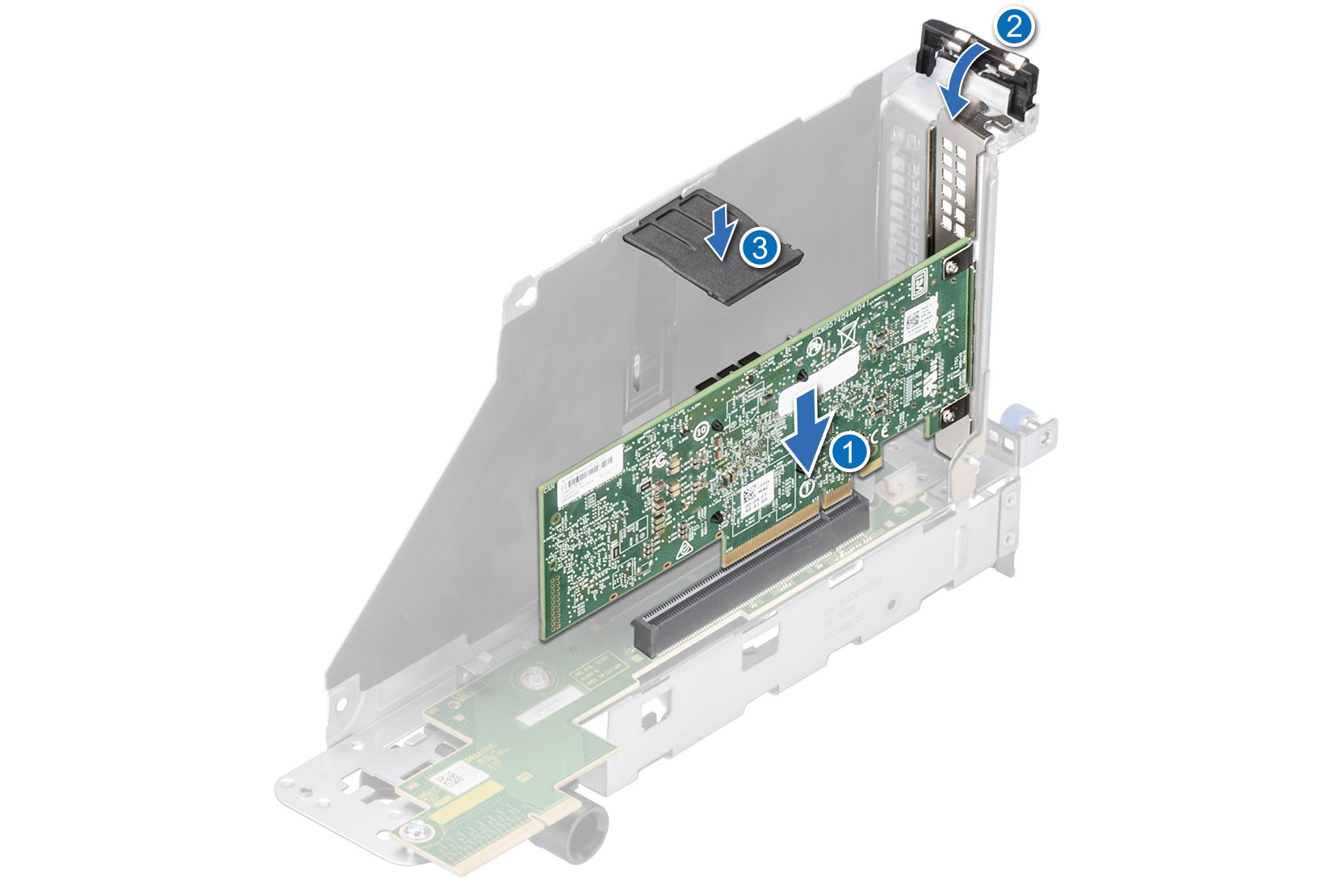
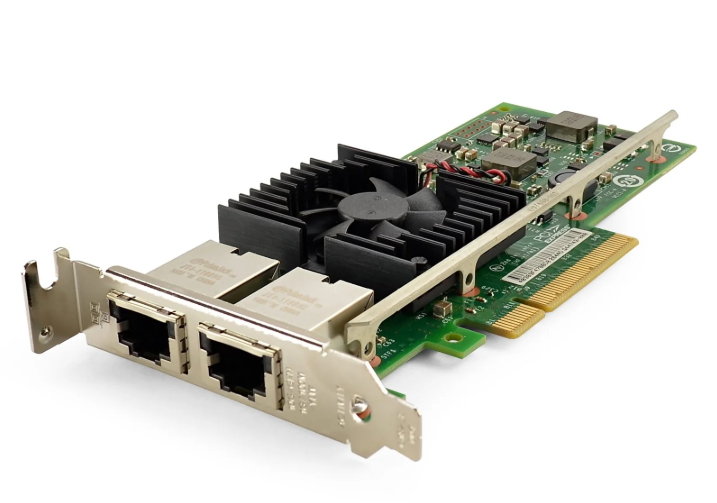
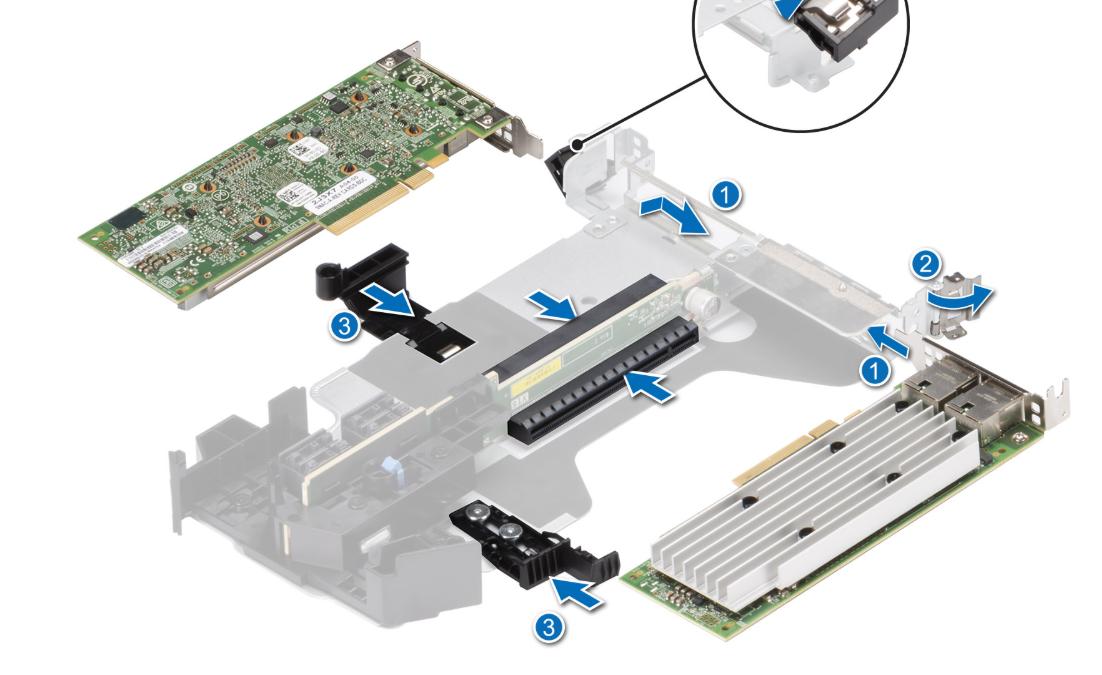
The Peripheral Component Interconnect Express (PCIE) standard interface is more generally supported by all servers either with a slot on the motherboard itself like in Tower Servers or in a PCIE Riser card on Rack servers. Other interface types have a specialized slot, and most times only have one available slot.
PCIE:
- The main caveat to PCIE cards is that they have different speed ratings, PCIE such as Gen3/Gen4/Gen5, and different physical slot sizes such as Full Height (FH) or Half Height (HH), Low Profile (LP) slots.
- When it comes to the different PCIE generations, they are backwards compatible. This means that a PCIE Gen5 card could work in a PCIE Gen4 Slot, but it would be limited to the speeds of the Gen4 slot.
Mezzanine:
- Installs into Mezzanine slot on motherboard
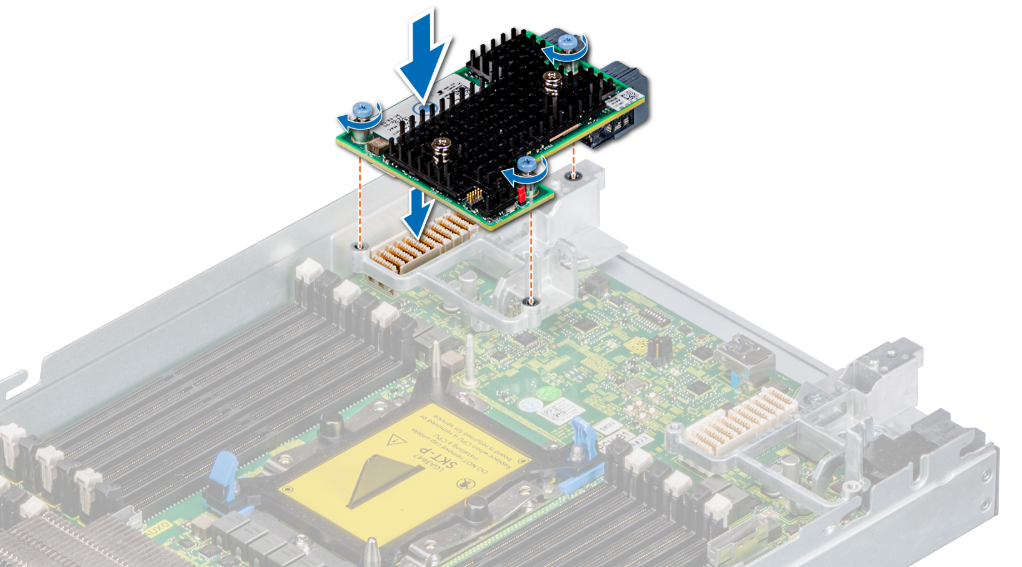
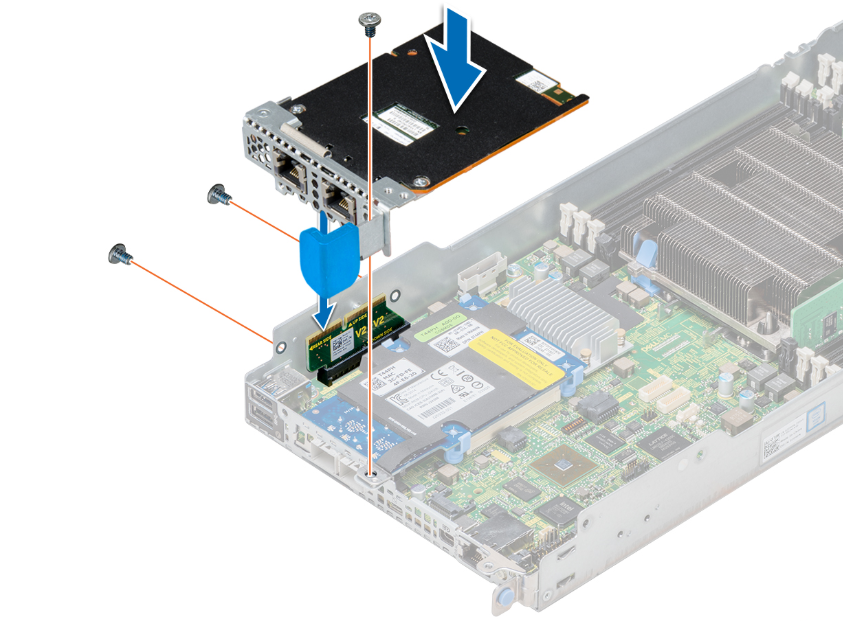
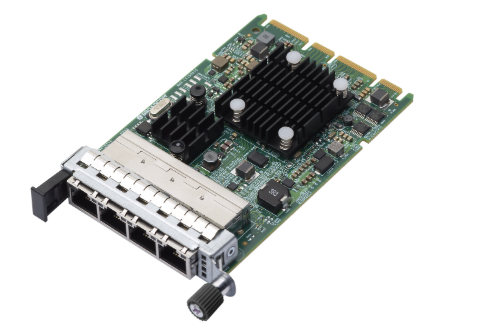
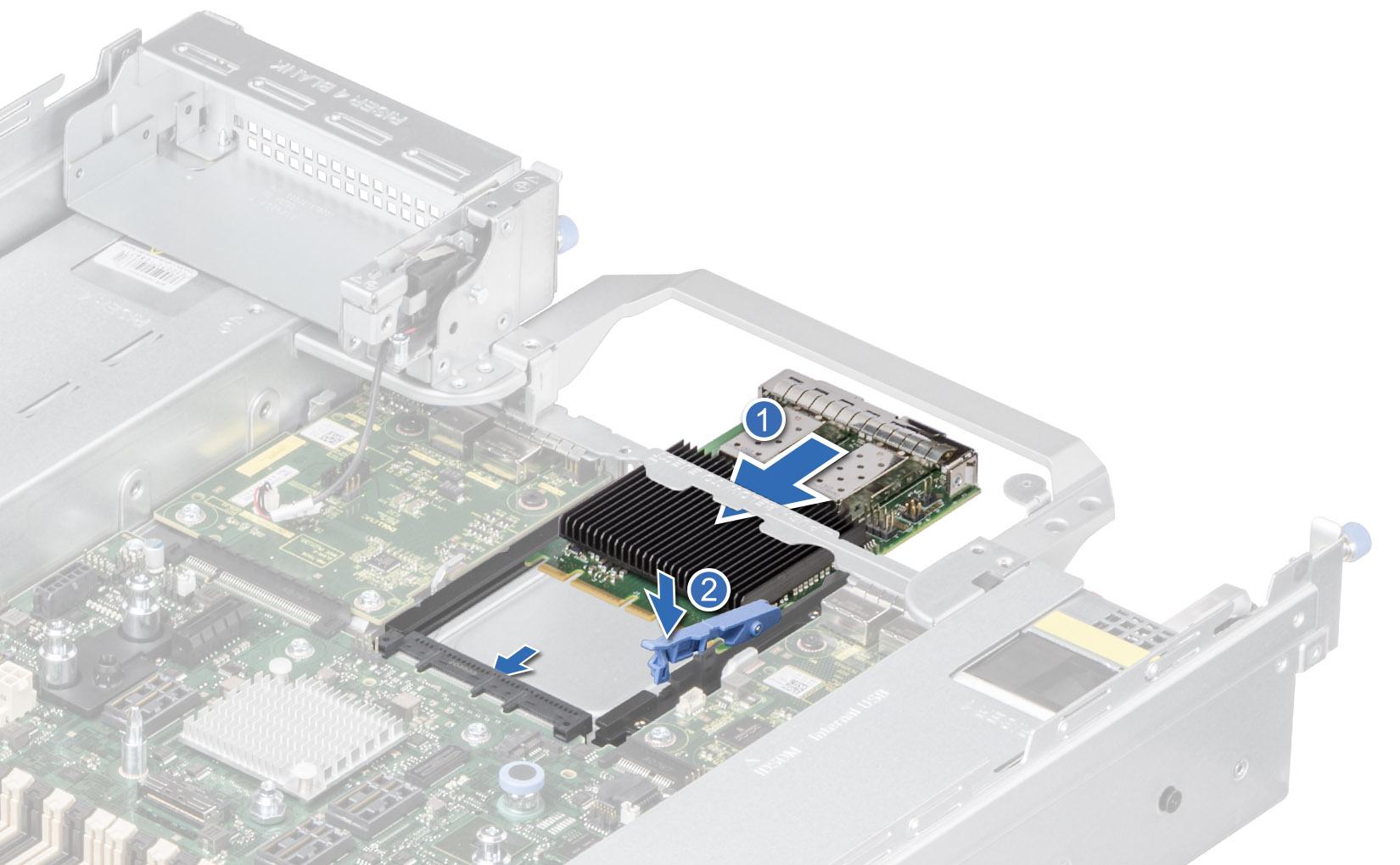
Open Compute Project (OCP):
- OCP NICs are similar to Mezzanine cards only they install from the rear of the server into the OCP slot on the Motherboard. Some OCP cards are listed as OCP Mezz.
Network Daughter Card (NDC):
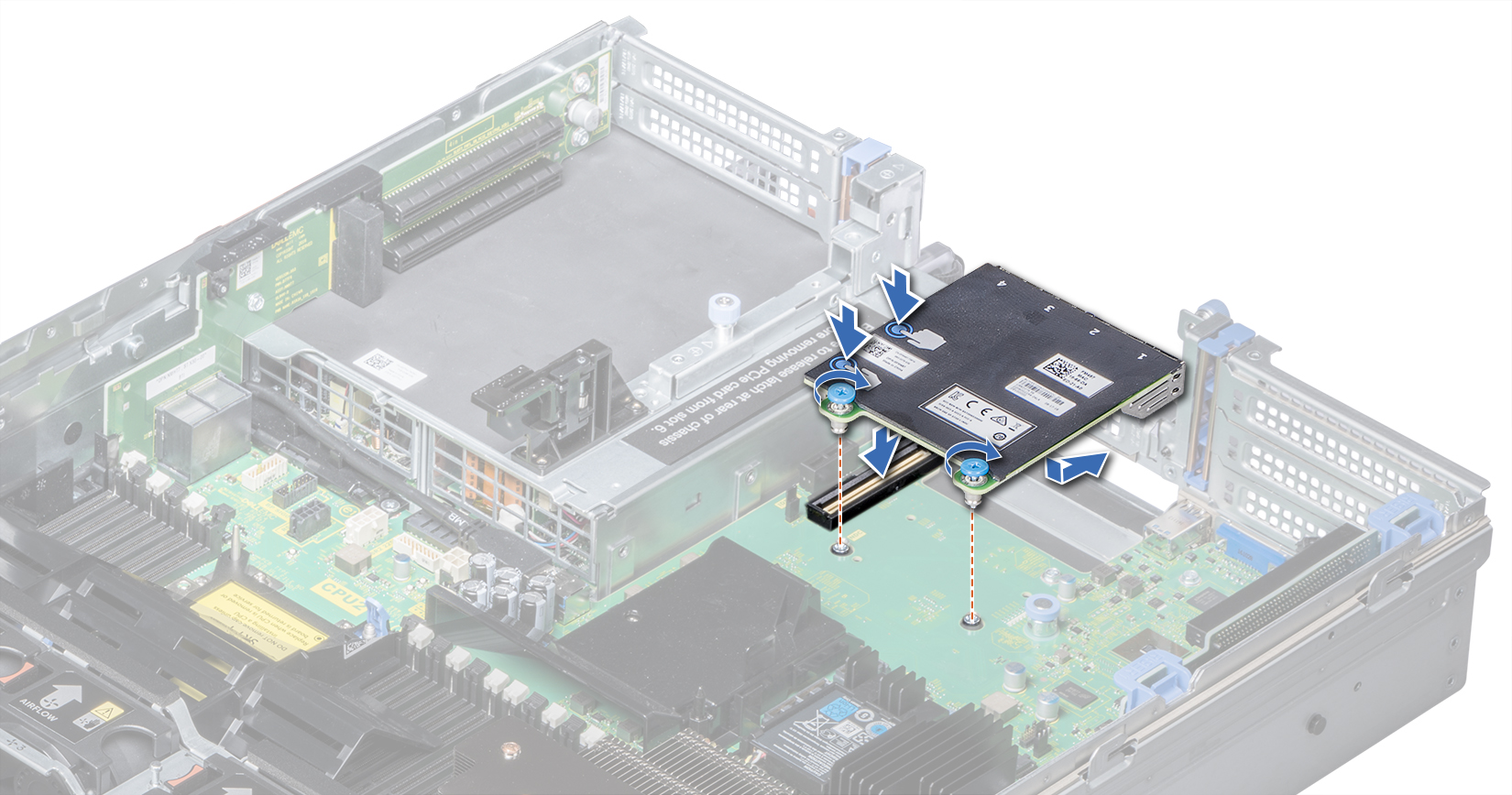
- The NDC Installs directly onto the NDC Slot on the Motherboard shown below.
Check available Risers and Slots:
Reference the Servers Installation and Service Manual to help verify which Risers and Slots the server has available.
- For detailed information, see article: PowerEdge: Troubleshooting PCIe device detection issues
Check OS Hardware Compatibility List (HCL) Support:
Most times the main issue with compatibility comes from OS support.
For Example older NICs may function at the hardware level, but the installed OS may no longer support the card or provide any drivers for it.
Confirm that the installed Server OS version supports the NIC using the OS Hardware Compatibility Lists.
- RHEL: https://catalog.redhat.com/hardware
- Ubuntu: https://ubuntu.com/certified/servers
- SLES: https://www.suse.com/yesCertified/home
- VMware ESXi: https://compatibilityguide.broadcom.com/
- Windows Server: https://partner.microsoft.com/en-us/dashboard/hardware/search/cpl

Check available Firmware Updates on the Support Site:
If there is Driver and Firmware updates listed for the NIC on the servers support page, it lists the supported Server models and the specific NICs within the firmware additional info section.
Follow the steps below to verify the NIC is supported from the available Firmware listed:
- On the support site, after you provide the server model or tag and click Drivers & Downloads, you can look for the available NIC firmware updates that match the NIC brand in question. In the example below, look up compatibility for a specific Broadcom NIC.
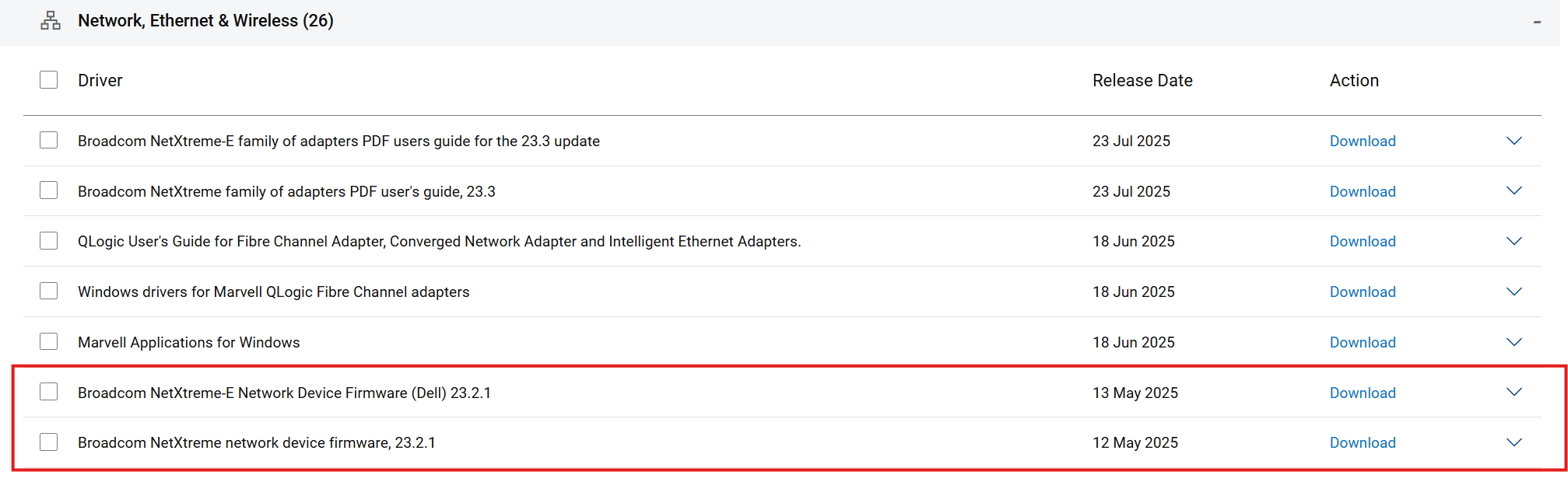
- When clicking the firmware update to open it up the option to View full driver details is seen, click the link.
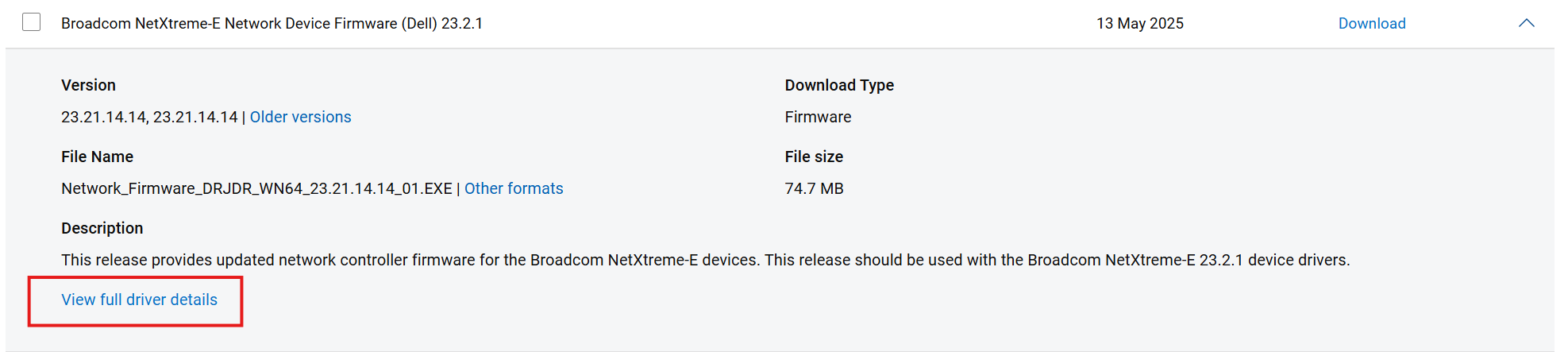
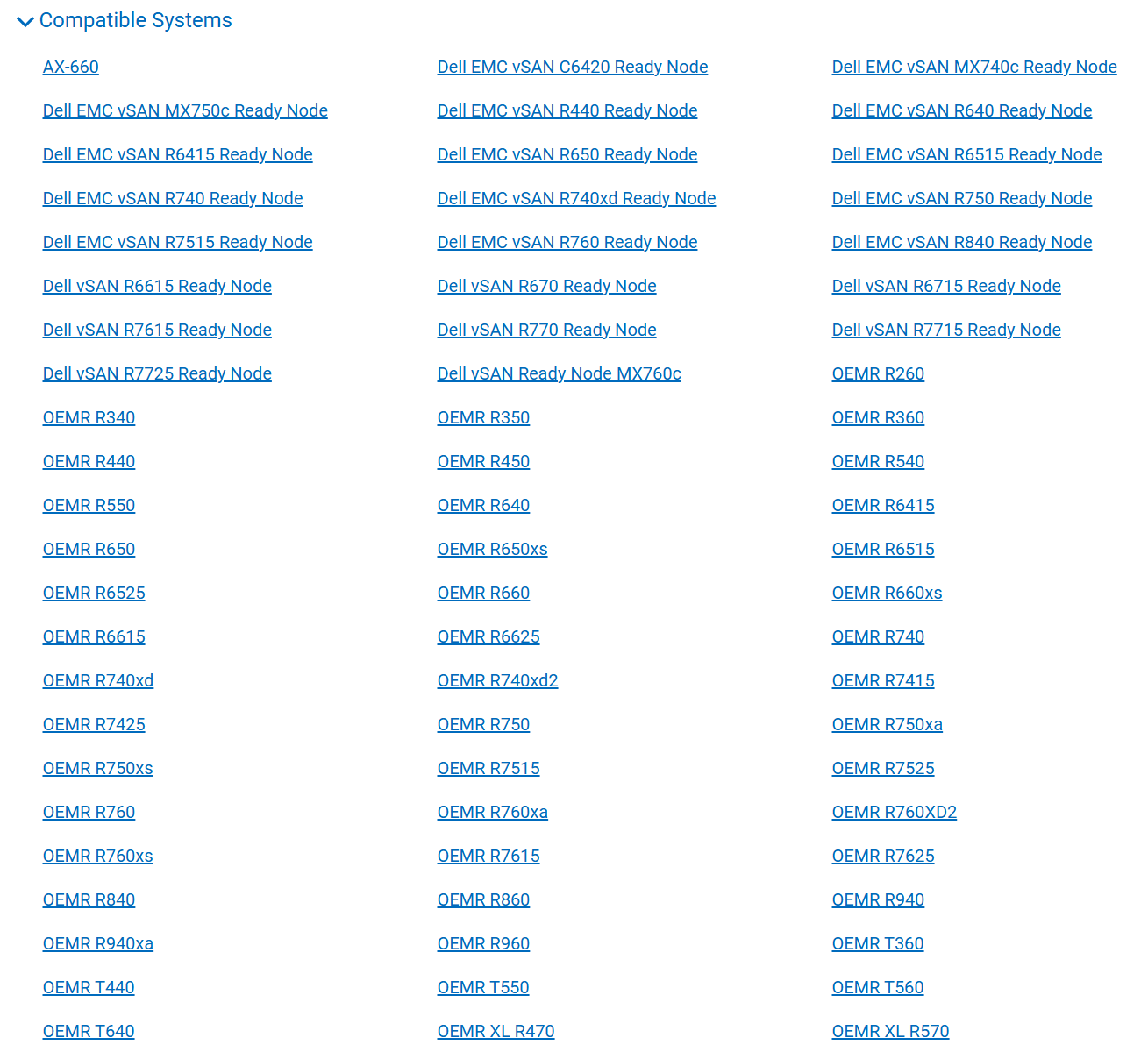
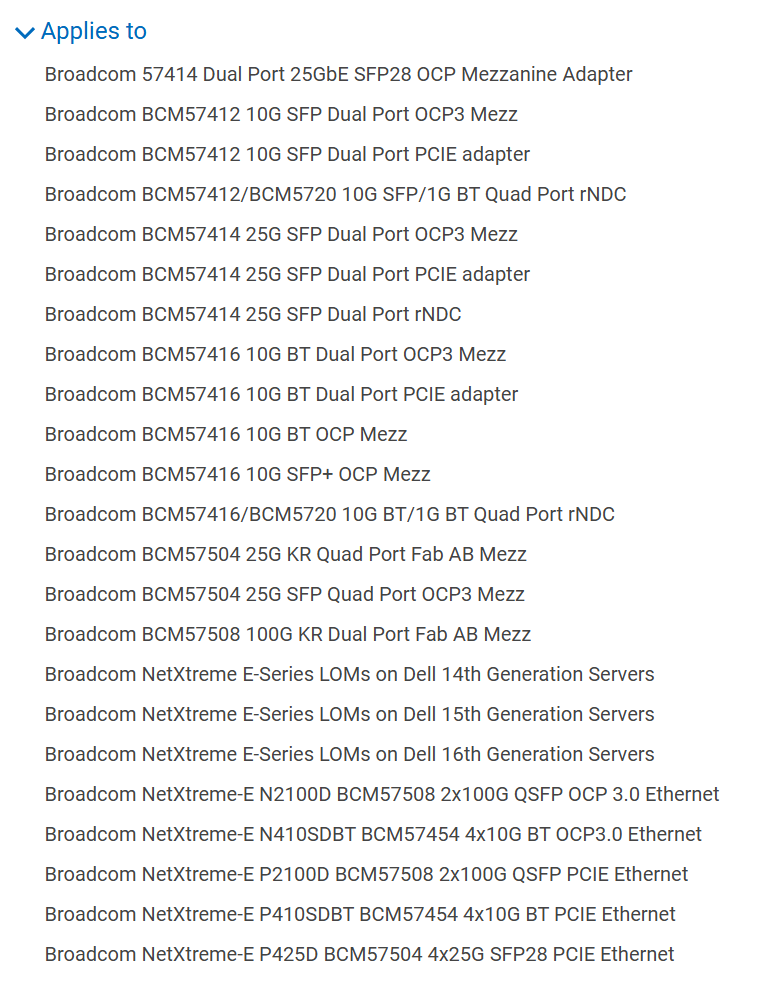
- On the details page, at the bottom is the Additional Details section where you can check Compatible Systems and the Applies to options for information.
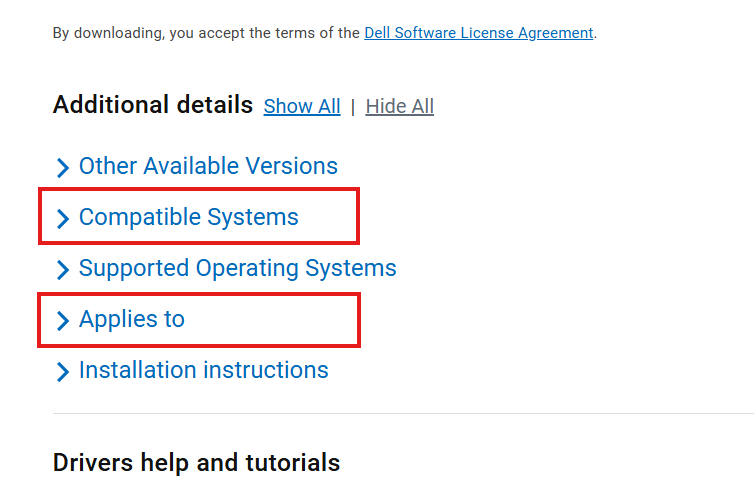
- The Compatible Systems option shows a list of all servers that support the firmware update and the NIC models found in the Applies to option. First confirm that the required server model is listed.
- The Applies to option shows all the NIC types and models that support the firmware, from here you can verify that the NIC model in question is listed.
Additional Information