Windows Server: Error in RDS Workgroup Environment
Zusammenfassung: The article resolves error in RDS Workgroup Environment
Dieser Artikel gilt für
Dieser Artikel gilt nicht für
Dieser Artikel ist nicht an ein bestimmtes Produkt gebunden.
In diesem Artikel werden nicht alle Produktversionen aufgeführt.
Symptome
Remote desktop licenses not working in workgroup environment.
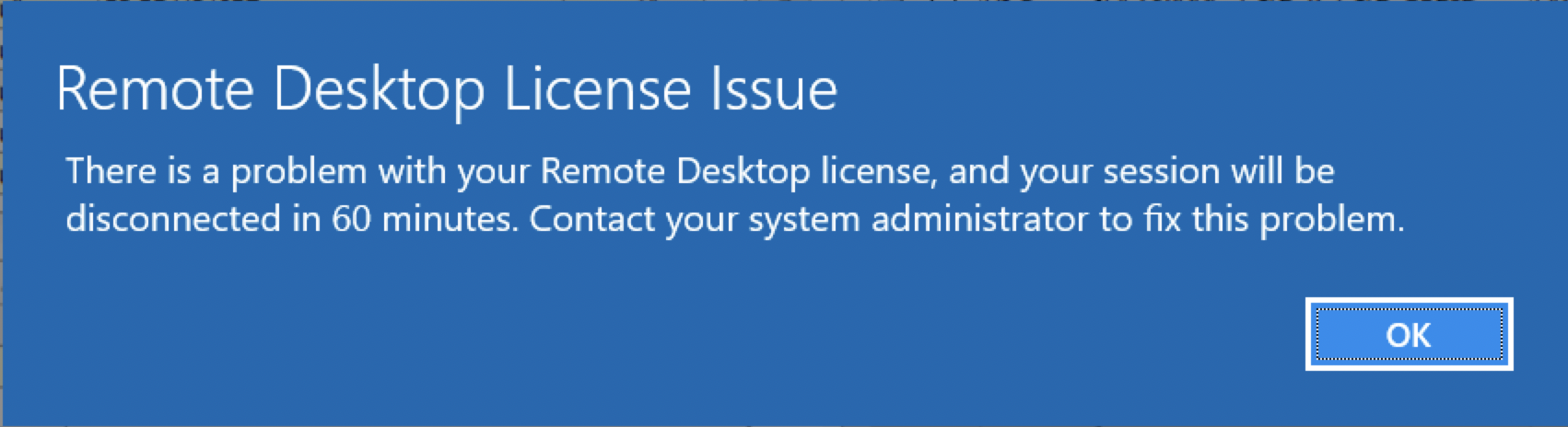
The user receives the below error:
There is a problem with your Remote Desktop license, and your session will be disconnected in 60 minutes. Contact your System Administrator to fix this problem.
 <
<
Ursache
Only Per Device remote desktop licenses are supported in a workgroup environment.
Lösung
Change the remote desktop licenses to Per Device. This can be done in Remote Desktop License manager by right-clicking the Per User licenses and choosing to convert to Per Device.
If Per User licenses are required, then a domain must be created and all the servers joined to the domain.
In a workgroup environment, the license mode of the server should be set to 2 for Per Device and the license server name should be configured to allow remote desktop licenses to be issued.
This can be configured in the following registry locations by going to Start > Run then type regedit then press enter.
4 = Per user
2 = Per Device
The license server can also be set through the registry here:
If Per User licenses are required, then a domain must be created and all the servers joined to the domain.
In a workgroup environment, the license mode of the server should be set to 2 for Per Device and the license server name should be configured to allow remote desktop licenses to be issued.
This can be configured in the following registry locations by going to Start > Run then type regedit then press enter.
HKEY_LOCAL_MACHINE\SYSTEM\CurrentControlSet\Control\Terminal Server\RCM\Licensing Core
DWORD LicensingMode
4 = Per user
2 = Per Device
The license server can also be set through the registry here:
HKEY_LOCAL_MACHINE\SYSTEM\CurrentControlSet\Services\TermService\Parameters\LicenseServers

REG_MULTI_SZ SpecifiedLicenseServers = Servername
Betroffene Produkte
Microsoft Windows Server 2019, Microsoft Windows 2008 Server R2Produkte
Microsoft Windows Server 2016, Microsoft Windows 2008 Server Service Pack 2, Microsoft Windows 2012 Server, Microsoft Windows 2012 Server R2Artikeleigenschaften
Artikelnummer: 000203627
Artikeltyp: Solution
Zuletzt geändert: 15 Mai 2026
Version: 8
Antworten auf Ihre Fragen erhalten Sie von anderen Dell NutzerInnen
Support Services
Prüfen Sie, ob Ihr Gerät durch Support Services abgedeckt ist.