PowerEdge: 17G AMD 플랫폼에서 LC를 사용한 Windows Server 2025 배포 실패
Summary: iDRAC 가상 미디어를 통해 이전 Windows Server 2025 ISO 이미지를 사용하는 경우 LC(Lifecycle Controller)를 통한 운영 체제(OS) 설치(F10 → OS 배포 사용)가 실패합니다.
This article applies to
This article does not apply to
This article is not tied to any specific product.
Not all product versions are identified in this article.
Symptoms
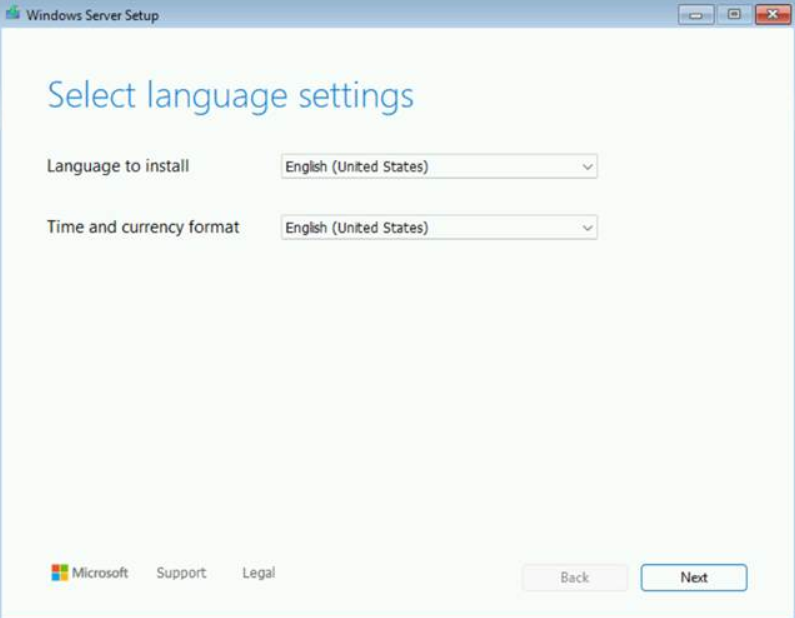
"파일 로드 중..." 화면 후 예상되는 언어 선택 화면 대신 "하드웨어를 표시하는 드라이버 설치" 프롬프트가 나타납니다.

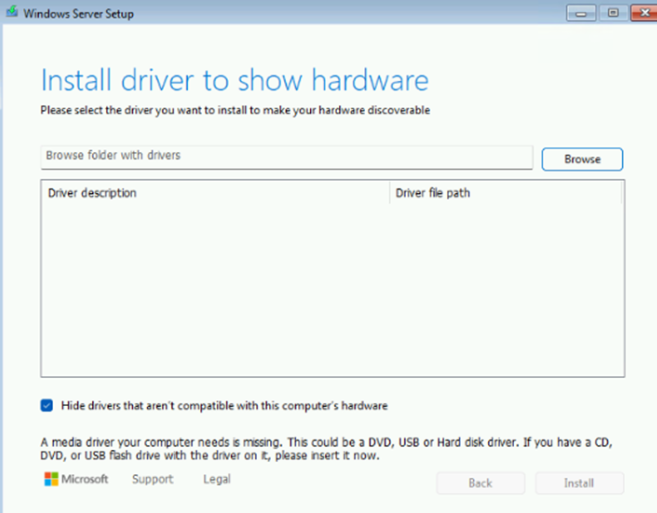
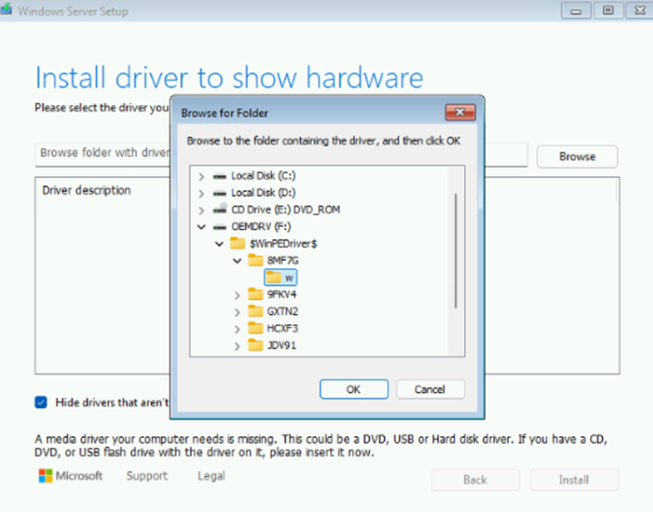
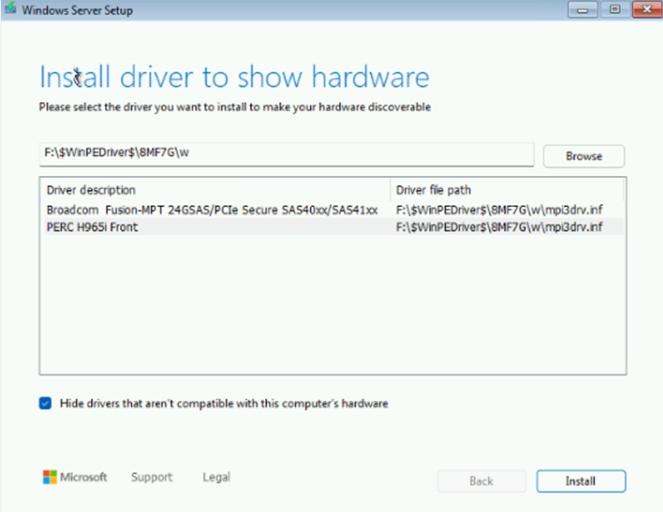
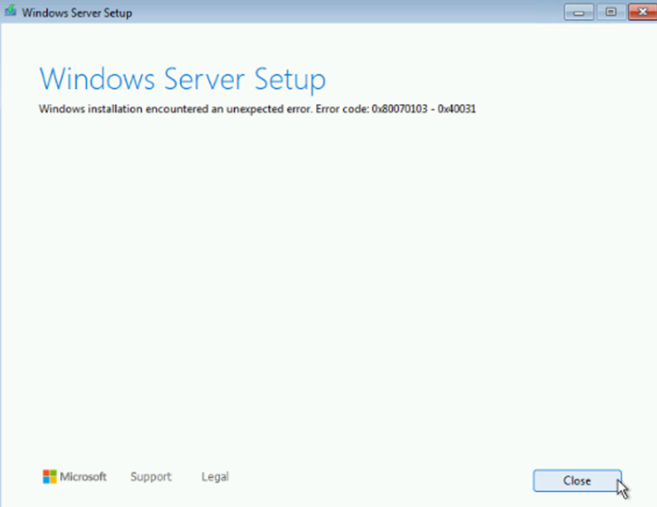
PERC H965i 드라이버가 수동으로 로드되면 Windows 설치 시 예기치 않은 오류가 발생합니다.
Cause
이는 다음을 포함하여 이전 Windows Server 2025 ISO 이미지에서 알려진 문제입니다.
- Windows Server 2025 평가 이미지
- Windows Server 2025 Dell OEM 이미지:
YD82YA00_WS25_MUL1_DC.isoT0K5WA00_WS25_MUL3_DC.iso
Resolution
이 문제는 MSDN에서 다운로드한 3월 또는 9월 릴리스 또는 Dell OEM 이미지와 같은 최신 Windows Server 2025 이미지에서 해결되었습니다. 00MCFA00_WS25_MUL_DC.iso
최신 이미지를 사용할 수 없고 LC 배포가 필요한 경우 다음 해결 방법 중 하나를 사용합니다.
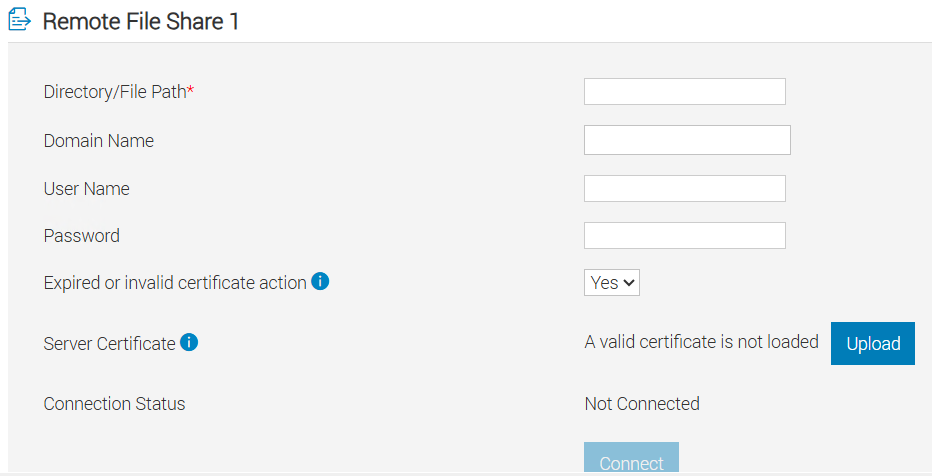
- iDRAC 가상 미디어 대신 iDRAC에서 RFS(Remote File Share)를 사용합니다.
- 가능한 경우 물리적 DVD 미디어를 사용합니다.
Affected Products
PowerEdge R6715, PowerEdge R6725, PowerEdge R7715, PowerEdge R7725Article Properties
Article Number: 000387609
Article Type: Solution
Last Modified: 21 Nov 2025
Version: 3
Find answers to your questions from other Dell users
Support Services
Check if your device is covered by Support Services.