How to Get Support for ChromeOS
Summary: This article covers how to obtain support for ChromeOS Enterprise and ChromeOS Education products.
This article applies to
This article does not apply to
This article is not tied to any specific product.
Not all product versions are identified in this article.
Instructions
Affected Operating Systems:
- ChromeOS Enterprise (on select Latitude platforms)
- ChromeOS Education (Chromebook)
Dell offers ChromeOS Enterprise on select Latitude (for example Latitude 14-5400/7410 and Latitude 13-5300 2-in-1 so forth) and ChromeOS Education on Chromebook computers (Chromebook, 3100, 3100 2-in-1, 3400, 5190, 5190 2-in-1, 7310, 3189, 3180, Inspiron Chromebook so forth). Both are offered with Basic and ProSupport Entitlements.
Self-Help Options
Most technical information can be found by referencing the:
To obtain support:
- In a web browser, go to Dell Support
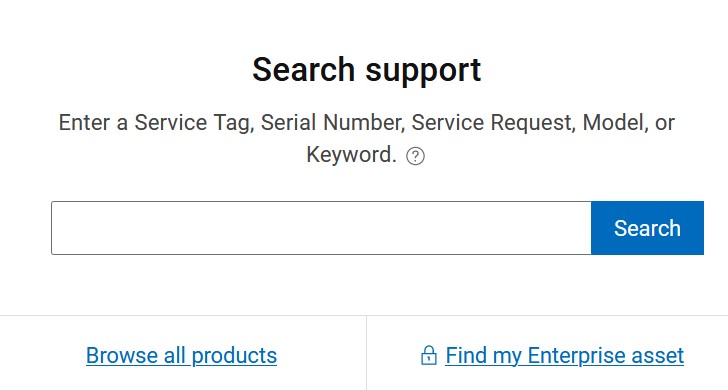
- Under Search support, type your hardware Service Tag and click Search.
Note:
- For more information, see Locate your Service Tag or Serial Number.
- If you are unable to locate the appropriate service tag, reach out to your sales agent for assistance.
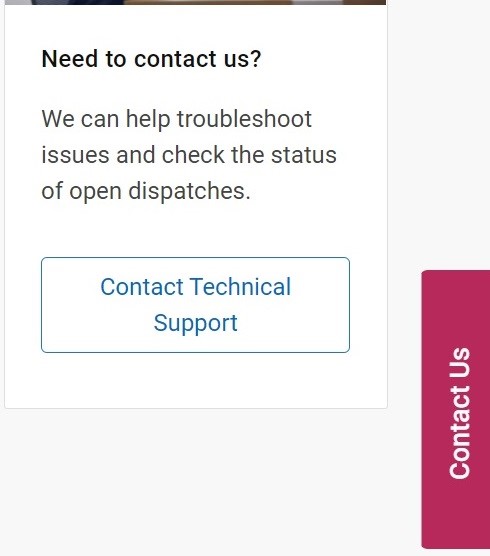
- To the right of the page, click Contact Technical Support.
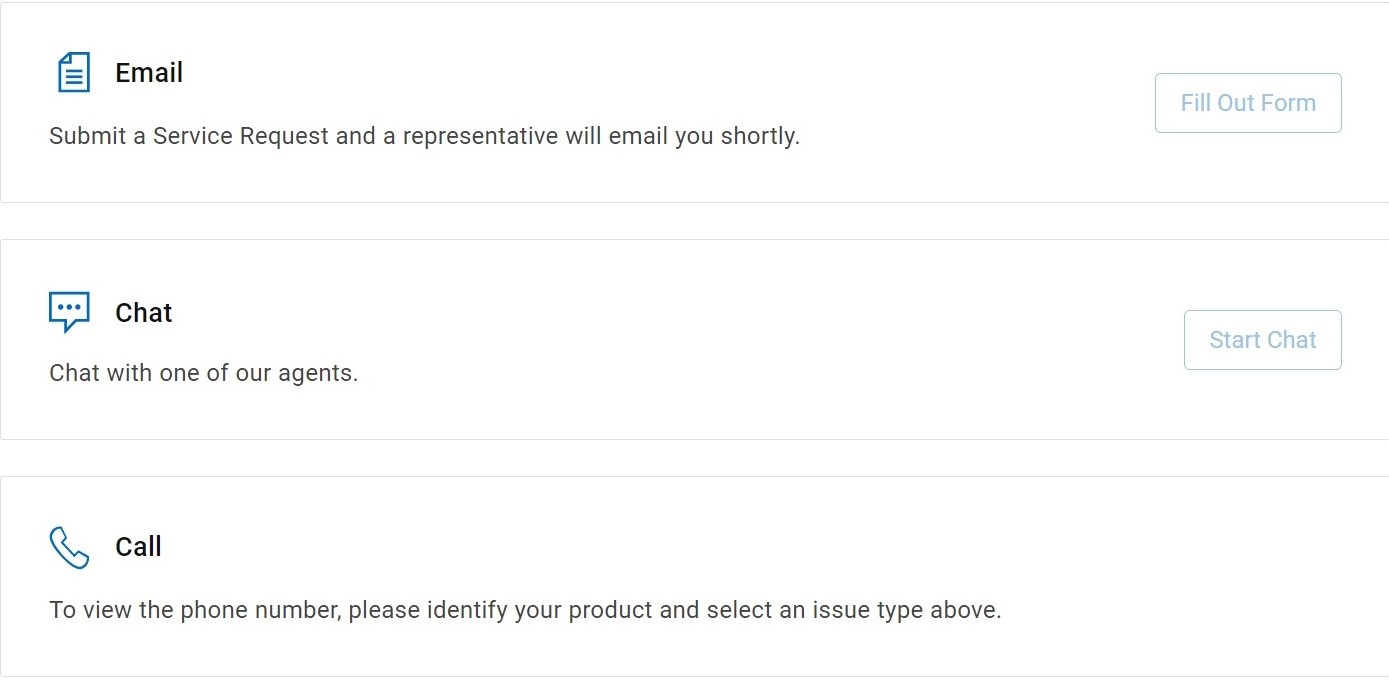
- Scroll to the bottom of the page for available contact options.
Note:
- Contact options may differ by your region.
Affected Products
Chromebook, ChromebookArticle Properties
Article Number: 000191202
Article Type: How To
Last Modified: 26 Aug 2025
Version: 4
Find answers to your questions from other Dell users
Support Services
Check if your device is covered by Support Services.