How to Install the Storage Controller (F6) Driver During the Windows Installation Setup Process
Summary: This article provides an overview of the installation process for storage controller drivers for different RAID controllers.
This article applies to
This article does not apply to
This article is not tied to any specific product.
Not all product versions are identified in this article.
Symptoms
Cause
No cause information is available.
Resolution
Table of Contents:
- Driver Installation for RAID Controllers During an Operating System Reload
- Installation of RAID Driver with Intel Controller
- Installation of RAID Driver with LSI Controller
- Installation of RAID Driver with PERC Array
Driver Installation for RAID Controllers During an Operating System Reload
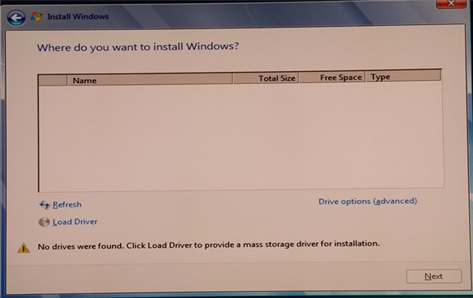
During a reinstallation of Windows with an active RAID array, the operating system may prompt for a storage controller driver. The driver must be installed before the software may be loaded. If the operating system Image does not include the correct RAID controller driver, Windows cannot see the hard drives to begin installation.
The correct RAID controller driver type must be determined. The Dell computer hardware configuration indicates this. Appropriate drivers can be downloaded from the Dell Support site.
Example of the operating system prompt to install the missing storage controller driver.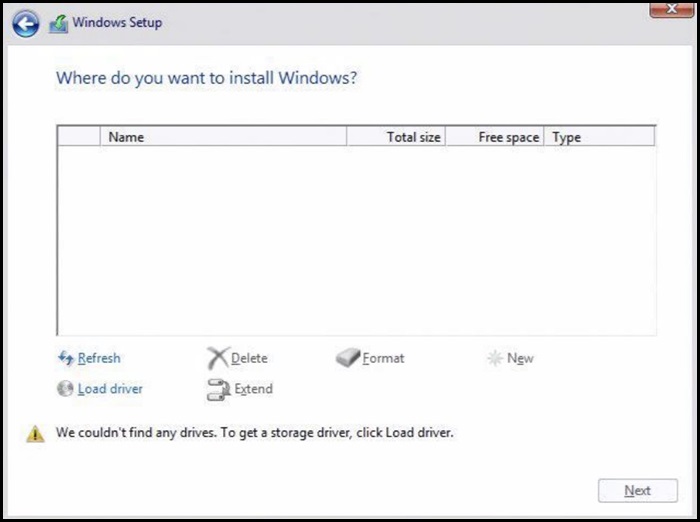
Installation of RAID Driver with Intel Controller
- Check the BIOS of the computer and ensure that the RAID On option is selected.
- Set up the wanted RAID array in the RAID BIOS.
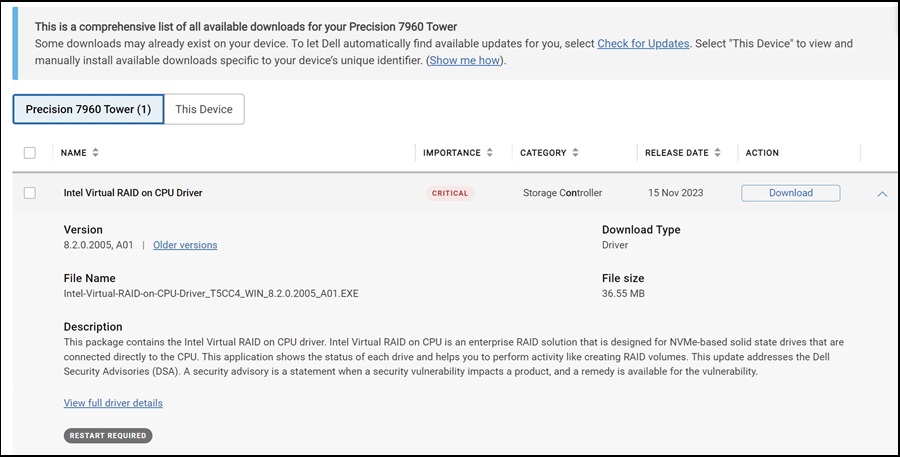
- Download the correct Pre-OS driver from our support site and have it extracted.
- The driver to download is different for the two versions of IRST. Be sure to get the correct driver, often designated the F6 driver.
- If loading Windows from a Dell DVD, the IRST driver is part of the load and does not have to use this process. The IRSTe driver is not however.
- Load the extracted files onto a USB drive.
- This has to be completed on an alternate computer.
Example of Extracted Files on USB drive: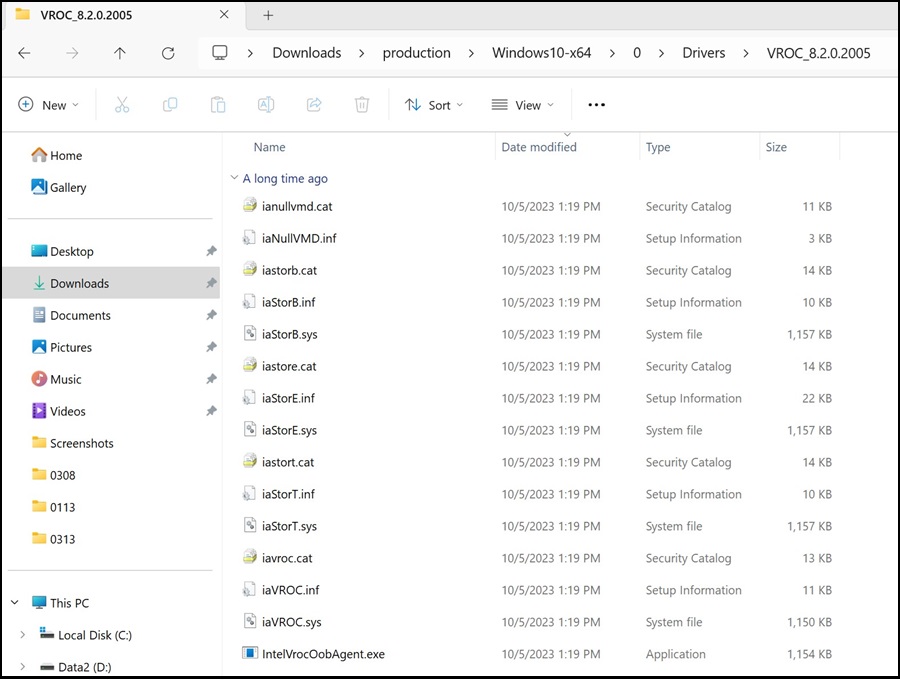
- This has to be completed on an alternate computer.
- Once the files are extracted, proceed with the installation of Windows as normal.
- The USB drive with drivers must be plugged into the computer in order to install the drivers.
- On the left side of the screen, select the option to Load Driver.
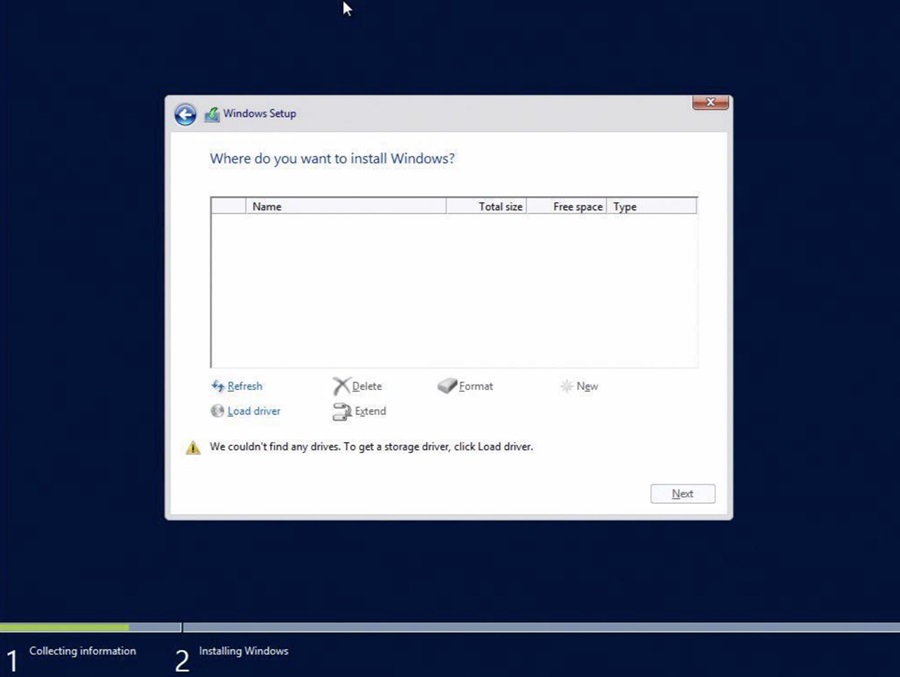
- Windows should detect the correct driver. Select Next.
- There are instances where the folder which holds the driver must be opened. Browse to the correct folder.
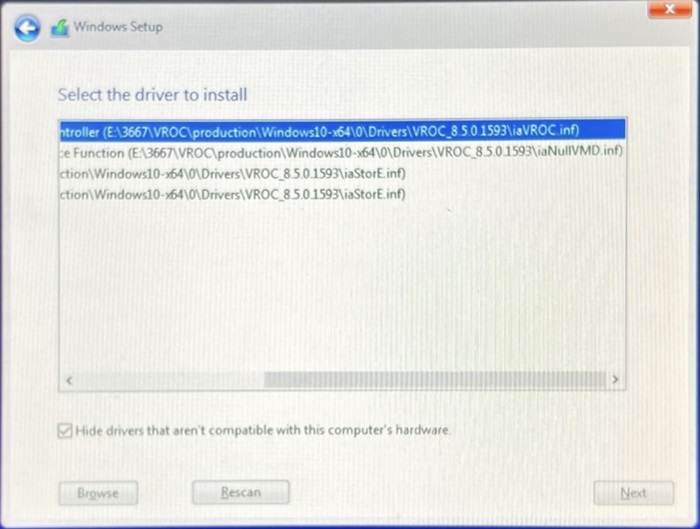
- If no driver is listed clear and recheck Hide Drivers box.
- Drives for the installation should be listed once the driver has been installed.
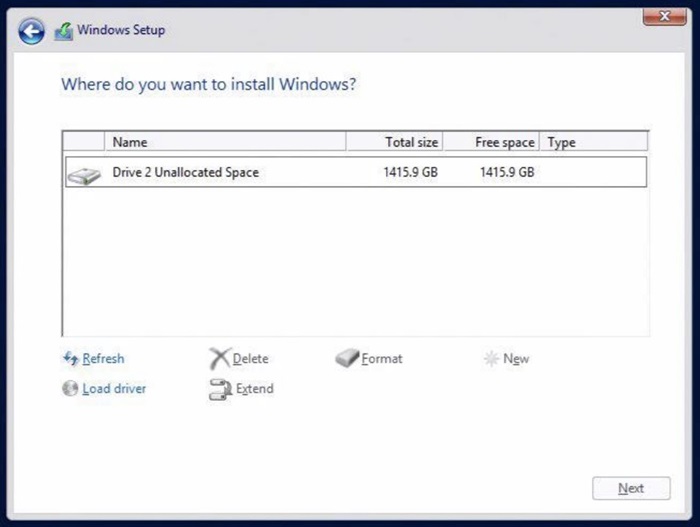
Installation of RAID Driver with LSI Controller
- Set up the wanted RAID array in the RAID BIOS.
- Download the correct Pre-OS driver from our support site and have it extracted.
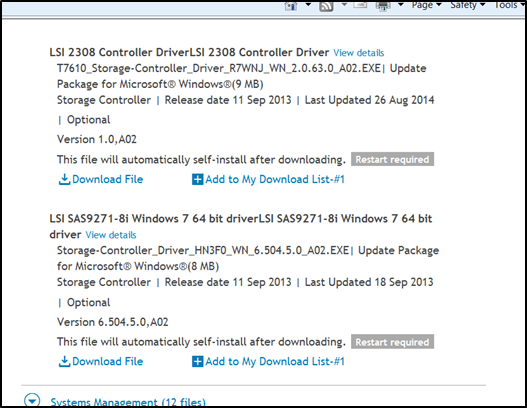
- Load the extracted files onto a USB drive.
- This has to be completed on an alternate computer.
Example of Extracted Files on USB drive: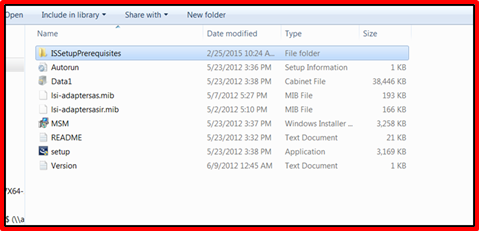
- This has to be completed on an alternate computer.
- Once the files are extracted, proceed with the installation of Windows as normal.
- The USB drive with drivers must be plugged into the computer in order to install the drivers.
- The USB drive with drivers must be plugged into the computer in order to install the drivers.
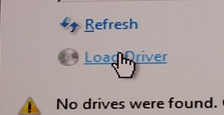
- On the left side of the screen, select the option to Load Driver.
- Windows should detect the correct driver. Select Next.
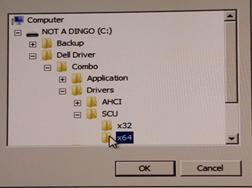
- There are instances where the folder which holds the driver must be opened. Browse to the correct folder.
- If no driver is listed clear and recheck Hide Drivers box.
- There are instances where the folder which holds the driver must be opened. Browse to the correct folder.
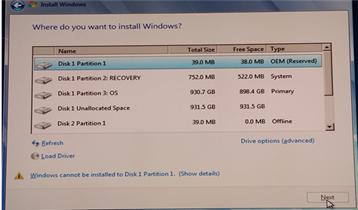
- Drives for the installation should be listed once the driver has been installed.
Installation of RAID Driver with PERC Array
- Set up the wanted RAID array in the RAID BIOS.
- Download the correct Pre-OS driver from our support site and have it extracted.
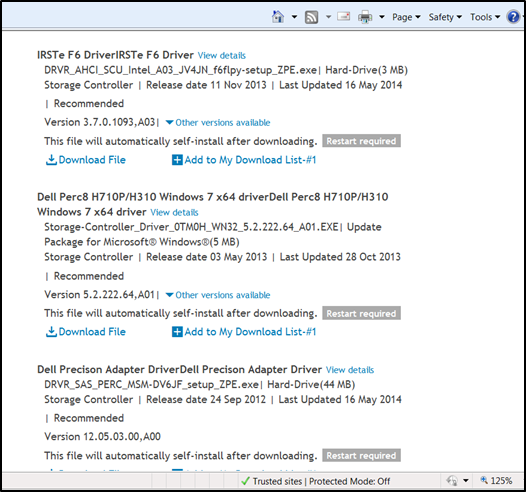
- Load the extracted files onto a USB drive.
- This has to be completed on an alternate computer.
Example of Extracted Files on USB drive: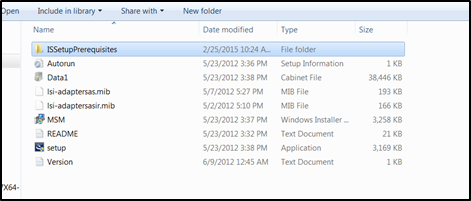
- This has to be completed on an alternate computer.
- Once the files are extracted, proceed with the installation of Windows as normal.
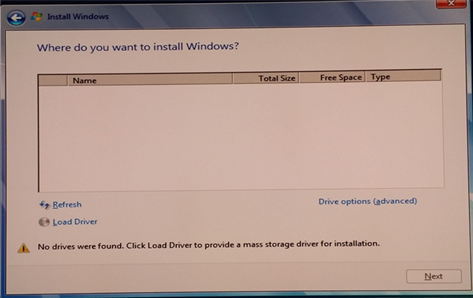
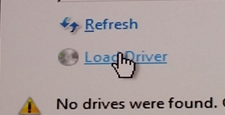
- On the left side of the screen, select the option to Load Driver.
- Windows should detect the correct driver. Select Next.
- There are instances where the folder which holds the driver must be opened. Browse to the correct folder.
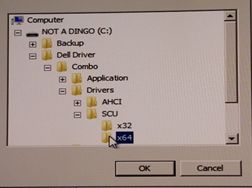
- If no driver is listed clear and recheck Hide drivers box.
- There are instances where the folder which holds the driver must be opened. Browse to the correct folder.
- Drives for the installation should be listed once the driver has been installed.
Affected Products
Fixed WorkstationsArticle Properties
Article Number: 000148150
Article Type: Solution
Last Modified: 29 Aug 2025
Version: 10
Find answers to your questions from other Dell users
Support Services
Check if your device is covered by Support Services.