Dell Data Protection Enterprise Edition Compliance Reporter 停止响应
Summary: 本文包含解决以下情况下的问题的说明:Dell Data Protection |Enterprise Edition v9.2 合规性报告程序在运行依赖日期的报告时停止响应。
This article applies to
This article does not apply to
This article is not tied to any specific product.
Not all product versions are identified in this article.
Symptoms
受影响的产品:
- Dell Data Protection | Enterprise Edition
受影响的版本:
- v9.2
Cause
不适用
Resolution
提醒:
- 要解决此问题,请 升级到 最新版本的 Dell Security Management Server。
- 对于托管报告,合规性报告程序已弃用。
v9.2 中的合规性报告程序在设置中接受无效的日期格式。这会导致某些报告不完整。尝试运行报告时,它卡在加载屏幕上:
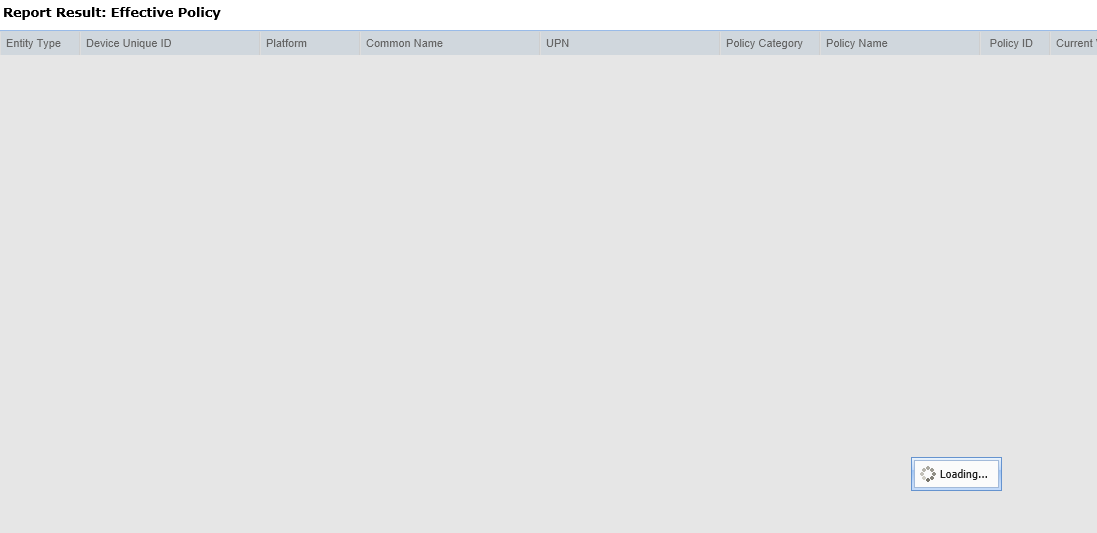
图 1:(仅英文)报告结果:有效策略
要解决此问题:
- 通过单击右上角的设置按钮,打开 Compliance Reporter 的设置页面:

图 2:(仅英文)设置
- 接下来打开Admin Functions的设置页面:
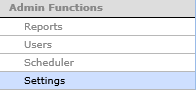
图 3:(仅英文)管理员功能
- 检查无效条目的 日期格式 :
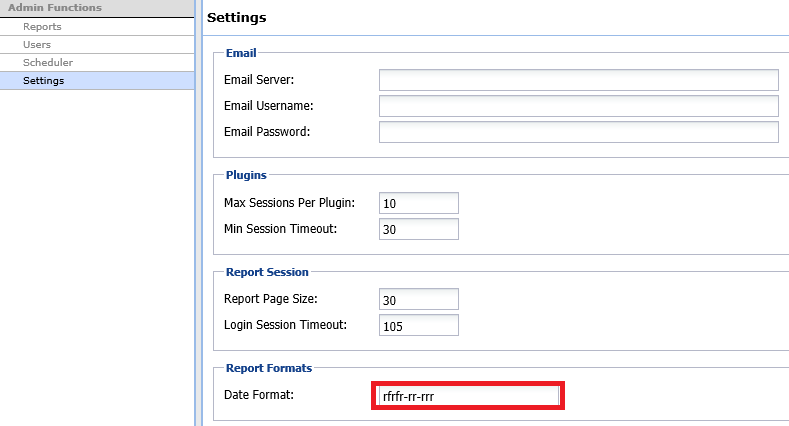
图 4:(仅英文)报告格式
- 删除 无效条目,然后按右下角 的更新 。现在,报告应按预期运行。
示例日期格式:
MM/dd/yyyy HH:mm:ss 05/10/2016 23:59:59
yyyy-MM-dd (2016-05-10)
dd-MM-YYYY (10-05-2016)
yyyy-MM-dd HH:mm:ss (2016-10-05 23:59:59)
HH:mm:ss.SSS (23:59.59.999)
yyyy-MM-dd HH:mm:ss.SSS (2016-05-10 23:59:59.999)
yyyy-MM-dd HH:mm:ss.SSS Z (2016-05-10 23:59:59.999 +0100)
----------------------------------

y = year (yy or yyyy)
M = month (MM)
d = day in month (dd)
h = hour (0-12) (hh)
H = hour (0-23) (HH)
m = minute in hour (mm)
s = seconds (ss)
S = milliseconds (SSS)
z = time zone text (e.g. Pacific Standard Time...)
Z = time zone, time offset (e.g. -0800)
-----------------------------------------
要联系支持部门,请参阅 Dell Data Security 国际支持电话号码。
转至 TechDirect,在线生成技术支持请求。
要获得更多见解和资源,请加入戴尔安全社区论坛。
Additional Information
Videos
Affected Products
Dell EncryptionArticle Properties
Article Number: 000125923
Article Type: Solution
Last Modified: 17 May 2024
Version: 12
Find answers to your questions from other Dell users
Support Services
Check if your device is covered by Support Services.