如何排程 Dell Data Security 伺服器的受管理報告
Resumen: 瞭解如何依照下列指示,在 Dell Data Security Server 和 Dell Data Security Server Virtual 上排程受管理報告。
Este artículo se aplica a
Este artículo no se aplica a
Este artículo no está vinculado a ningún producto específico.
No se identifican todas las versiones del producto en este artículo.
Instrucciones
系統管理員可排程受管理報告以傳送至 Dell Data Security servers (Dell Security Management Server 或 Dell Security Management Server Virtual) 的電子郵件收件者清單。
受影響的產品:
- Dell Security Management Server
- Dell Security Management Server Virtual
受影響的版本:
- 版本 10.1.0 及更新版本
可將新增或現有受管理報告排程以傳送至一或多個電子郵件地址。如需詳細資訊,請按一下適當的工作。
注意:
- 電子郵件通知需要在 Dell Data Security 伺服器上設定 SMTP 設定。
- 如需詳細資訊,請參閱如何為 Dell Data Security 伺服器設定 SMTP 設定。
新增
- 登入 Dell Data Security 管理主控台。
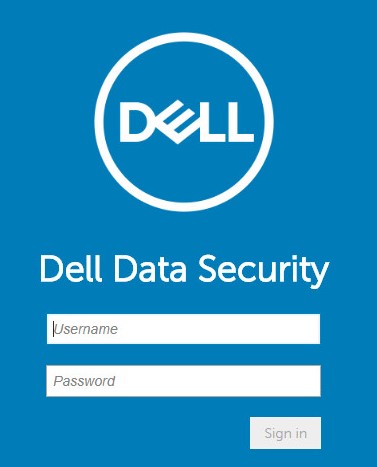 注意:如需詳細資訊,請參閱 如何存取 Dell Data Security Server 管理主控台。
 - 在左側功能表窗格中,按一下報告,然後按一下管理報告。
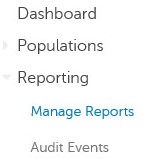
- 按一下建立新報告下拉式清單,然後選取適當的報告。

- 視情況變更預設報告篩選條件。完成後,按一下另存新檔。

- 在 「報告 - 另存新檔 」功能表中:
- 填入報告名稱。
- 填入描述名稱。
- 或者,選取 私人。
- 按一下儲存。
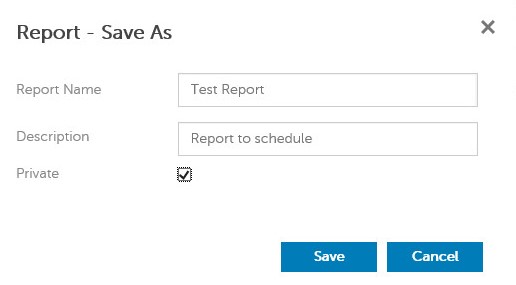 注意:只有擁有者和報告系統管理員能夠檢視私人報告。
 - 按一下排程。

- 按一下新增排程。

- 從 新增網域 功能表:
- 填入電子郵件以接收報告。
- 選取要執行報告的排程。
- 選取要執行的時間 。
- 選取地區。
- 按一下儲存。
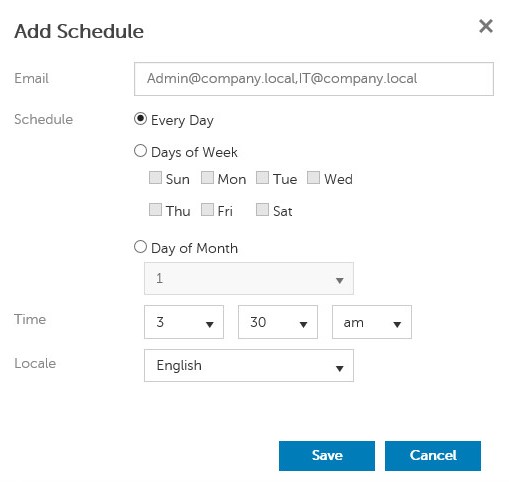 注意:用逗號分隔多個電子郵件位址。
現有
- 登入 Dell Data Security 管理主控台。
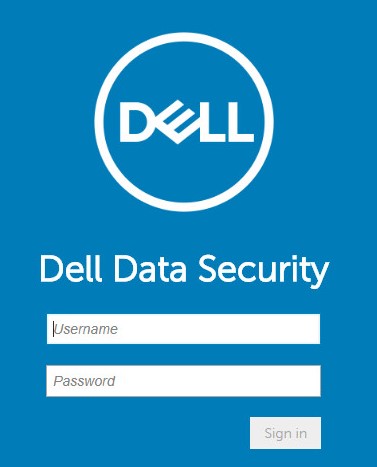 注意:如需詳細資訊,請參閱 如何存取 Dell Data Security Server 管理主控台。
 - 在左側功能表窗格中,按一下報告,然後按一下管理報告。
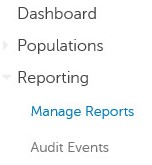
- 選擇要排程的報告。
 注意:您環境中的報告資訊 (名稱、 說明和 報告類型) 可能會有所不同。
 - 按一下排程。

- 按一下新增排程。

- 從 新增網域 功能表:
- 填入電子郵件以接收報告。
- 選取要執行報告的排程。
- 選取要執行的時間 。
- 選取地區。
- 按一下儲存。
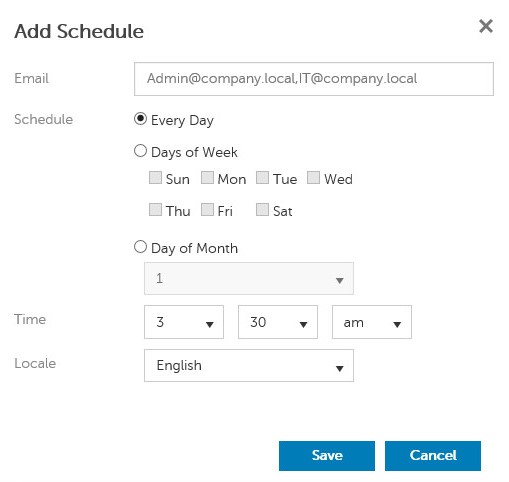 注意:用逗號分隔多個電子郵件位址。
如要聯絡支援部門,請參閱 Dell Data Security 國際支援電話號碼。
請前往 TechDirect,以線上產生技術支援要求。
如需更多深入見解與資源,請加入 Dell 安全性社群論壇。
Productos afectados
Dell EncryptionPropiedades del artículo
Número del artículo: 000125166
Tipo de artículo: How To
Última modificación: 19 jun 2026
Versión: 9
Encuentre respuestas a sus preguntas de otros usuarios de Dell
Servicios de soporte
Compruebe si el dispositivo está cubierto por los servicios de soporte.