NVP: No se puede instalar el plug-in de vCenter en un entorno de hosts múltiples
Resumen: En un entorno de hosts múltiples, la instalación del plug-in de vProxy flash o html-5 falla debido a las restricciones de red en las diferentes VLAN con las que están configurados el servidor NetWorker Server y vCenter. ...
Síntomas
Entorno:
- NetWorker Server está configurado con varios adaptadores de red (al menos dos).
- El vCenter Server también está configurado con al menos dos adaptadores de red.
- Para instalar el plug-in, se utiliza un host externo, que también tiene varios adaptadores de red (igual que el servidor NW).
- vCenter solo puede comunicarse con NetWorker Server en uno de los adaptadores de red.
- Esto se conoce como un entorno "multihogar".
Problema:
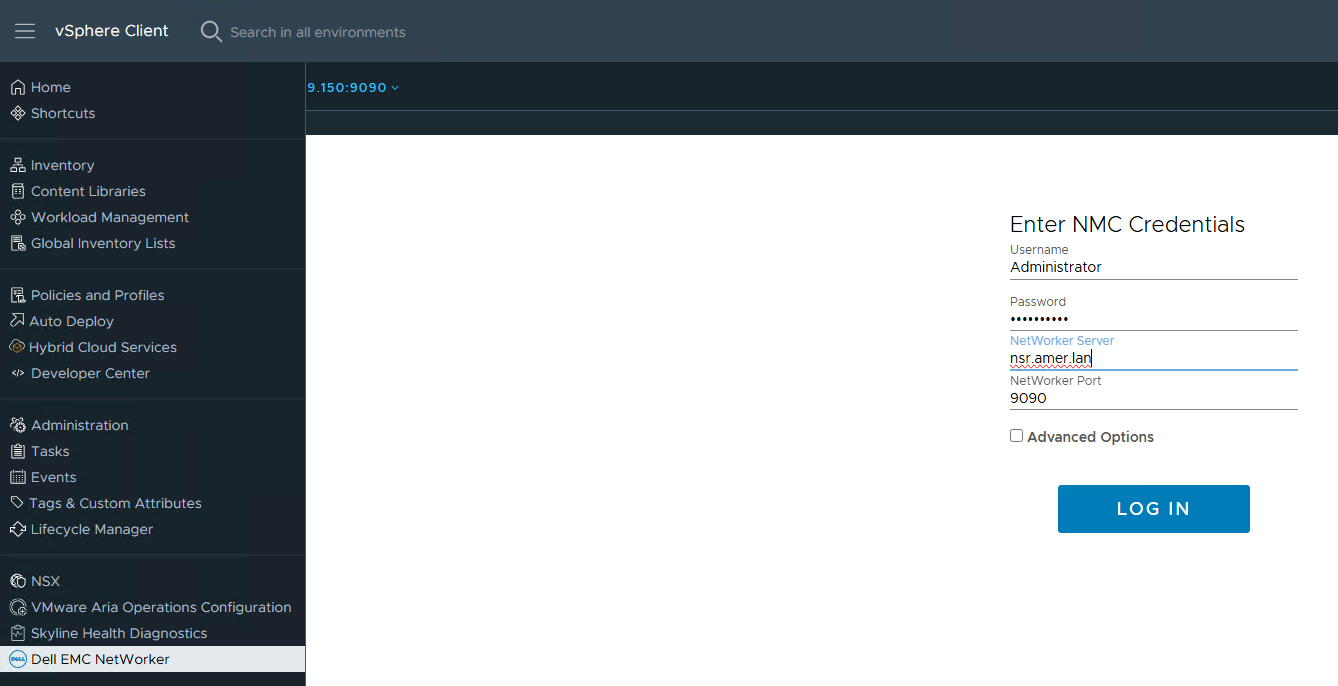
- El plug-in de NetWorker vSphere se instala desde NetWorker Management Console (NMC) o NetWorker Web User Interface (NWUI).
- En cualquiera de los escenarios, la instalación del plug-in se completa correctamente; sin embargo, el archivo del vCenter Server
vsphere_client_virgo.logTiene los siguientes mensajes:
Error downloading https://xx.xx.10.22:9090/nw-plugin-package.zip. Make sure that the URL is reachable then logout/login to force another download
Error downloading https://xx.xx.10.22:9090/vcui.zip
Causa
El vCenter no puede comunicarse con NetWorker Server en la dirección IP informada. Se comunica con NetWorker mediante una dirección IP diferente.
Para instalar el plug-in, vCenter debe descargar el plug-in desde una URL que proporciona NetWorker: https://NETWORKER_SERVER_IP:9090/nwrestapi/v3/global/vmware/vcenters/VCENTER_NAME/plugins
Sin embargo, en un entorno de inicio múltiple, la IP depende del host solicitante.
El archivo localhost_access_log.DATE.txt muestra qué IP estaba solicitando instalar el complemento:
- Linux:
/nsr/authc/logs/localhost_access_log.DATE.txt - Windows (valor predeterminado):
C:\Program Files\EMC NetWorker\nsr\authc-server\tomcat\logs\localhost_access_log.DATE.txt
xx.xx.10.117 - - [05/Mar/2020:15:06:10 +0100] "POST /vcui/api/system/registerPlugin HTTP/1.1" 200 119
xx.xx.10.117 - - [05/Mar/2020:15:38:39 +0100] "POST /nwrestapi/v3/global/vmware/vcenters/VCENTER_NAME/plugins HTTP/1.1" 200 108
En los ejemplos que se muestran en este artículo, vemos que utilizó IP xx.xx.10.117 como la fuente en la solicitud POST para instalar el complemento. El vCenter Server intentó descargar el plug-in desde la IP xx.xx.10.22 en lugar de.
En este ejemplo, vCenter Server no se puede comunicar con NetWorker Server mediante xx.xx.10.22 Dirección.
Resolución
- Confirme con qué dirección IP en NetWorker Server puede comunicarse vCenter.
- Abra un shell raíz en vCenter Server.
- Inicie la instalación del plug-in de NetWorker desde vSphere mediante la línea de comandos de la API REST:
curl -kvi \
  -H 'Content-Type: application/json' \
  --user 'Administrator:PASSWORD' \
  -d '{"pluginType":"VC",
       "httpsPort":"443",
       "nwUserId":"administrator",
       "nwPassword":"PASSWORD"}' \
  'https://IP_ADDRESS:9090/nwrestapi/v3/global/vmware/vcenters/VCENTER_NAME/plugins'
Reemplazar:
PASSWORDcon la contraseña de la cuenta de administrador de NetWorker.IP_ADDRESScon la dirección IP del NetWorker Server con la que vCenter puede comunicarse.VCENTER_NAMEcon el nombre del vCenter tal como está registrado en NetWorker.
root@vcsa [ ~ ]# curl -kvi \
>   -H 'Content-Type: application/json' \
>   --user 'Administrator:!Password1' \
>   -d '{"pluginType":"VC",
>        "httpsPort":"443",
>        "nwUserId":"administrator",
>        "nwPassword":"!Password1"}' \
>   'https://192.168.9.150:9090/nwrestapi/v3/global/vmware/vcenters/vcsa.amer.lan/plugins'
...
...
* Server auth using Basic with user 'Administrator'
> POST /nwrestapi/v3/global/vmware/vcenters/vcsa.amer.lan/plugins HTTP/1.1
> Host: 192.168.9.150:9090
...
* upload completely sent off: 114 bytes
< HTTP/1.1 200
HTTP/1.1 200
...
{
  "resultCode" : "Success",
  "data" : "Registration Success",
  "debug" : "",
  "responseString" : null
* Connection #0 to host 192.168.9.150 left intact
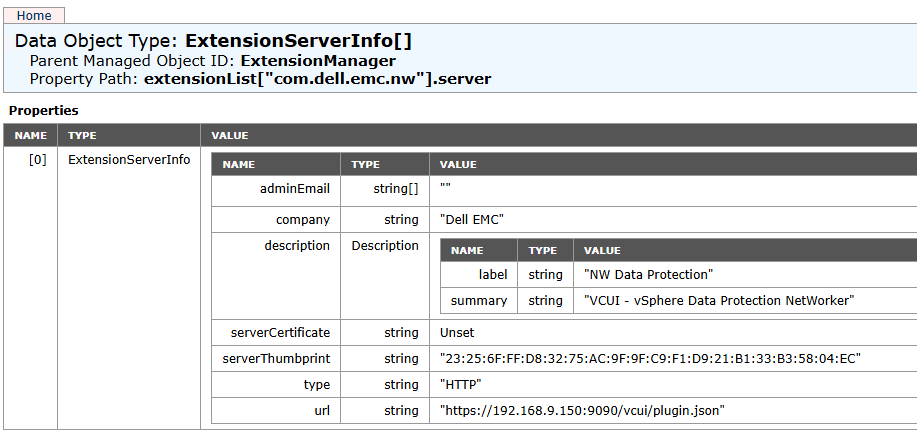
El plug-in de NetWorker se muestra en el administrador de extensiones de vCenter Server: https://VCENTER_ADDRESS/mob/?moid=ExtensionManager&doPath=extensionList%5b%22com.dell.emc.nw%22%5d.server
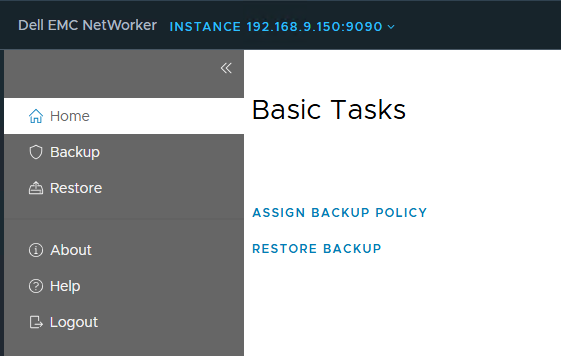
Se puede acceder al plug-in desde vSphere Client: