Data Domain - 복제 페이지가 DD UI에서 로드되지 않음
Résumé: 복제 페이지가 DD UI에서 로드되지 않습니다.
Cet article concerne
Cet article ne concerne pas
Cet article n’est associé à aucun produit spécifique.
Toutes les versions du produit ne sont pas identifiées dans cet article.
Symptômes
Data Domain을 업그레이드한 후 DD UI의 복제 탭이 로드되지 않습니다. 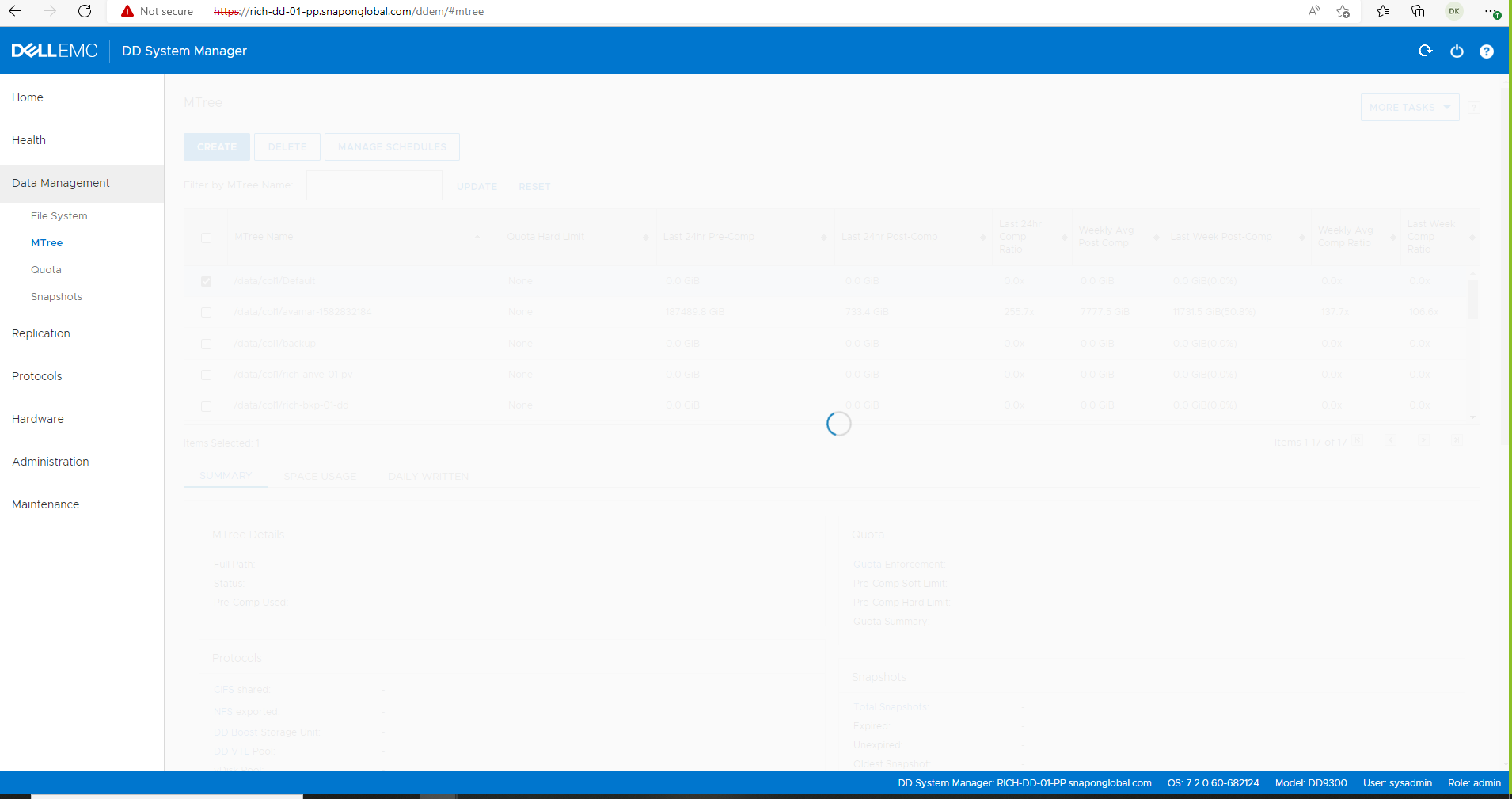
Cause
문제는 다음과 같은 이유로 인해 발생할 수 있습니다.
TCP 포트 3009가 소스와 대상 Data Domain 간에 인바운드 및 아웃바운드로 열려 있지 않습니다.
The Source DD registry protocol.gui.ddem.inventory.1.proxy is not updated with the correct remote DD IP address.
Résolution
추가 문제 해결을 위해서는 bash 모드를 잠금 해제해야 하므로 지원 부서에 문의하십시오.
DD UI Replication Manager는 TCP 포트 3009를 사용하여 원격 Data Domain 정보를 수집합니다.
bash 모드로 전환하고 텔넷과의 연결을 테스트하여 포트 3009가 양방향으로 열려 있는지 확인합니다.
bash 모드로 전환하고 텔넷과의 연결을 테스트하여 포트 3009가 양방향으로 열려 있는지 확인합니다.
# se telnet <remote DD IP> 3009
Or
# net port-check <DD IP> 3009

Change/update this reg key  protocol.gui.ddem.inventory.1.proxy on the source DD to reflect destination DD ip address, then stop and start the http(s) services.

# reg show protocol.gui.ddem.inventory.1.proxy
# reg set protocol.gui.ddem.inventory.1.proxy = <remote IP>
# admin access disable https
# admin access disable http
# admin access enable http
# admin access enable https
Produits concernés
Data Domain ReplicatorPropriétés de l’article
Numéro d’article: 000228190
Type d’article: Solution
Dernière modification: 15 Jan 2026
Version: 7
Trouvez des réponses à vos questions auprès d’autres utilisateurs Dell
Services de support
Vérifiez si votre appareil est couvert par les services de support.