Data Domain - Çoğaltma sayfaları DD kullanıcı arayüzünde yüklenmiyor
Résumé: Çoğaltma sayfaları DD kullanıcı arayüzünde yüklenmiyor.
Cet article concerne
Cet article ne concerne pas
Cet article n’est associé à aucun produit spécifique.
Toutes les versions du produit ne sont pas identifiées dans cet article.
Symptômes
DD kullanıcı arayüzündeki Replication sekmesi, data domain yükseltildikten sonra yüklenmiyor. 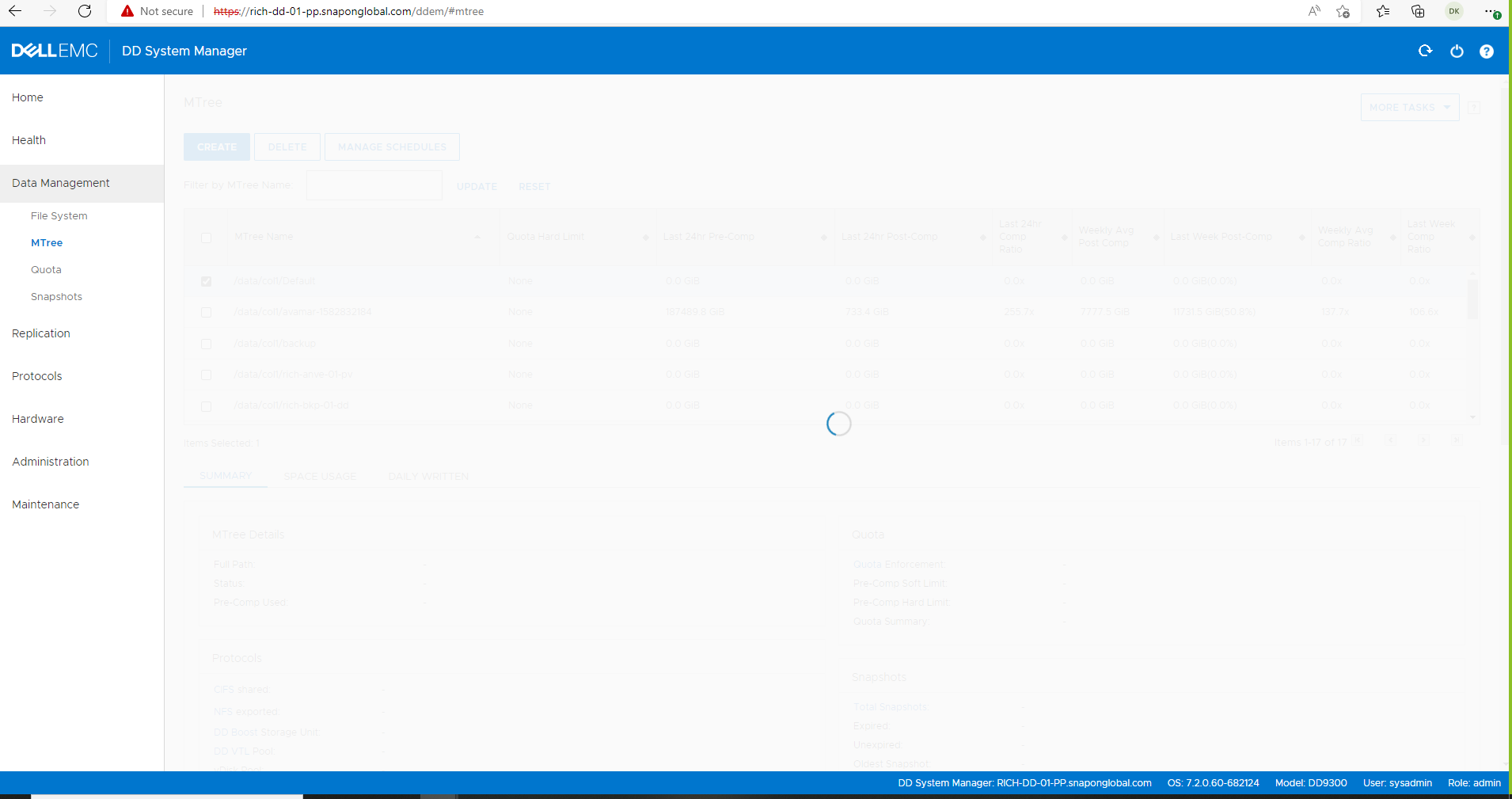
Cause
Sorun aşağıdaki nedenlerden kaynaklanıyor olabilir:
TCP bağlantı noktası 3009, kaynak ve hedef Data Domains arasında gelen ve giden açık değildir.
The Source DD registry protocol.gui.ddem.inventory.1.proxy is not updated with the correct remote DD IP address.
Résolution
Daha fazla sorun giderme işlemi için bash modunun kilidinin açılması gerektiğinden destek ekibiyle iletişime geçin.
DD UI Çoğaltma Yöneticisi, 3009 numaralı TCP bağlantı noktasını kullanarak uzak Data Domain bilgilerini toplar.
Bash moduna girerek ve telnet ile bağlantıyı test ederek 3009 numaralı bağlantı noktasının her iki yönde de açık olduğunu doğrulayın.
Bash moduna girerek ve telnet ile bağlantıyı test ederek 3009 numaralı bağlantı noktasının her iki yönde de açık olduğunu doğrulayın.
# se telnet <remote DD IP> 3009
Or
# net port-check <DD IP> 3009

Change/update this reg key  protocol.gui.ddem.inventory.1.proxy on the source DD to reflect destination DD ip address, then stop and start the http(s) services.

# reg show protocol.gui.ddem.inventory.1.proxy
# reg set protocol.gui.ddem.inventory.1.proxy = <remote IP>
# admin access disable https
# admin access disable http
# admin access enable http
# admin access enable https
Produits concernés
Data Domain ReplicatorPropriétés de l’article
Numéro d’article: 000228190
Type d’article: Solution
Dernière modification: 15 Jan 2026
Version: 7
Trouvez des réponses à vos questions auprès d’autres utilisateurs Dell
Services de support
Vérifiez si votre appareil est couvert par les services de support.