How to Install MyOffice Standard
Résumé: This article discusses how to download and install MyOffice Standard Home Edition.
Cet article concerne
Cet article ne concerne pas
Cet article n’est associé à aucun produit spécifique.
Toutes les versions du produit ne sont pas identifiées dans cet article.
Instructions
Affected Products:
- MyOffice Standard Home Edition
Affected Operating Systems:
- Windows 10
New Cloud Technologies MyOffice Standard Home Edition is available to Dell customers who have selected Russia as their region during Windows 10 setup.
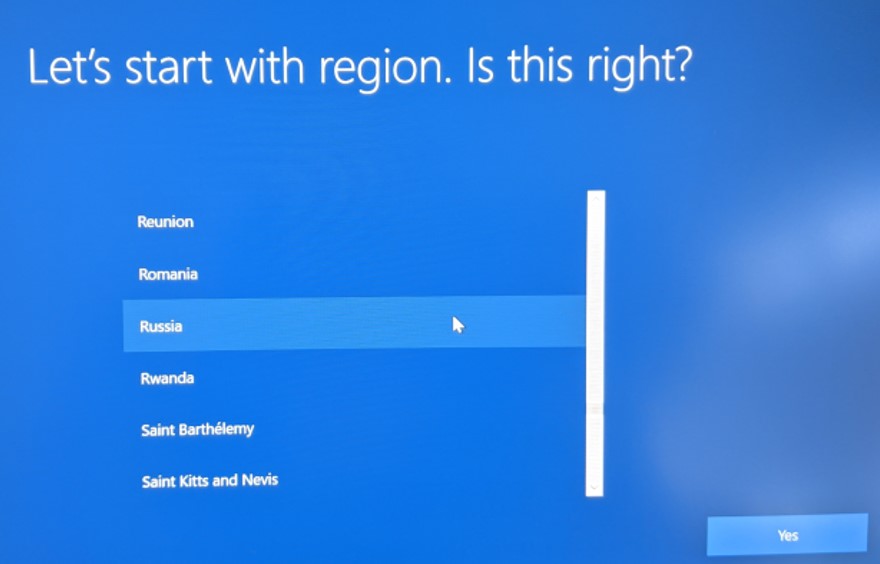
Figure 1: (English Only) Region Selection
Note: Prior to installing MyOffice Home Standard, MyDell or My Alienware must be installed on the computer.
- Alienware platforms: https://www.microsoft.com/p/my-alienware/9nf1jbhqgns5
- All other Dell platforms: https://www.microsoft.com/p/my-dell/9pn7t3jfprz6

To install the product:
- Click the Windows Start Menu, search for MyDell or My Alienware, and then click the appropriate tile.
- In the MyDell or My Alienware app, click the second radio button.
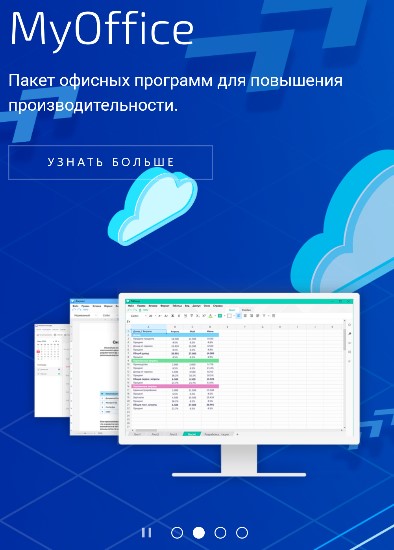
Figure 2: (Russian Only) Learn More
- In the web browser, click Download.

Figure 3: (Russian Only) Download MyOffice
- Double-click MyOfficeStandardHomeEdition.msi to launch the installer.
- In the installation user interface (UI), Click Next.
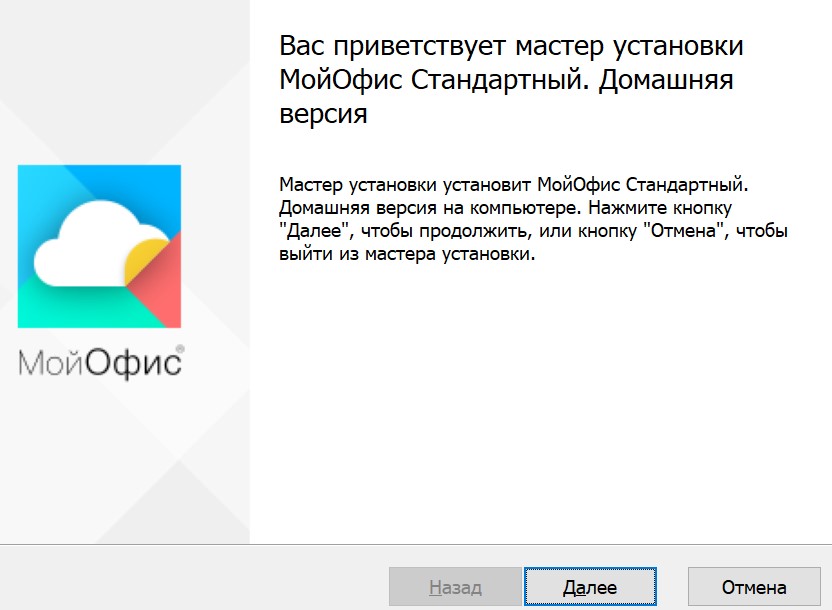
Figure 4: (Russian Only) Click Next
- Optionally Change the installation directory and then click Next.
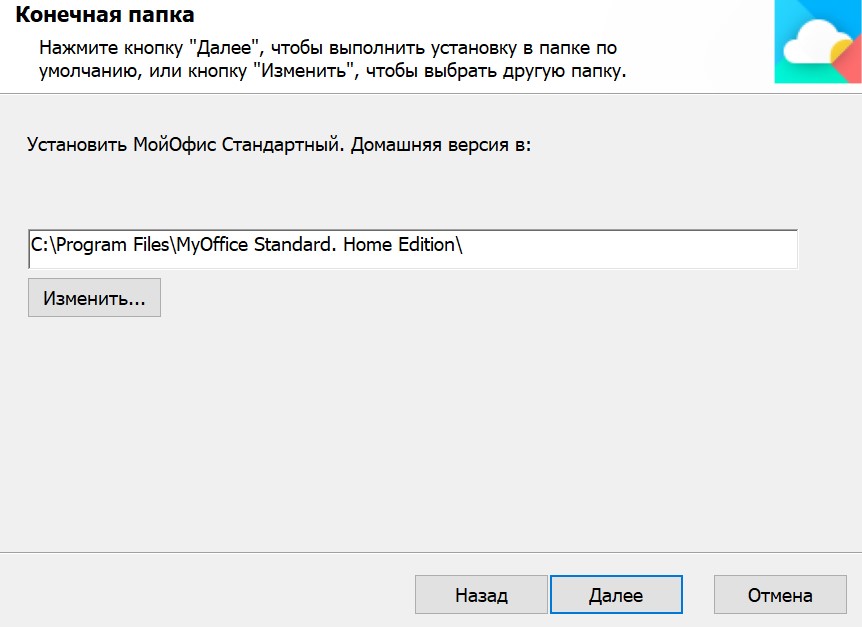
Figure 5: (Russian Only) Click Next
- Click Install.
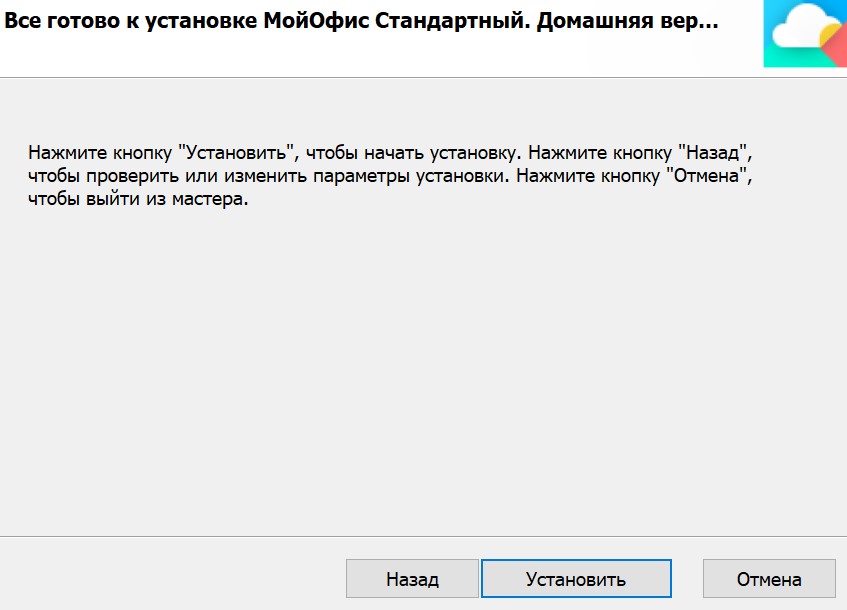
Figure 6: (Russian Only) Click Install
- Click Finish.
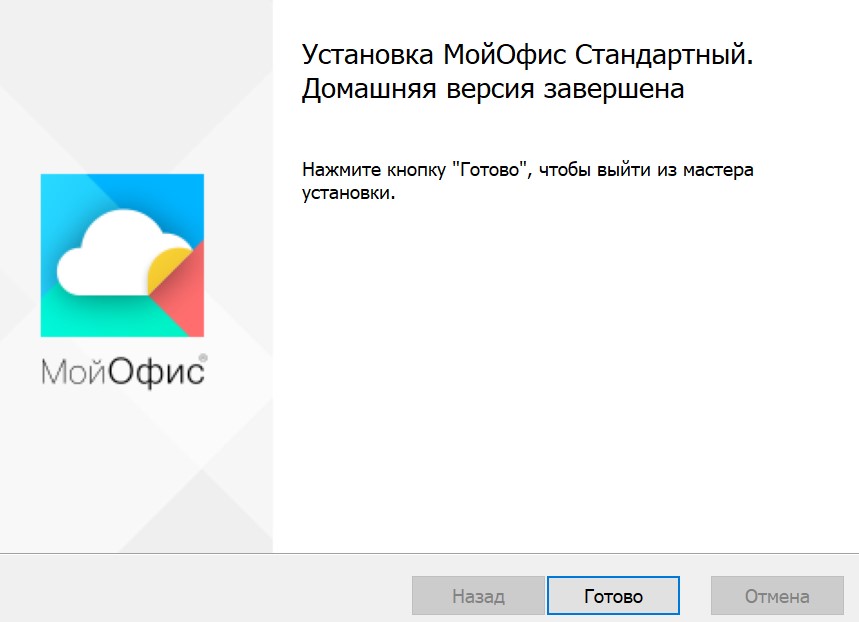
Figure 7: (Russian Only) Click Finish
Propriétés de l’article
Numéro d’article: 000184294
Type d’article: How To
Dernière modification: 18 mars 2024
Version: 3
Trouvez des réponses à vos questions auprès d’autres utilisateurs Dell
Services de support
Vérifiez si votre appareil est couvert par les services de support.