安全连接网关: Extending the /var/lib/docker Disk Space Using Logical Volume
Résumé: The /var/lib/docker directory is where the local system stores the logs of the SCG. The SCG user interface container services operate on this directory. If it is fully used, this could render the user interface of the SCG inaccessible. ...
Cet article concerne
Cet article ne concerne pas
Cet article n’est associé à aucun produit spécifique.
Toutes les versions du produit ne sont pas identifiées dans cet article.
Symptômes
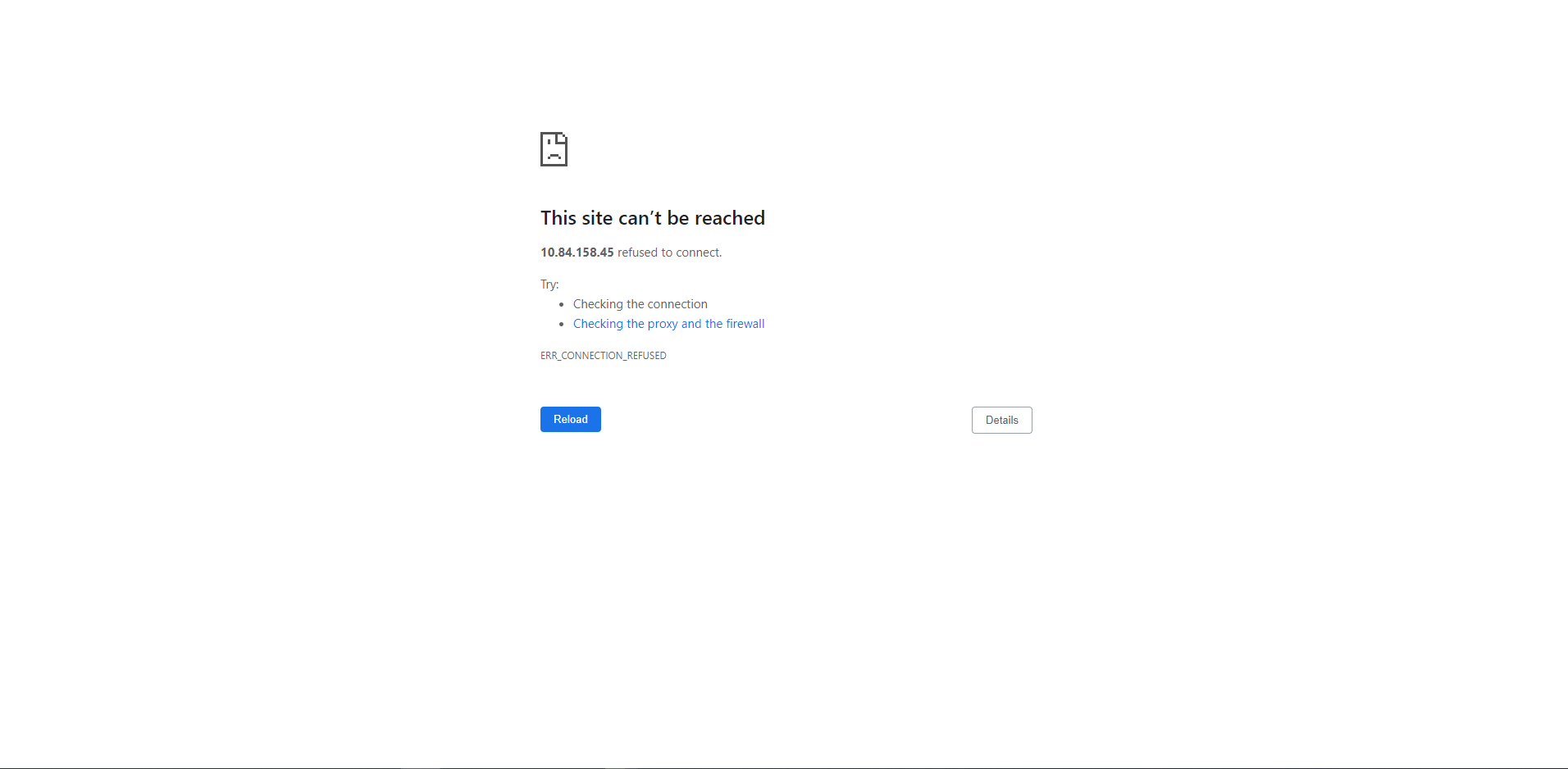
The SCG user interface became suddenly not accessible even after rebooting the VM.
Cause
This is caused by the storage /dev/mapper/scgVG-LVvar_lib_docker being nearly full making the SCG user interface container saede-app not able to run its services.
Note that the old versions of the Secure Remote Services or upgraded to SCG appliances have /dev/mapper/esrsVG-LVvar_lib_docker or /dev/mapper/saeVG-LVvar_lib_docker instead of /dev/mapper/scgVG-LVvar_lib_docker.
Résolution
1. Using the VSphere client, access the VM and ensure you Power-Off the VM before modifying any settings:
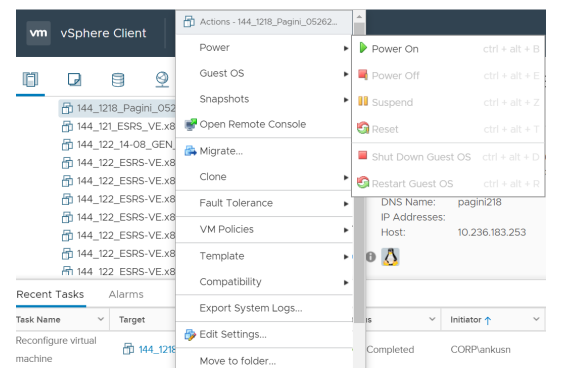
2.右键单击虚拟机,然后选择“Edit Settings”。
- In the Edit Settings pane, increase Disk Size and click "OK" button.
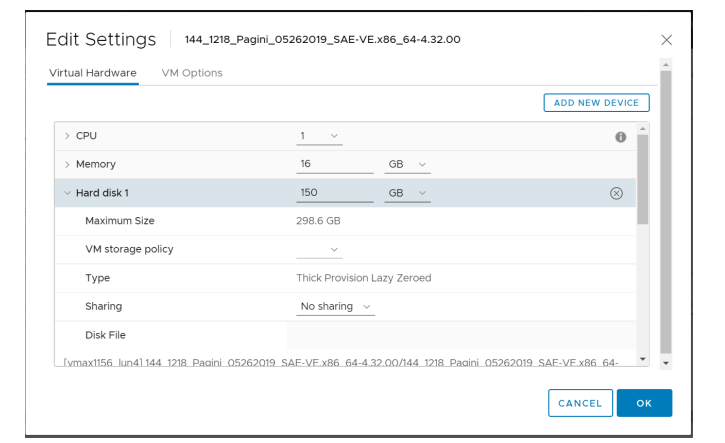
3. Power on the VM and Verify the modified settings.
- Verifying increase in DISK size:
- Run command: fdisk -l

4. Creating new partition with the using below command
- Run command: fdisk /dev/sda

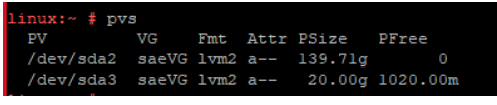
5. Physical Volume creation use by the Logical Volume Manager(LVM)
- Run: pvcreate "partition name"

- To check: pvdisplay or pvs
6. Volume Group Extend
- Ex: vgextend "name" "partition name" instead of saeVG , you have to use esrsVG
- Note that if SCG appliance is installed instead of upgraded from SRS, the volume group name will be scgVG not saeVG.

- To check: vgdisplay or vgs
- Note that if SCG appliance is installed instead of upgraded from SRS, the volume group name will be scgVG not saeVG.

7. Extending LV size Ex: lvextend -L+19GB "LV path" for lvextend command needs to use the path /dev/mapper/esrsVG-LVvar_lib_esrsve
- Note that if SCG appliance is installed instead of upgraded from SRS, the volume group name will be /dev/mapper/scgVG-LVvar_lib_docker not /dev/mapper/saeVG-LVvar_lib_docker .

- To check before resize LV: df -h
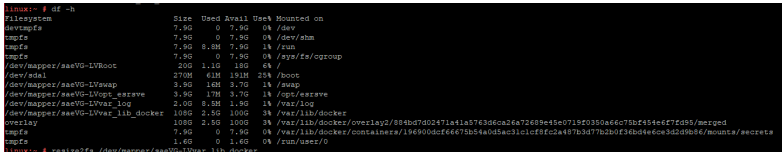
8. Resize the LV
- Note that if SCG appliance is installed instead of upgraded from SRS, the volume group name will be /dev/mapper/scgVG-LVvar_lib_docker not /dev/mapper/saeVG-LVvar_lib_docker .

- To check: lvdisplay

- To check after resize LV: df -h or lsblk

Informations supplémentaires
Propriétés de l’article
Numéro d’article: 000212510
Type d’article: Solution
Dernière modification: 16 juil. 2024
Version: 2
Trouvez des réponses à vos questions auprès d’autres utilisateurs Dell
Services de support
Vérifiez si votre appareil est couvert par les services de support.