PowerEdge T360、R360:如果 LC 語言設為非英文,POST 在載入 BIOS 驅動程式頁面時停止回應
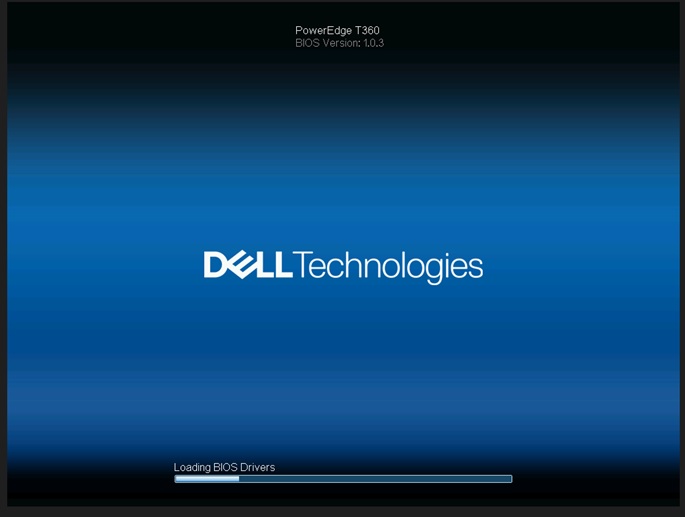
Résumé: 如果生命週期 (LC) 語言設為非英文語言,系統會在「載入 BIOS 驅動程式」畫面上停止回應。
Cet article concerne
Cet article ne concerne pas
Cet article n’est associé à aucun produit spécifique.
Toutes les versions du produit ne sont pas identifiées dans cet article.
Symptômes
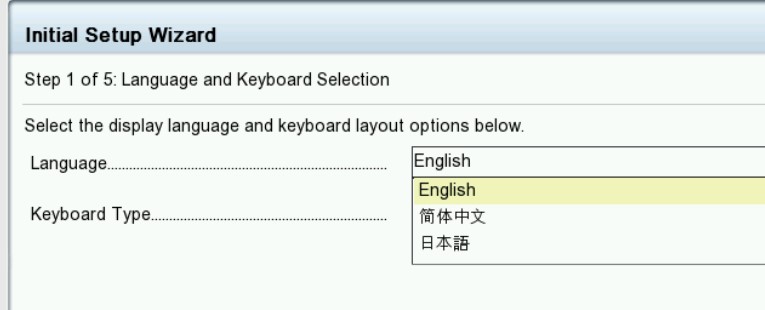
系統會在「載入 BIOS 驅動程式」畫面停止。當 T360 和 R360 的生命週期語言設為非英文時,生命週期記錄會顯示PST0210事件。

Cause
BIOS 取得目前語言的字串。當前語言的字串未定義獲取ME類型“string”,因為生命週期設置為非英語。
Résolution
已在 BIOS 版本 1.1.2 或更新版本中
修正 因應措施:清除 NVRAM。
若要恢復功能,請將生命週期語言更改回默認英語。請參閱 Dell PowerEdge R360 (T360) 安裝與維修手冊第 9 章:跳線和連接器:
NVRAM_CLRhttps://www.dell.com/support/home/en-us/product-support/product/poweredge-r360/docs
修正 因應措施:清除 NVRAM。
若要恢復功能,請將生命週期語言更改回默認英語。請參閱 Dell PowerEdge R360 (T360) 安裝與維修手冊第 9 章:跳線和連接器:
NVRAM_CLRhttps://www.dell.com/support/home/en-us/product-support/product/poweredge-r360/docs
Produits concernés
PowerEdge R360, PowerEdge T360Propriétés de l’article
Numéro d’article: 000221245
Type d’article: Solution
Dernière modification: 19 mai 2026
Version: 5
Trouvez des réponses à vos questions auprès d’autres utilisateurs Dell
Services de support
Vérifiez si votre appareil est couvert par les services de support.