PowerEdge T360、R360:如果 LC 语言设置为非英语,开机自检将在加载 BIOS 驱动程序页面停止响应
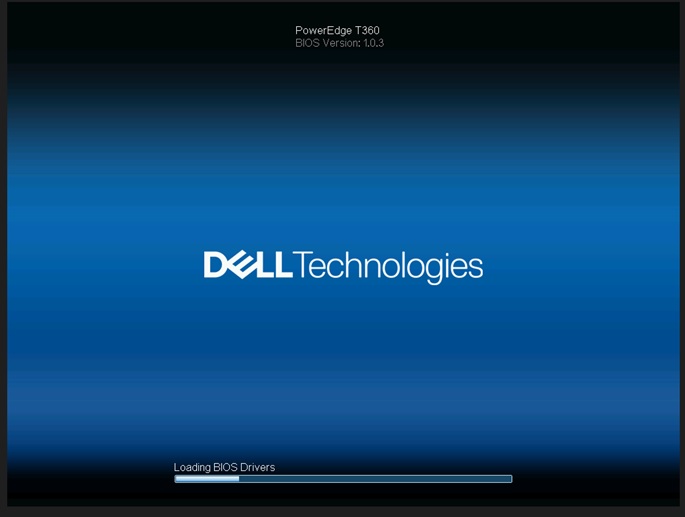
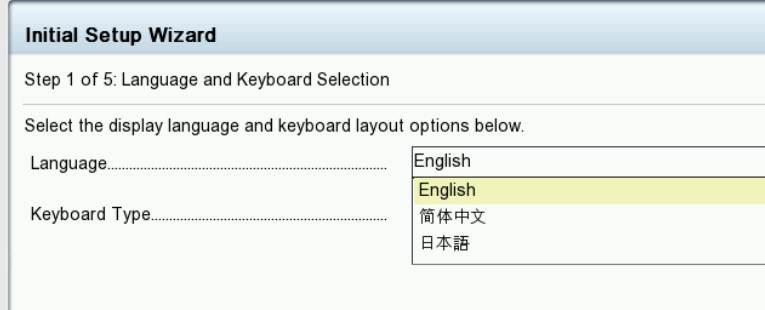
Résumé: 如果生命周期 (LC) 语言设置为非英语语言,系统会在“Loading BIOS Drivers”屏幕上停止响应。
Cet article concerne
Cet article ne concerne pas
Cet article n’est associé à aucun produit spécifique.
Toutes les versions du produit ne sont pas identifiées dans cet article.
Symptômes
系统在出现“loading BIOS Drivers”屏幕时停止。当 T360 和 R360 的生命周期语言设置为非英语时,生命周期日志显示PST0210事件。

Cause
BIOS 获取当前语言的字符串。由于生命周期设置为非英语,当前语言的字符串未定义为获取 ME 类型“字符串”。
Résolution
已在 BIOS 版本 1.1.2 或更高版本
中修复 解决方法:清除 NVRAM。
要还原功能,请将生命周期语言更改回默认英语。请参阅戴尔 PowerEdge R360 (T360) 安装和服务手册第 9 章:跳线和连接器:
NVRAM_CLRhttps://www.dell.com/support/home/en-us/product-support/product/poweredge-r360/docs
中修复 解决方法:清除 NVRAM。
要还原功能,请将生命周期语言更改回默认英语。请参阅戴尔 PowerEdge R360 (T360) 安装和服务手册第 9 章:跳线和连接器:
NVRAM_CLRhttps://www.dell.com/support/home/en-us/product-support/product/poweredge-r360/docs
Produits concernés
PowerEdge R360, PowerEdge T360Produits
PowerEdge R360, PowerEdge T360Propriétés de l’article
Numéro d’article: 000221245
Type d’article: Solution
Dernière modification: 19 mai 2026
Version: 5
Trouvez des réponses à vos questions auprès d’autres utilisateurs Dell
Services de support
Vérifiez si votre appareil est couvert par les services de support.