How to Install Dell Trusted Device
摘要: Learn step-by-step instructions to install Dell Trusted Device using the Dell Update Package that can be downloaded from Dell Support.
本文章適用於
本文章不適用於
本文無關於任何特定產品。
本文未識別所有產品版本。
說明
The Dell Trusted Device installer requires administrative rights. The bit rate of the utility must match the architecture of the host computer operating system.
Affected Products:
- Dell Trusted Device
Affected Operating Systems:
- Windows
For information about where to download the Dell Trusted Device Dell Update Package from, refer to How to Download Dell Trusted Device.
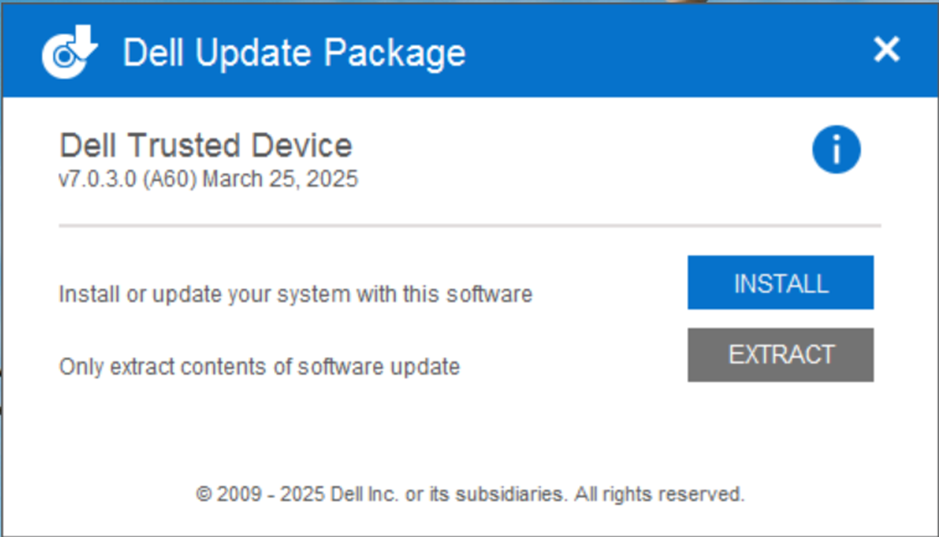
- Double-click the Dell Trusted Device Dell Update Package file.
- Click INSTALL to start the installation wizard.
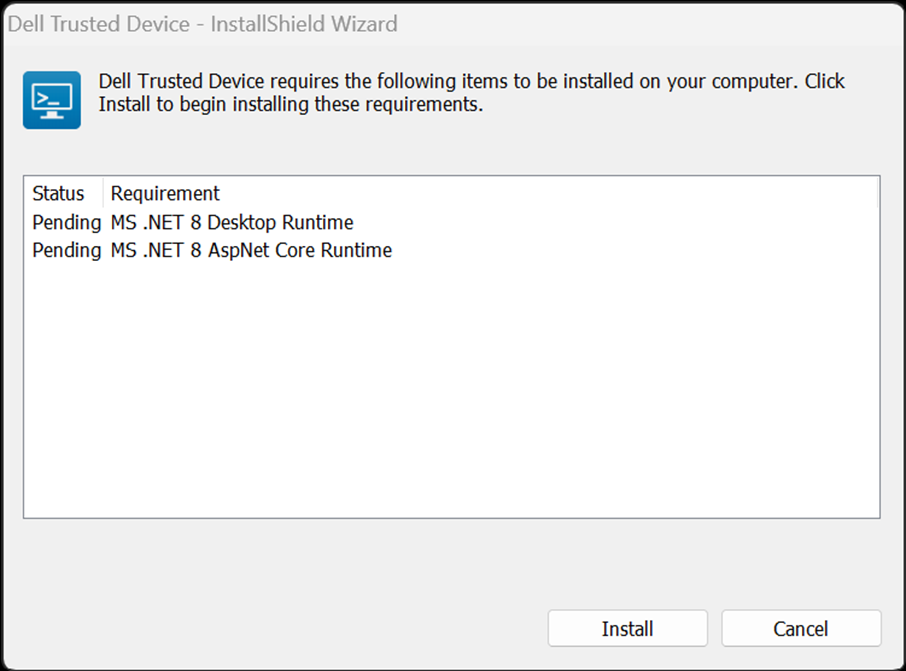
- Click Install to start the installation of the pre-requisites.
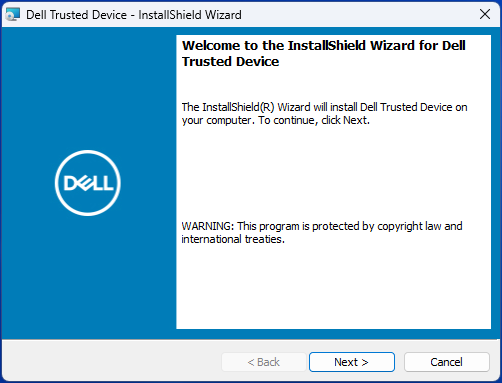
- Click Next at the Welcome screen.
- Read the License Agreement, agree to the terms, and click Next.

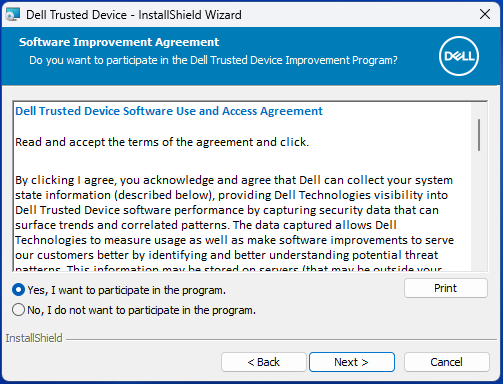
- Read the Dell Trusted Device Software Use and Access Agreement, select Yes, I want to participate in the program or No, I do not want to participate in the program, and then click Next.
- By default, the Dell Trusted Device installer does not install shortcuts. To install shortcuts, click the Dell Trusted Device - Shortcuts feature tree menu and select This feature will be installed on the local hard drive. Click Next to continue.
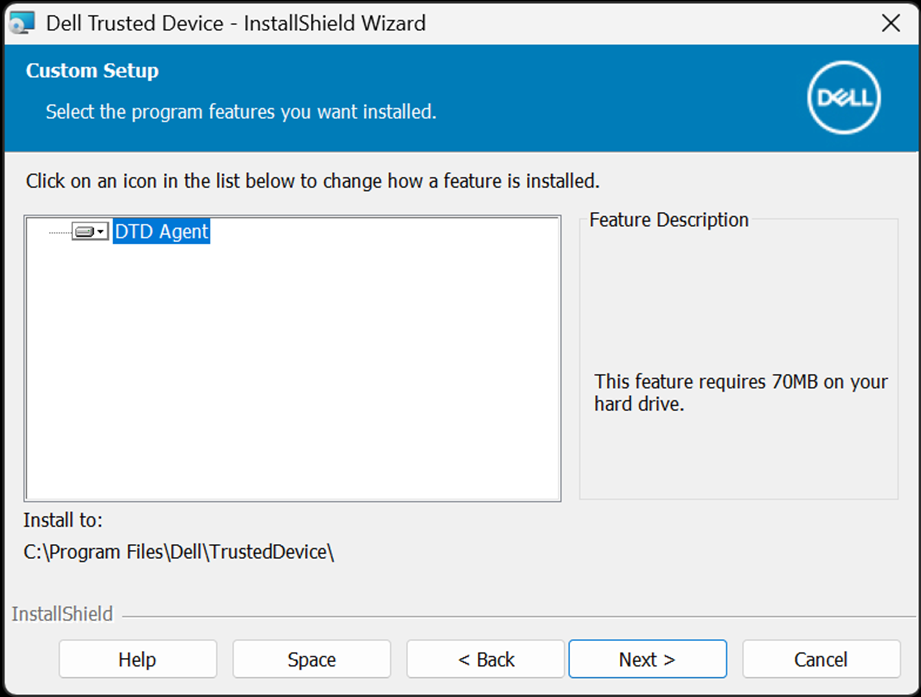
- Click Install to begin the installation.
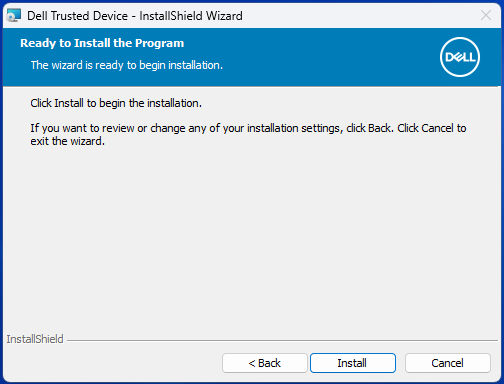
- A status window displays but may take several minutes.

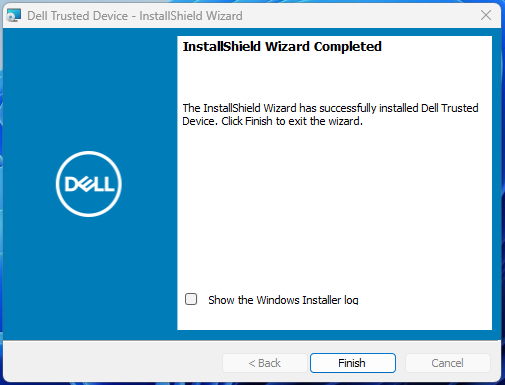
- Click Finish.
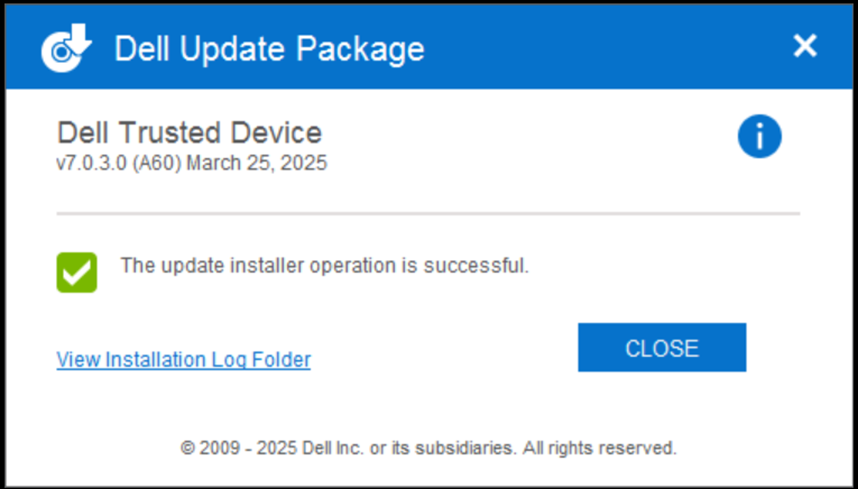
- Click CLOSE to close the window.
To contact support, reference Dell Data Security International Support Phone Numbers.
Go to TechDirect to generate a technical support request online.
For additional insights and resources, join the Dell Security Community Forum.
受影響的產品
Dell Trusted Device文章屬性
文章編號: 000123670
文章類型: How To
上次修改時間: 11 9月 2025
版本: 12
向其他 Dell 使用者尋求您問題的答案
支援服務
檢查您的裝置是否在支援服務的涵蓋範圍內。