
Solved!
Go to SolutionSupportAssist hangs while updating drivers.
I am running the latest version [3.4.5.366]. It states that there is one urgent and three recommended driver updates but when I click on "Install" it hangs with a status of "Validating" for all four drivers. This hang lasts at least 10 minutes -- that's when I eventually shutdown SupportAssist. Before I shut it down I looked at it using Windows 10 Task Manager. It was using a fair amount of CPU but never did use the network.
I have a three-year old XPS 7760 AIO, running Windows 10.
17169
0
Posted April 3rd, 2020 09:00
Thank you fireberd. That did the trick. You da man!
0
0
Posted December 21st, 2023 06:40
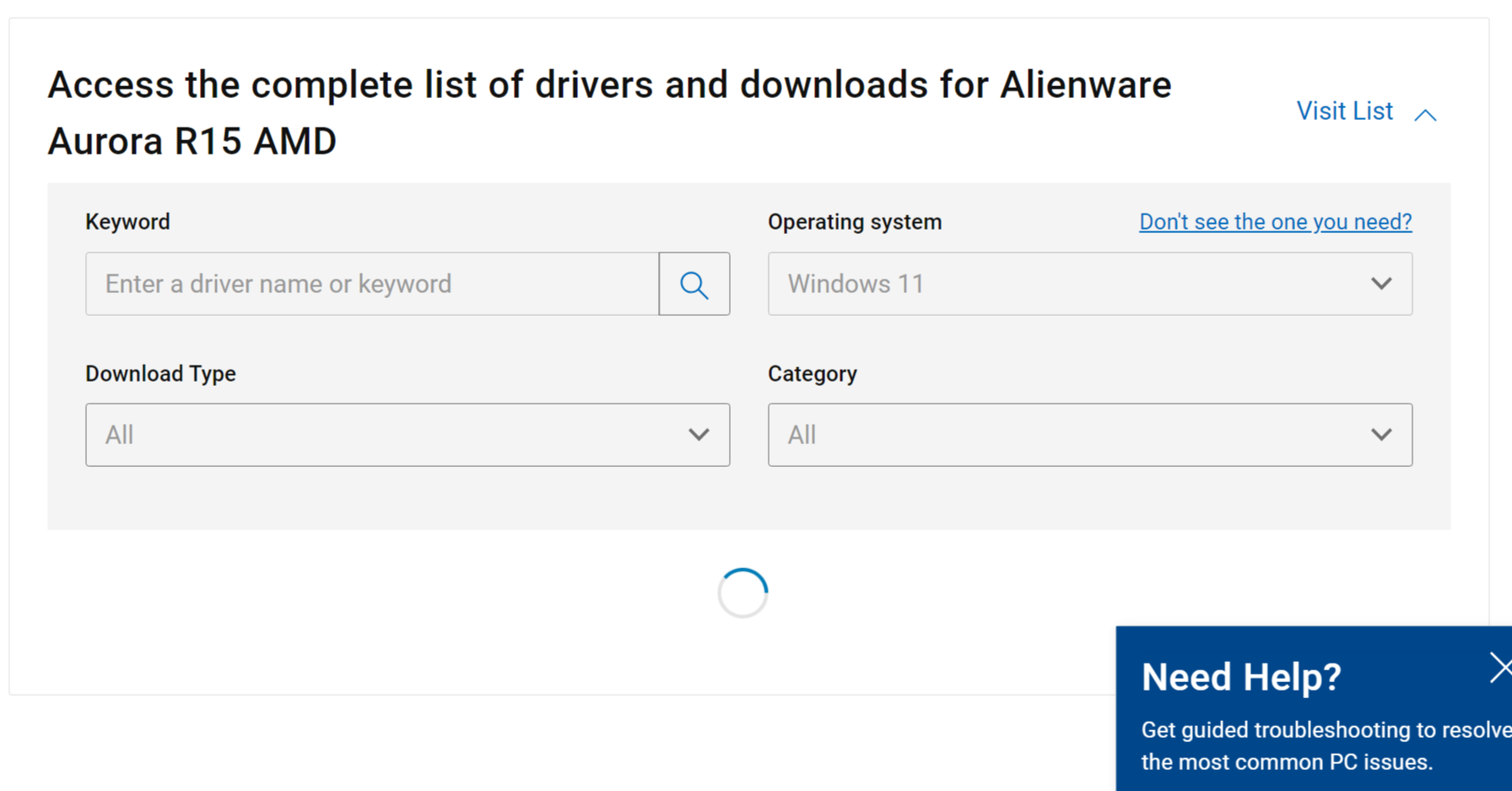
Doesn't work, even that is ltiming out, the circle while loading the drivers is spinning and doing nothing.
It's clearly got something to do with one of the dependencies of the SupportAsst Program.
One of them is not loading with windows, even uninstalling it does nothing

fireberd
11 Legend
•
33398 Posts
•
112846 Points
17174
0
Posted April 3rd, 2020 09:00
We have seen some Support Assist issues and best suggestion is to download and install each update manually rather than use the Support Assist.
Access the Dell downloads (link below) using your service tag number and it will only show downloads applicable to your specific machine.
https://www.dell.com/support/home/us/en/19/