
UNSOLVED
A
Andrew_FFFAU
1 Rookie
•
3 Posts
•
10 Points
0
14
August 28th, 2026 12:45
SC5020 in emergency mode
Hey all,
We have a compellent SC5020 in emergency mode in a public hospital environment after a burst of data went into RAID-10DM unexpectedly despite config to only write to RAID6-10. Sadly no Dell support as it is EoL. We have installed four new drives earlier today in an attempt to rectify. Two are showing up as assigned but 'unmanaged' the other two are assigned and 'managed'. The 'unmanaged' disks appear in the 'manage unassigned disks' dialogue but error if I try to add them.
I kicked off a manual RAID rebalance it's been about 9 hours and it keeps restarting automatically but it's freed up a whopping 95 odd MB - but it IS slowly progressing upwards. 15MB at 1500, 36MB at 1730, now 95MB at 2230. I can wait for it (to some extent) as the production services have been failed over to replicated copies, but I want to make sure it's actually doing what it needs to do. I note there is no data showing as allocated on the new drives other than 16KB which appeared when first installed.
Can anyone give me an assurances that eventually it'll unblock itself as this slowly expands? Or am I in trouble.


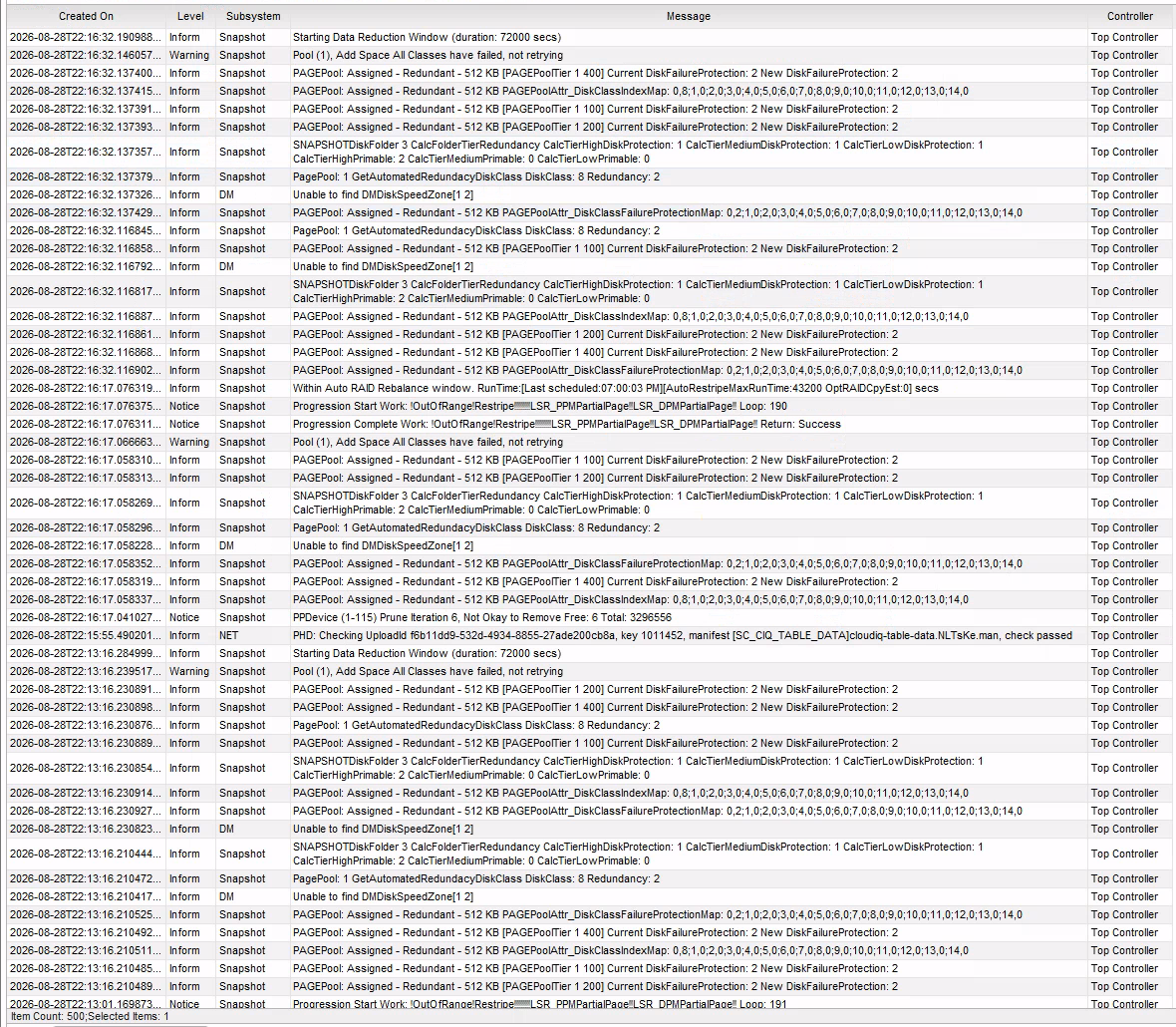

Below logs are from when first installed this afternoon

2
0
Posted August 31st, 2026 02:38
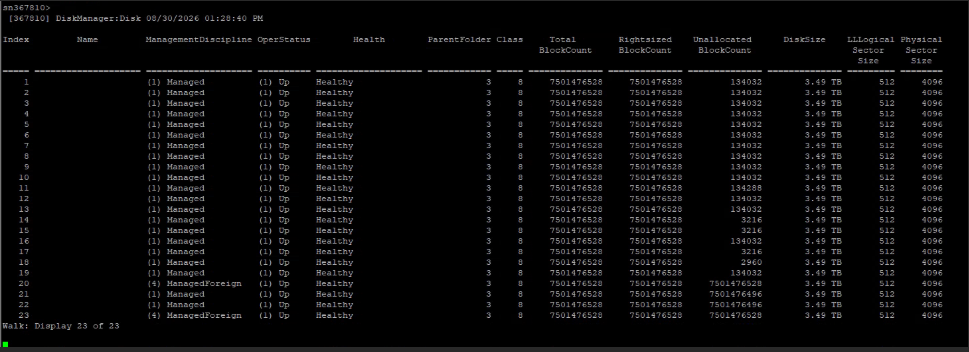
Still stuck, progressed gradually for a bit but now showing 0MB on RAID10-DM and RAID6-10 and 6.99TB unallocated. Managed to get onto CLI via 'console com2' through the drac and can see this.
Anyone got any suggestions?

Andrew_FFFAU
1 Rookie
•
3 Posts
•
10 Points
5
0
Posted August 28th, 2026 12:47
And no, there are no snapshots to expire or volumes in the recycle bin to empty. I have deleted a VM, but cannot run unmap command as the SAN just returns busy to the hosts.