UNSOLVED
DELL U2412M Driver installation problem
Hello,
i just bought Dell's u2412m, and i cant install the drivers from the CD. Drivers from DELL's official page dont work either. My PC is recognizing it as generic PnP monitor. I searched for previous posts about this issue but, none of the links posted work anymore.
Apparently i need these 3 files: u2412m.cat, U2412M.icm, U2412M.inf. Im using win7 x64, and my graphic card is asus gtx 560 ti direct cu II TOP.
Anyways please for some help on this issue.
EDIT:
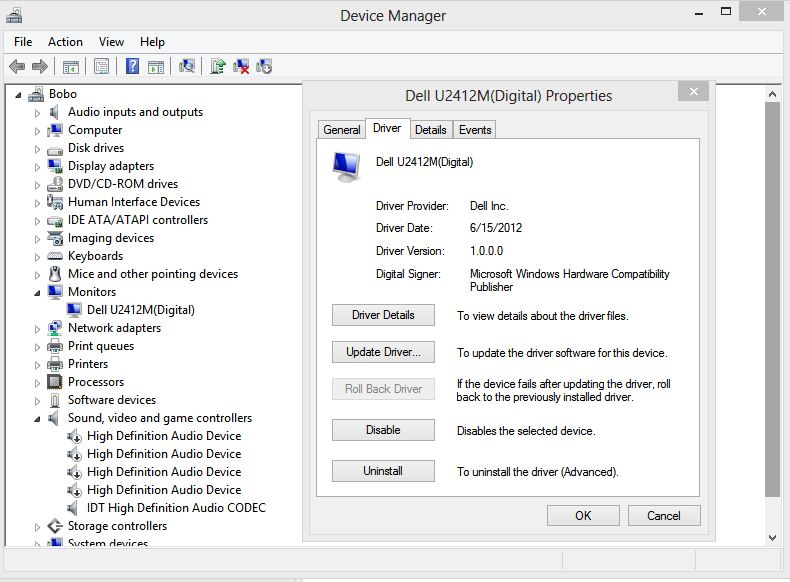
ok, i installed the drivers manualy via the driver update in device manager from the CD. Now my system recognizes it under monitors: DELL U2412M(digital), driver version is 1.0.0.0 , date: 11 april 2011. Is there a new driver version available? And one more question, in the monitor menu, under Display Settings all of the options are shaded except Aspect ratio, sharpens and reset display settings, the rest of the options are shaded and i cant modify them, why is that?

korngtl15
67 Posts
213
0
Posted February 17th, 2013 00:00
Not sure if this would help or not. But, I have Windows 8 64 bit and the latest driver was available through WIndows Update automatically for me. I would imagine 7 is the same.