
Intel® Core™ Ultra Processors
Learn More about Intel
Dell UltraSharp Monitors
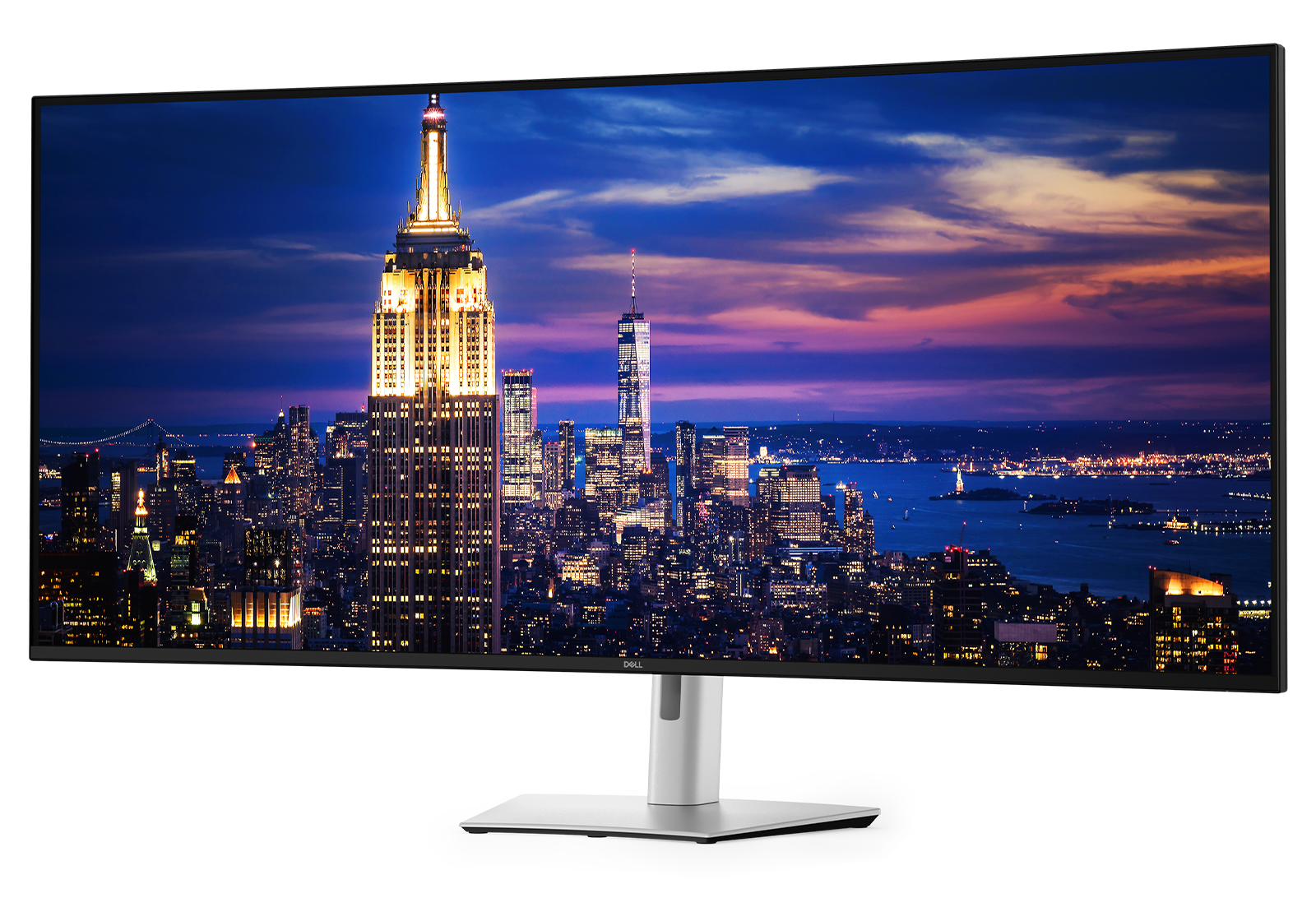
Dell UltraSharp U5226KW featuring a standard image with a New York skyline screenfill.

Infinite perspectives. Limitless potential.

Take work to new heights with monitors that use groundbreaking technologies to deliver best colour performance, latest connectivity options and exceptional ease-of-use.

Break barriers. Turn heads.
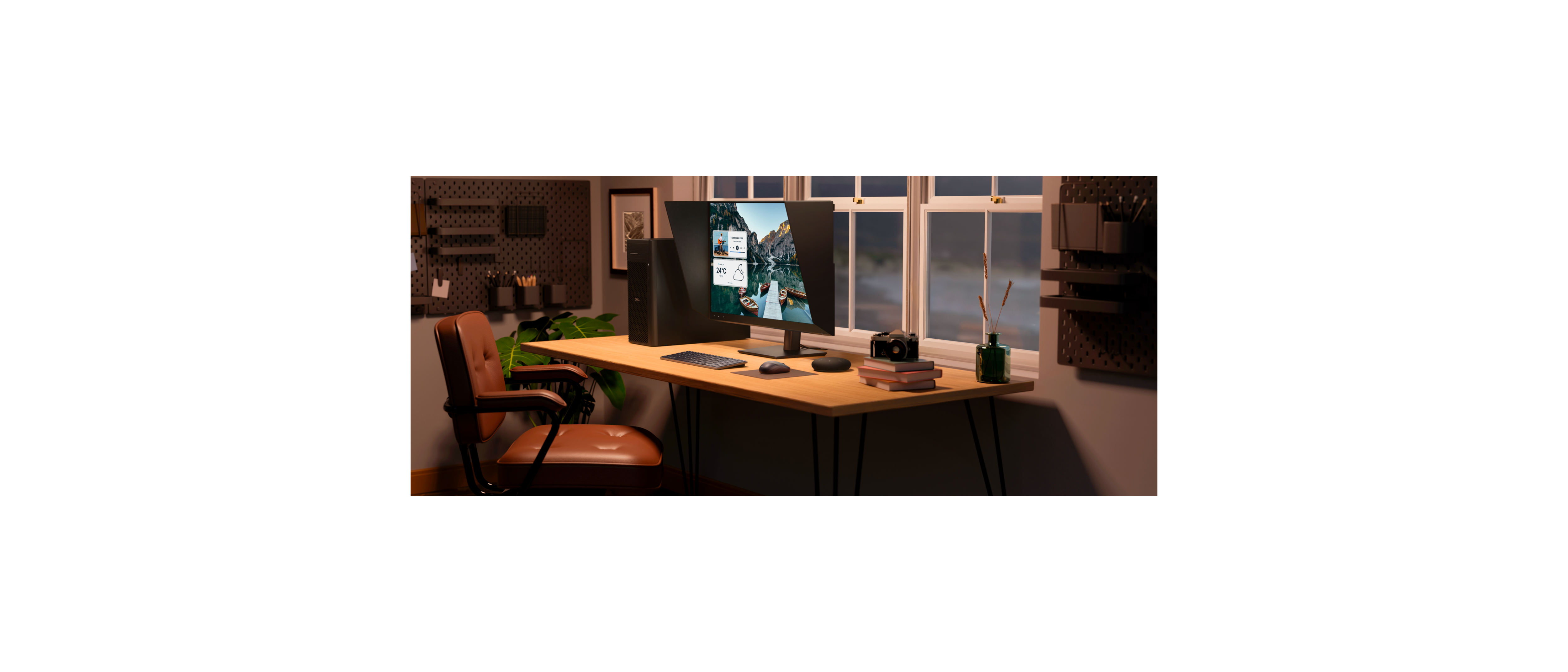
Home office using the U3226Q Ultra Sharp Monitor connected with the fct2250 Pro Max Desktop, km826 keyboard and mouse, SL525 Speakerphone

Brilliance in true colour

Discover unmatched performance: Dell UltraSharp monitors push the boundaries of monitor technology to deliver exceptional colour performance for digital creators and professionals who demand colour accuracy in their work.

A broad colour spectrum: See images in captivating colour with wide colour coverage across professional colour spaces, such as AdobeRGB, sRGB, Rec. 709, as well as the widest DCI-P3 colour coverage in a professional monitor at 99%.

Extraordinary colour depth: Get amazingly smooth colour gradients and precision across more shades with an incredible colour depth of up to 1.07 billion colours and true 10 bit colour.

Accurate colour, out of the box: Each UltraSharp monitor is factory colour calibrated and comes with a complete factory calibration report, giving users the confidence that colours will be accurate right from the start.

Customisable colours: Calibrate your monitor’s colours with Dell Colour Management software with Calman Verified certification.
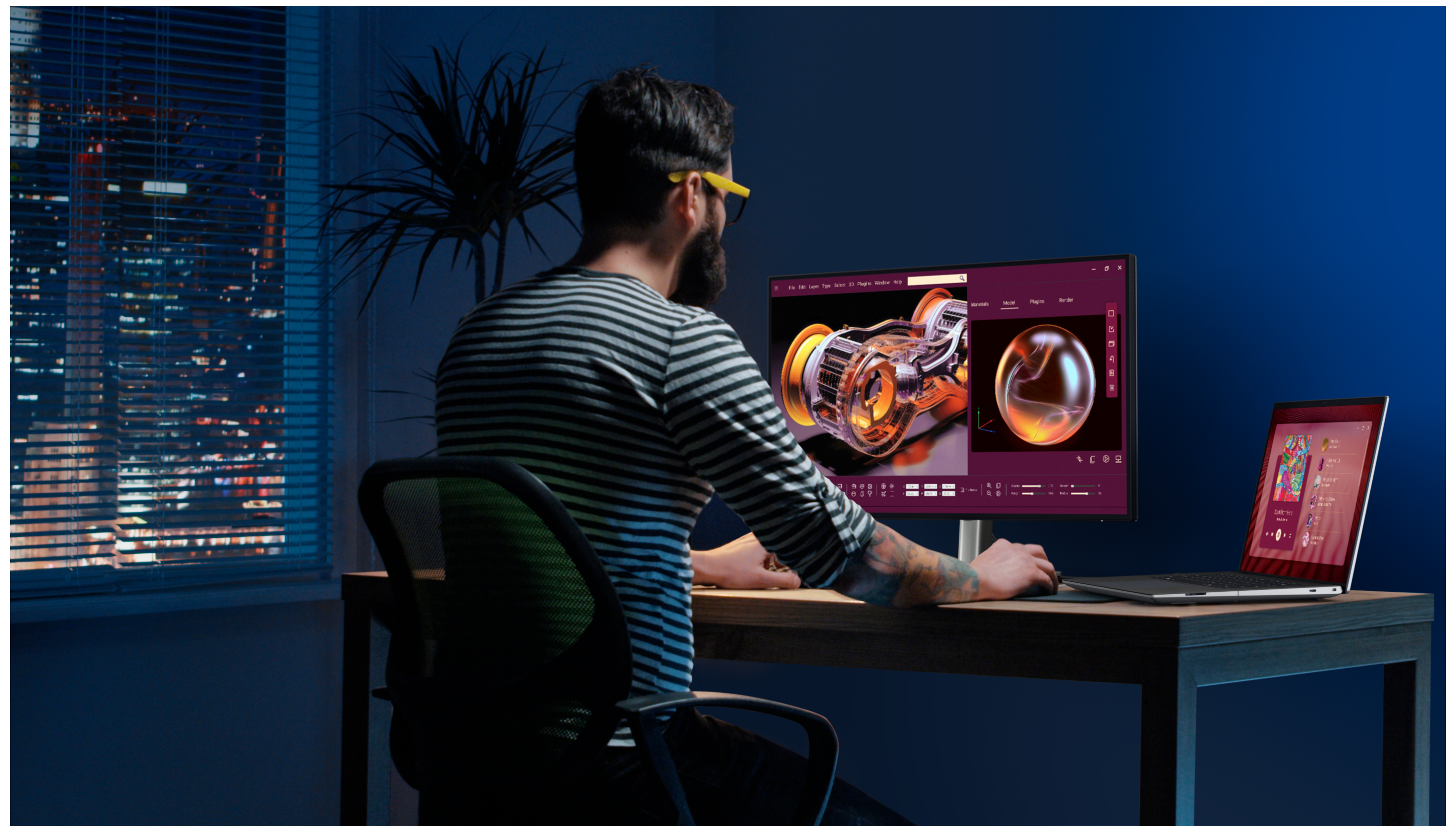
Man working from home featuring the Dell 27 inch Ultrasharp monitor U2725QE with Precision 5000 Series mobile workstation

Driven by the details

Superior image quality: IPS Black monitors have deeper blacks and greater grey colour level accuracy, delivering exceptional contrast (3000:1) across a wide viewing angle.

Capture every nuance: Transform the way you work with outstanding resolution on Dell UltraSharp monitors. These high-performance displays come in a range of sizes and up to 6K resolutions engineered for varying needs. 

Be captivated: Experience vivid and life-like HDR content on monitors with VESA DisplayHDR certification.
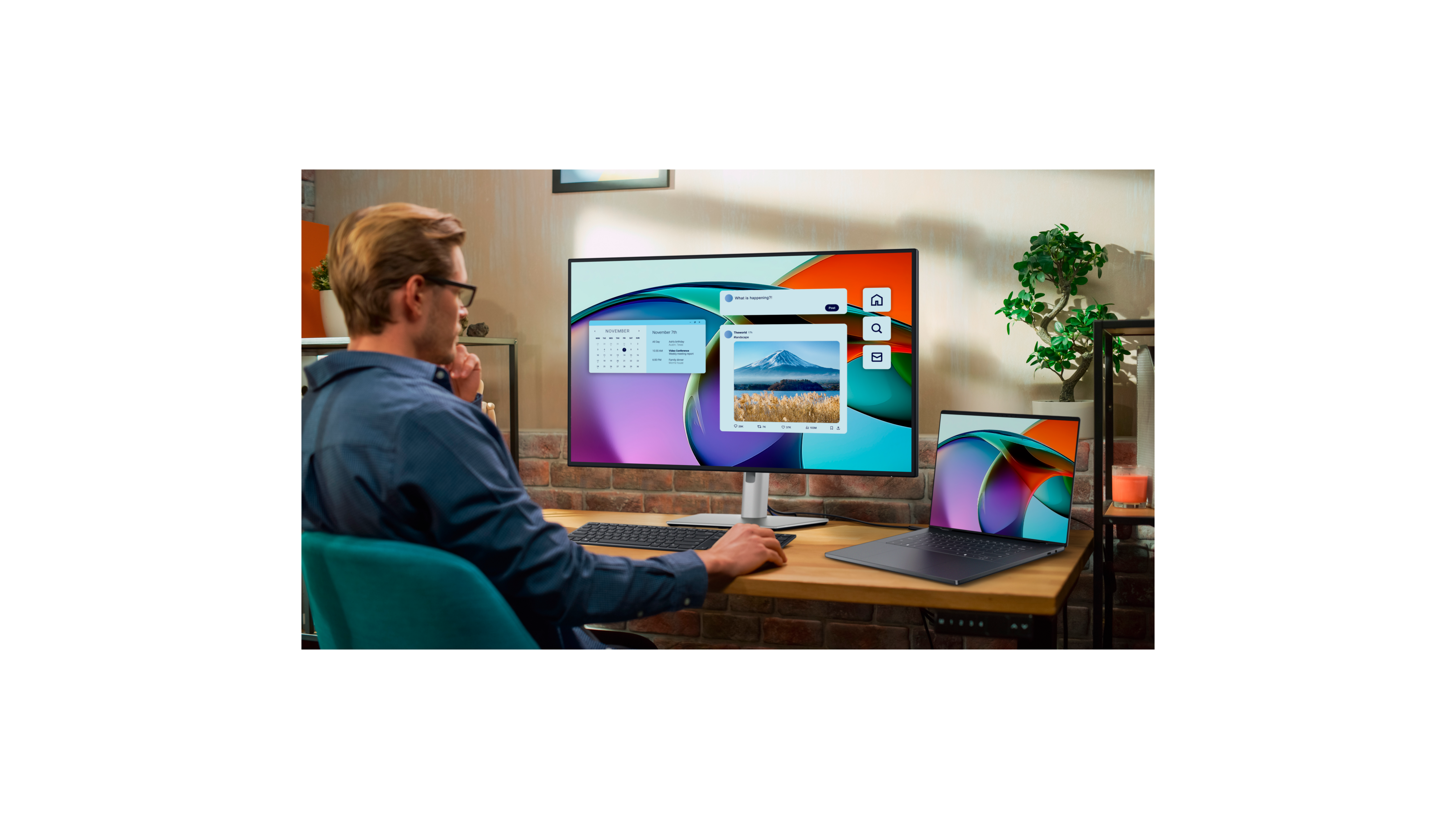
At home office, man using desktop computer, small plant.

Boost visual comfort and well-being

Built-in Low Blue Light Solution: Reduces up to 60% more harmful low blue light than competition while delivering excellent colour accuracy.

High Refresh Rate: Up to 120 Hz refresh rate produces smoother visual with less motion blur and reduces flicker for a more comfortable and productive work experience.

Ambient Light Management: Automatically adjust screen brightness and colour to match the environment, reducing eye fatigue.

Powered to outperform
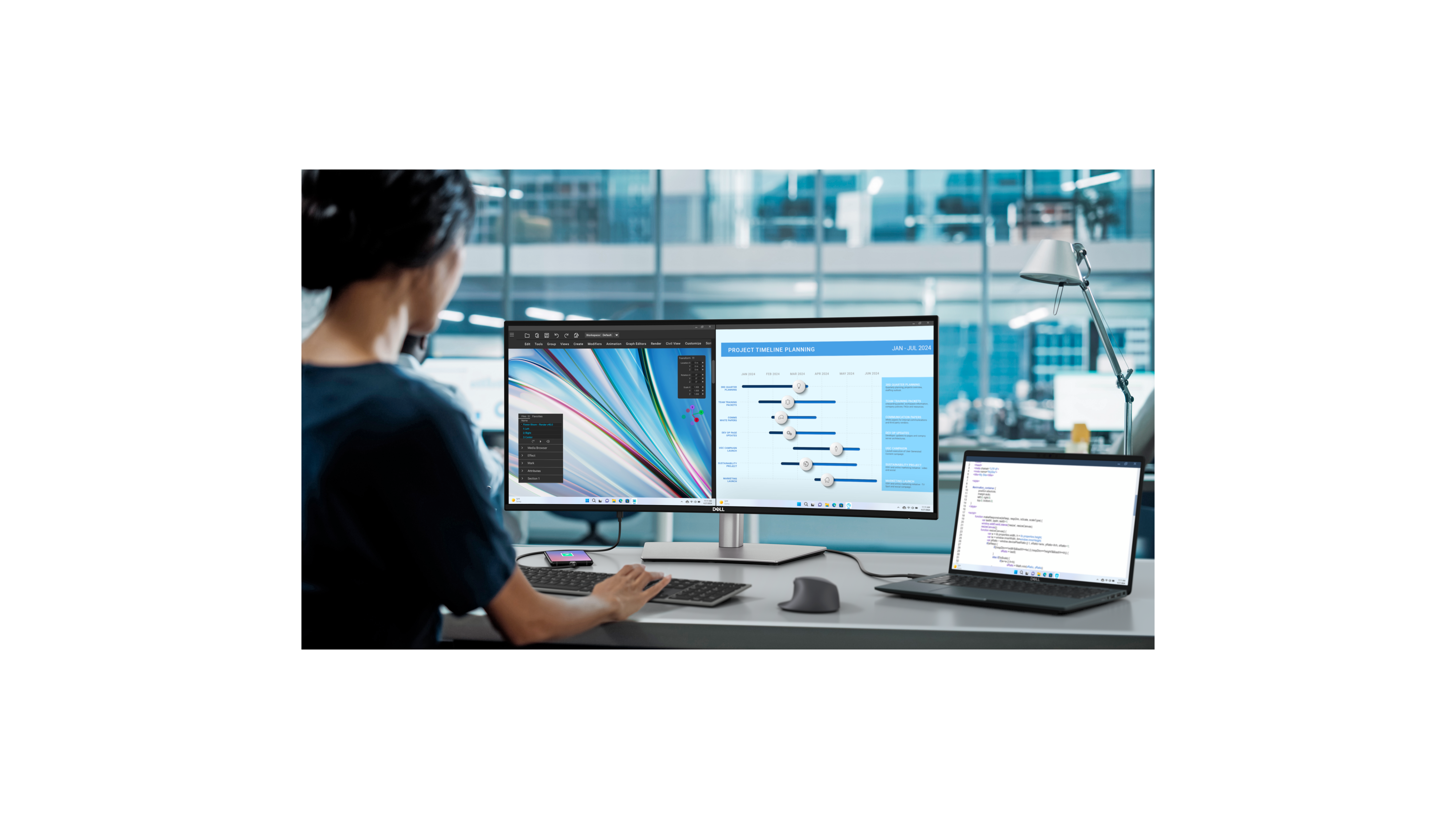
Level up your workspace

Information at a glance: More screen estate and better resolution allows you to see more and multitask efficiently, making UltraSharp the perfect monitor to increase performance. With features such as Easy Arrange on Dell Display and Peripheral Manager you can easily organise multiple applications across your screen.

Dive in deep: Experience all-encompassing, breathtaking visuals on our ultrawide curved monitors. 

Superior multitasking: Work on content from two different computer sources simultaneously with Picture-in-Picture (PiP) and Picture-by-Picture (PbP) features. Our intelligent Auto KVM feature detects the second connected PC and seamlessly switches controls over to the latest connected PC.

Works seamlessly with devices on macOS® : Tested with devices on macOS, select Thunderbolt monitor with Display P3 colour is your ideal Mac® devices companion for superb colour coverage and accuracy. Daisy chaining multiple displays via a single cable requires Thunderbolt connectivity. Please check your device for compatibility, as select M-series chips may not support some features. Install Dell Display and Peripheral Manager application to customise advance settings.
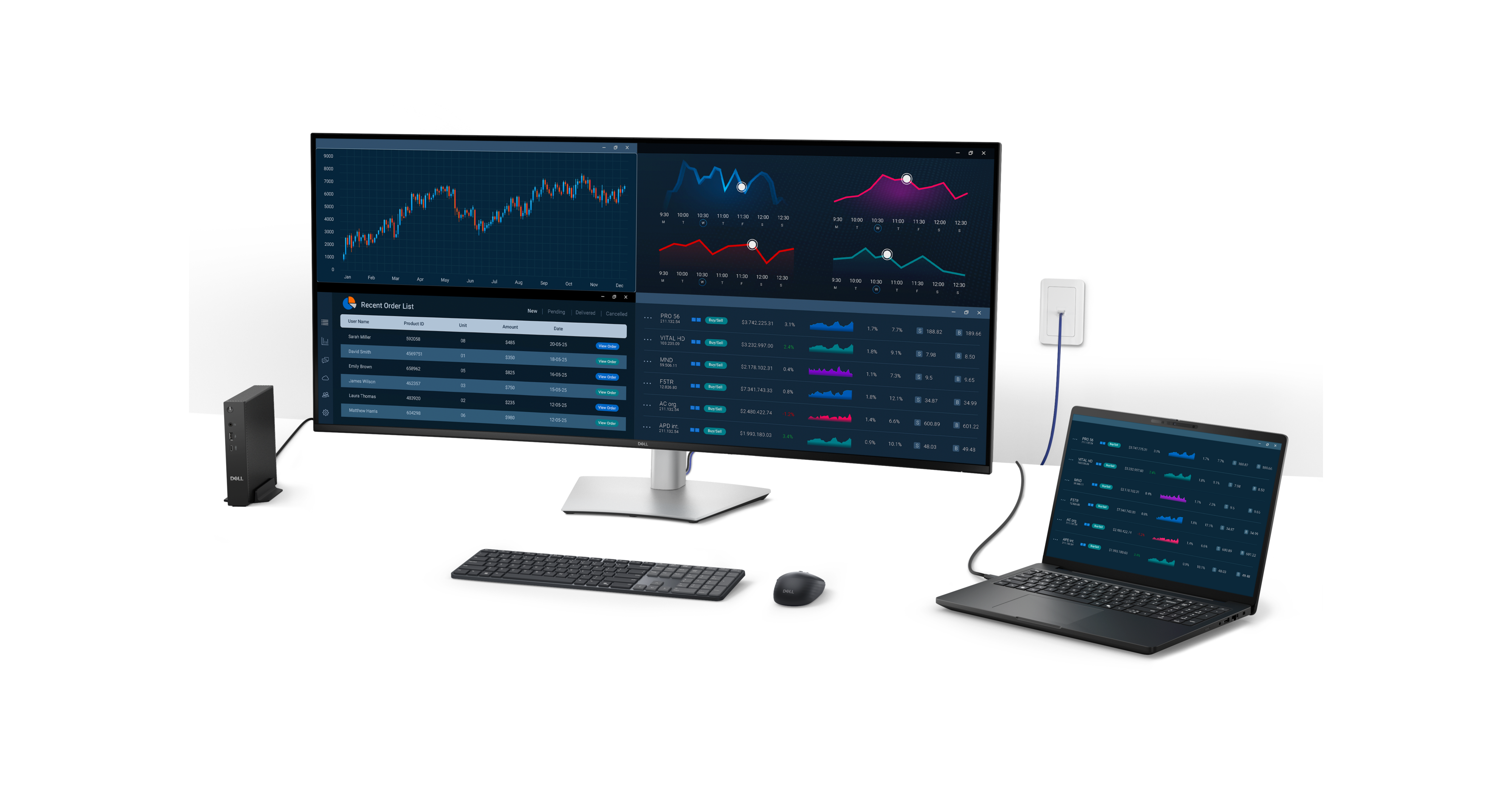
U5226KW Monitor Extended

Your productivity all-in-one

Futureproof connectivity: Experience seamless compatibility with Thunderbolt connectivity, offering fast data transfer speeds and high power delivery for ultimate performance.

Connectivity options: Get stable wired Ethernet connectivity with RJ45 and a clutter-free setup with Thunderbolt or USB-C that provides up to 140W EPR of power.

Quick access: Connect devices and charge accessories with pop-out USB-C and USB-A ports.

Peace of mind, guaranteed

Environmentally forward thinking

Dell UltraSharp Monitors FAQs

Professionals choose Dell UltraSharp monitors for colour accuracy, screen space, and productivity features that support demanding workflows. Each monitor pairs studio-grade colour with practical tools like built-in KVM switching, single-cable connectivity, and high-resolution panels up to 6K. The result is a display that keeps creative and technical work moving without friction.

Yes, Dell UltraSharp monitors are designed for broad compatibility and work seamlessly with Windows, macOS, and most major Linux distributions. This includes high-resolution display output and access to the integrated USB-C and Thunderbolt hubs for charging and peripherals across these operating systems. Select M-series chips on Mac devices may not support some features on Dell UltraSharp monitors. Installing Dell Display and Peripheral Manager application is needed to customise advanced settings.

Most Dell UltraSharp monitors carry the TÜV Rheinland® 5-star Eye Comfort rating, the highest tier for reducing eye strain. The TÜV Rheinland® 5-Star Eye Comfort certification is a comprehensive standard for display eye wellness. Dell UltraSharp monitors achieve this by incorporating multiple advanced features to reduce blue light emission and screen flickers and optimise eye comfort during prolonged screentime.

Select Dell UltraSharp monitors support HDR formats, and certain QD-OLED versions include HDR True Black 500 with Dolby Vision for high-contrast creative work.

Yes. Wide DCI-P3 coverage, factory calibration to Delta E less than 2, and 4K resolution at 120Hz make Dell UltraSharp a strong choice for video editing on a MacBook Pro.

Dell UltraSharp monitors cover up to 99% Display P3 coverage for brilliant, lifelike images across creative workflows on macOS. Display P3 provides native macOS compatibility with a reliable colour experience in every application, so your photos, designs, and videos look their best.

Yes. Dell UltraSharp monitors with Thunderbolt 4 or USB-C let you run video, data, and power through one cable. A single connection drives the display, charges your MacBook with up to 140W on select models, and turns the monitor into a USB hub for your keyboard, mouse, webcam, and storage drives. That means no dongles and a clean, clutter-free desk.

Yes. Macs support daisy-chaining Dell UltraSharp monitors through Thunderbolt connectivity. Connect the first monitor to your Mac, then link a second monitor to the first to expand your workspace with ease. Newer Thunderbolt 4 UltraSharp models simplify this further by carrying display and USB data between monitors over a single cable, which keeps your desk tidy.

No. Core features like display, charging, USB hub, and KVM all work with Mac. Manage display volume and brightness easily through the monitor's menu or Dell Display and Peripheral Manager.

No. Everyday display and charging work without any software. To unlock extra controls, install Dell Display and Peripheral Manager for macOS. This free app lets you adjust brightness, manage inputs, set up KVM switching, and organise windows directly from your Mac.

The Dell Display and Peripheral Manager software helps you maximise your daily workflow on Mac. You can easily customise your screen layout, organise multiple windows, and manage your workspace efficiently. Instead of searching for open applications, you can arrange them exactly how you need them. This clear organisation gives you the control to work faster and achieve your goals.  

Learn more on Mac devices compatibility with DDPM. Dell Display and Peripheral Manager for macOS 
Intel® Core™ Ultra Processors
Learn More about Intel