Adobe Acrobat Standard - the full package for PDFs.
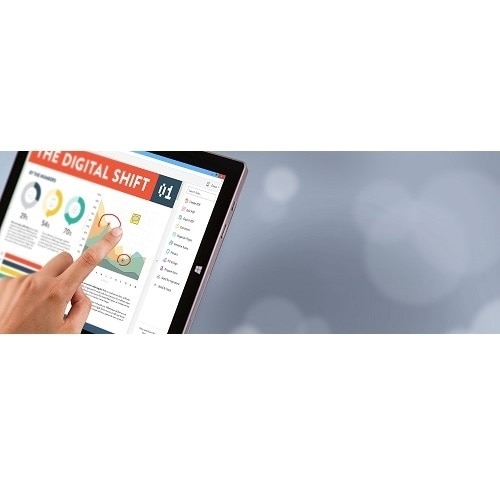
Adobe Acrobat Standard gives you access to powerful functions for managing your PDFs effectively and optimizing them. You can use Acrobat Standard anywhere - on a desktop, the web or a mobile device. The functions update automatically.
Get more out of your PDFs. | Convert any format to PDF and vice versa.
Microsoft Office files, websites or photos - you can create high-quality PDFs from these and all sorts of other formats in just a few clicks. This works in the other direction as well; you can export a PDF to save it as a different file format.
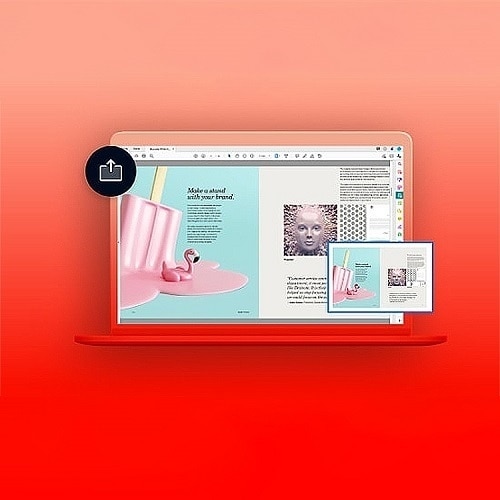
Edit text or crop pictures.
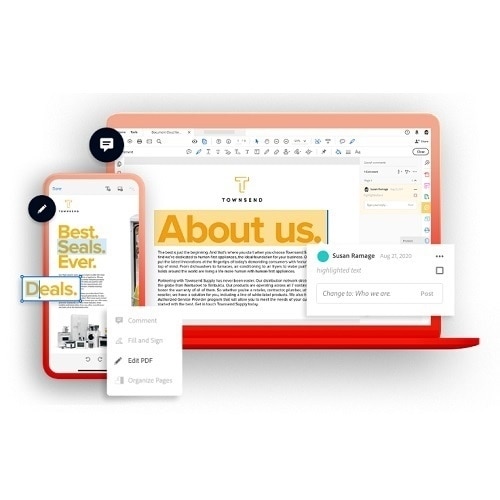
Have you noticed a spelling mistake? Are the illustrations not quite right yet? No problem - you can make changes directly within the PDF. You can add text, correct typing errors and edit pictures. When you edit entire pages, the paragraphs will automatically adjust to fit.
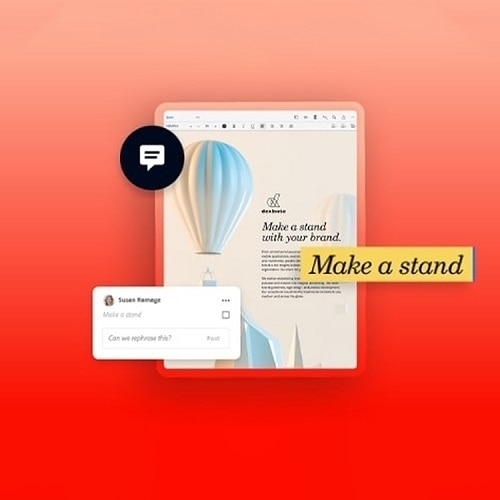
Share your PDF and ask others for feedback.
Done. Your PDF is finished and ready for feedback from your team. E-mail a link to everyone involved in the project so that they can look over the file and add their comments. You don't need to log in or sign up for anything. You'll be notified directly as soon as anything new comes up.
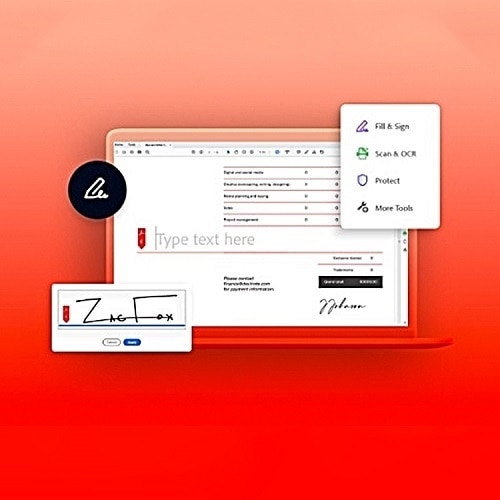
Obtain signatures, or sign it yourself.
You just need one last signature and then it's official. With Adobe Acrobat Pro, you can easily obtain and keep track of legally binding signatures without having to worry about printing or scanning. All you need is the recipient's e-mail address.
Meet AI Assistant in Adobe Acrobat.
Ask AI Assistant. Now you can engage with your document. Ask it questions and get quick answers linked to sources primarily from your doc. Then use the responses to craft your emails, presentations and more - helping you sound like an expert in seconds.