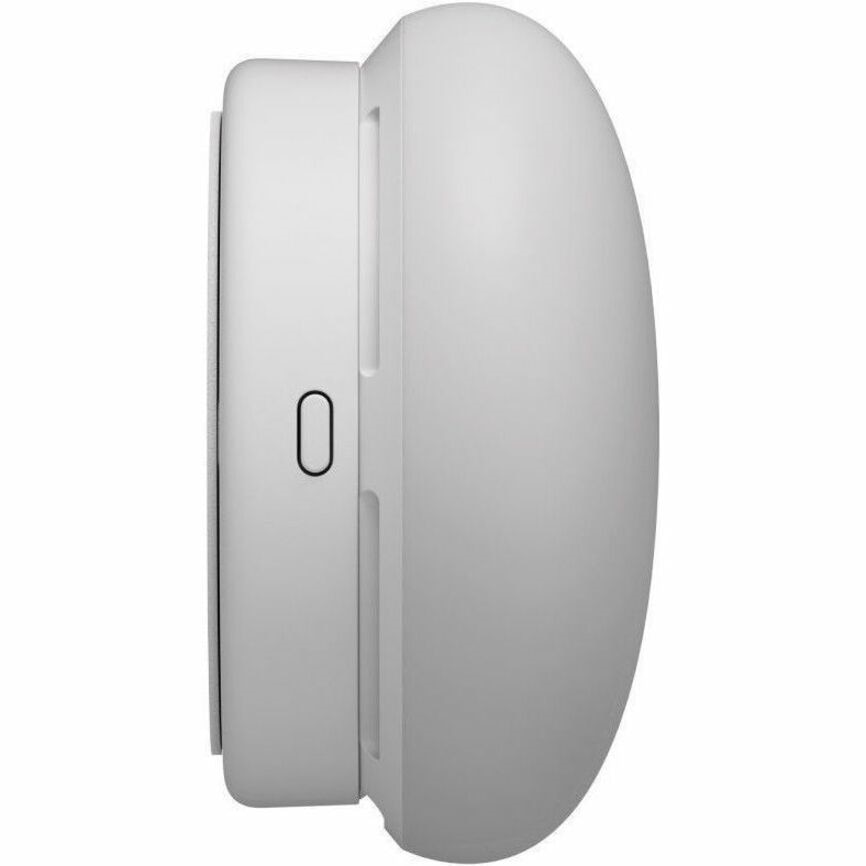
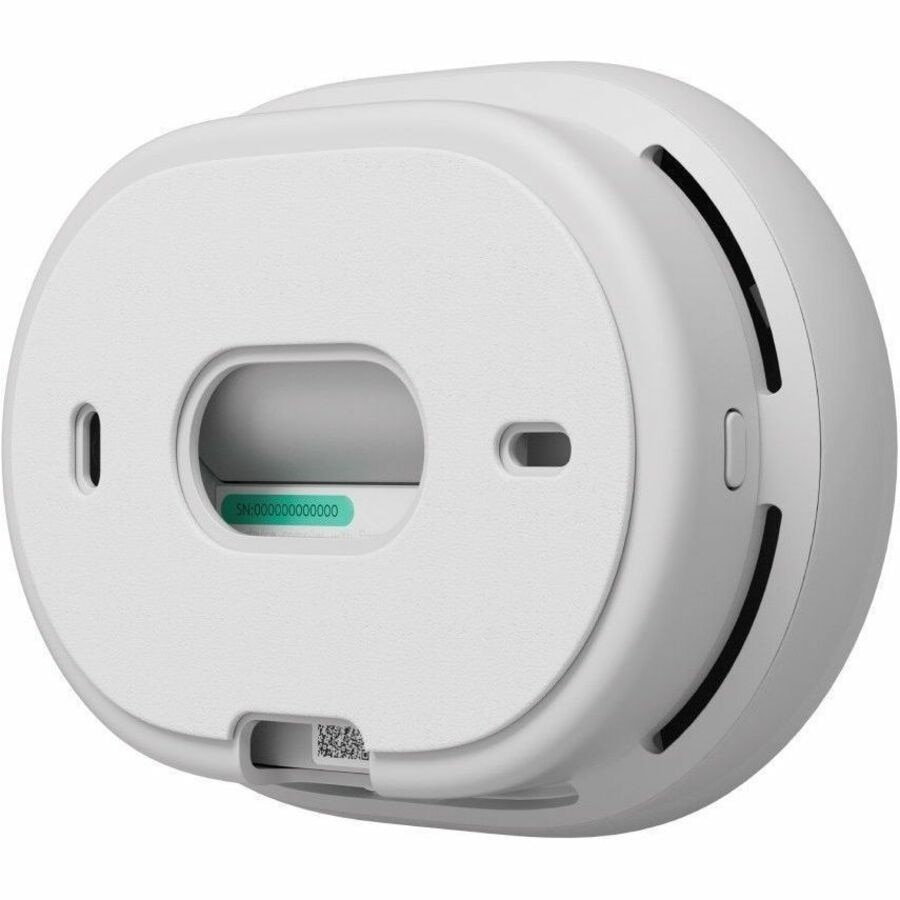
PRESENCE DETECTION MADE EASY
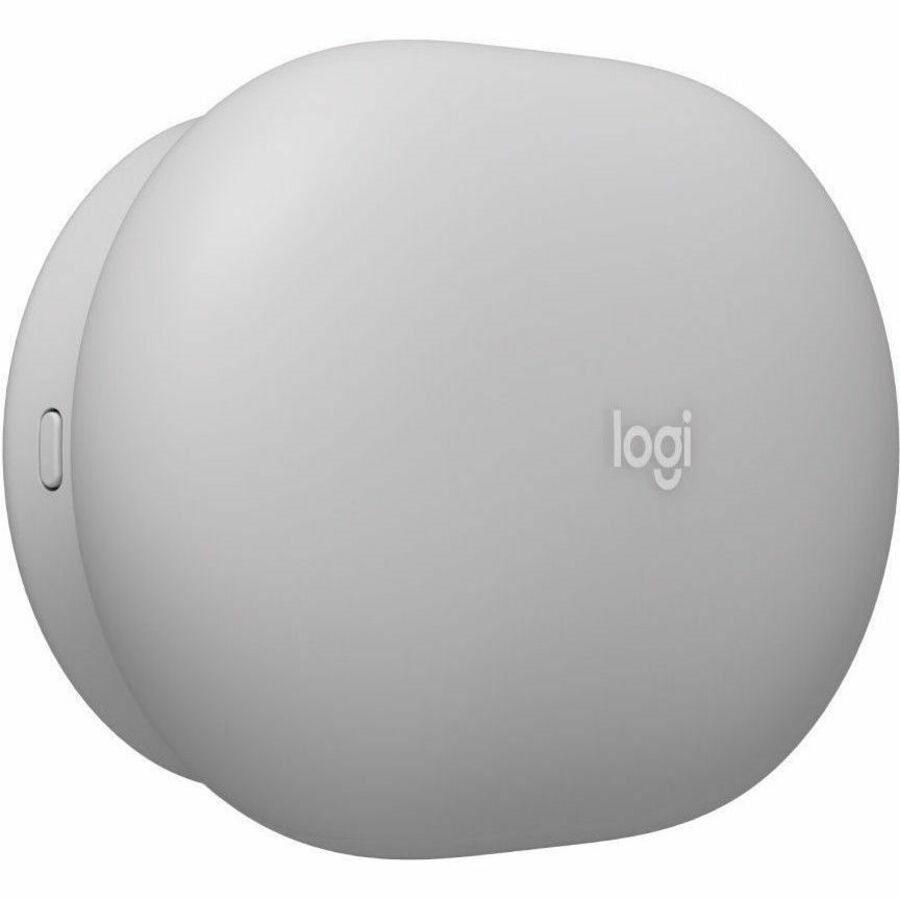
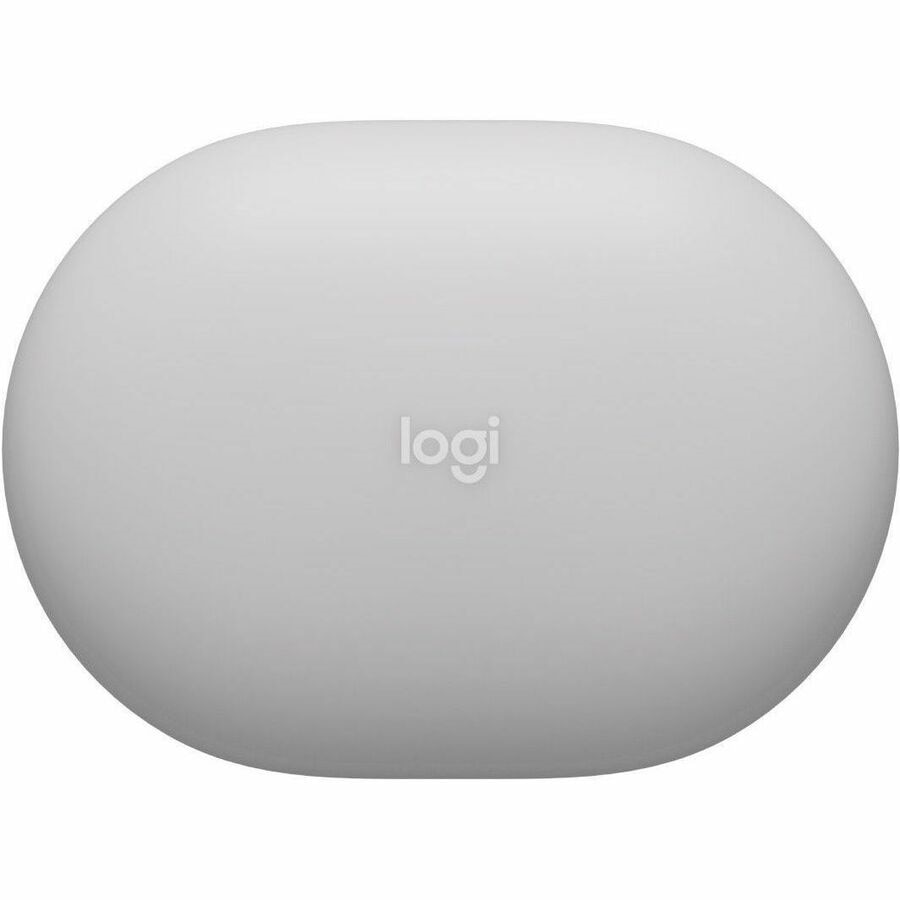
Accurately detect presence with a radar-based sensor that's super easy to deploy. Place Logitech Spot throughout the office to enable smarter automations and deliver workplace insights.
MAKE MORE SPACES AVAILABLE
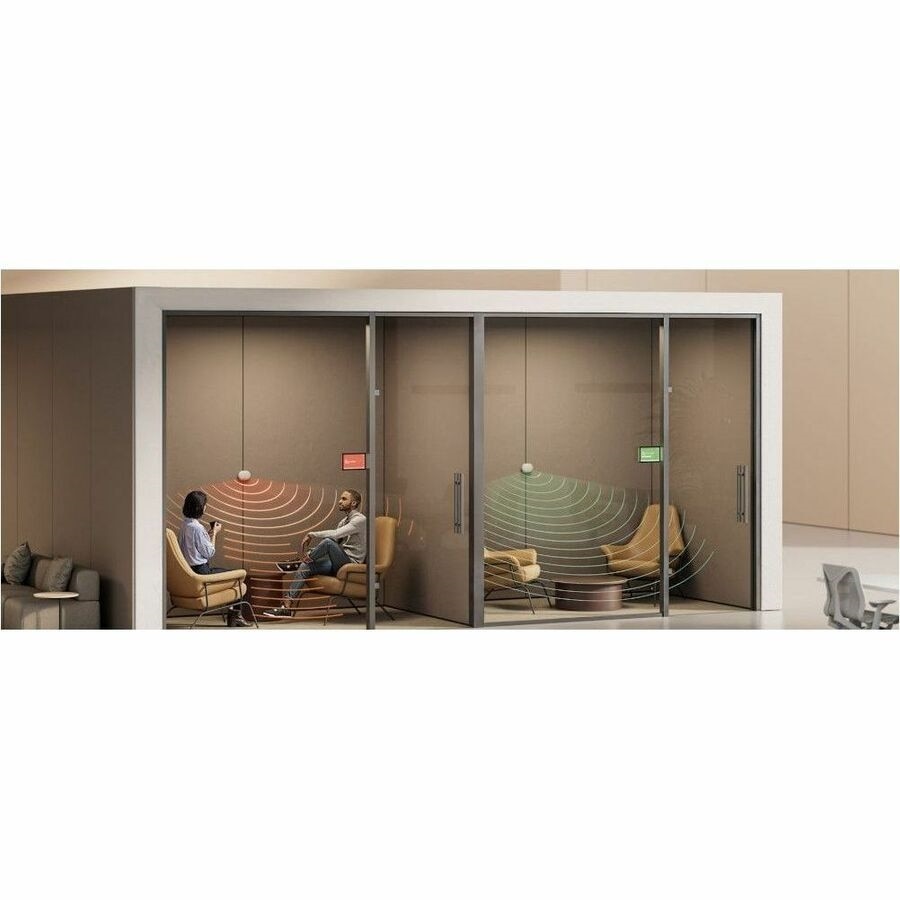
AUTO BOOK
Detect whether someone is in a room or space and more accurately indicate availability.
Automatically reserve a room when someone enters it 1Automations through Logitech are available with a service license. .
AUTO RELEASE
Free up the room if no occupants are detected or if a meeting ends early 2Automations through Logitech are available with a service license. .
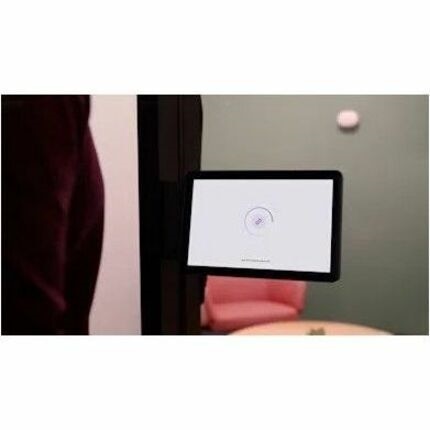
WAYFINDING WITH LOGITECH VIEW Detect presence to reflect space availability more accurately with Logitech View 3Requires a Logitech Essential or Select license. . See room status on interactive wayfinding maps on large touchscreens.
WORKS WITH LEADING PLATFORMS Logitech Spot seamlessly integrates with workspace management capabilities in leading platforms. Use integrations or APIs 4APIs may require a Logitech service license. to enable automations and insights for more powerful, holistic workplace management.
- Get insights and automations through services: Activate a Logitech service plan to get Sync Insights and activate booking automations, or integrate a compatible workspace service.
- Certified for workplace well-being: Logitech Spot is certified as a RESET Air Accredited Grade B monitor-an industry-leading standard for healthier, safer workspaces, and is part of the Works with WELL catalog.
- Connect in two ways: Pair the sensor to Tap Scheduler, Rally Bar or select CollabOS devices using Bluetooth, or to a specialized LoRaWAN gateway to connect hundreds of sensors across large sites.
- Get room health and energy insights: See environmental data, and get suggestions for a more efficient and productive work environment, with Sync Insights.
- Simple, battery-powered setup: Mount with the strong adhesive backing or screws for a permanent fixture. Powered by the included Li-SOCl2 battery for up to 4 years, or use a USB-C cable for constant power.
- Works with leading platforms: Integr