How to Back up Files to TFTP (GUI) for Dell Networking N4000
Published JAN 23, 2025
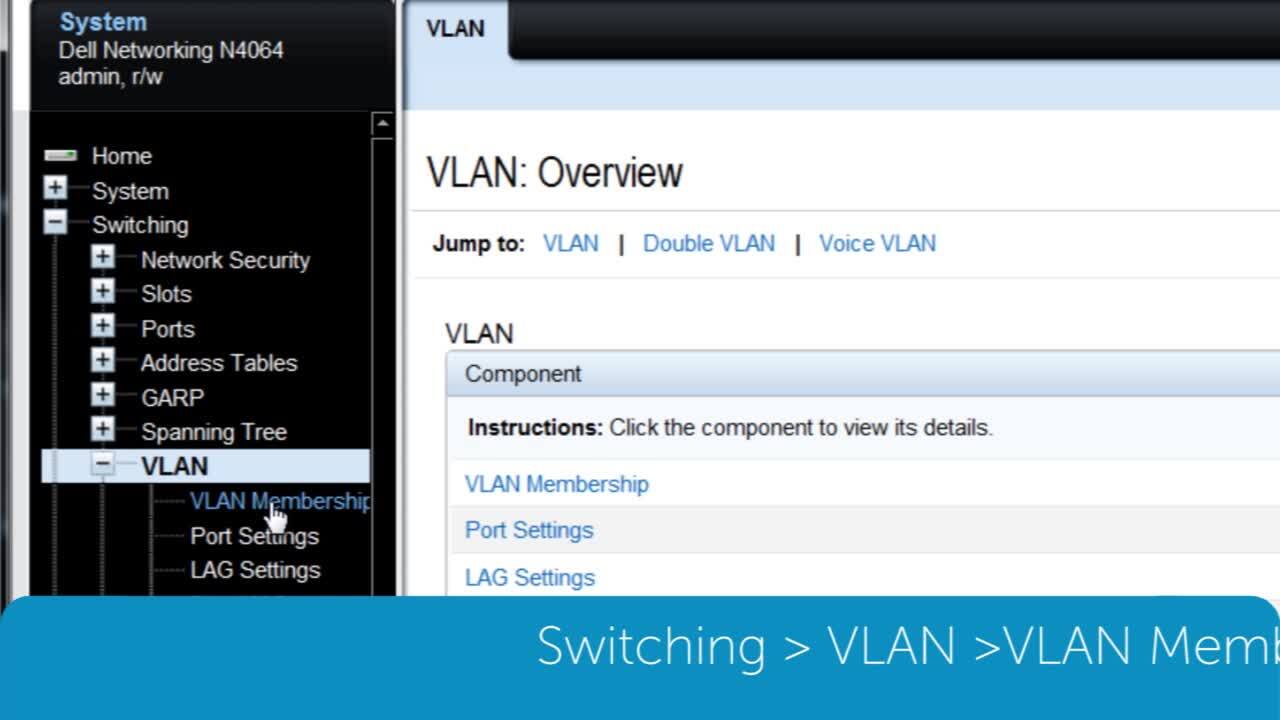
This video will demonstrate the how to back up files to TFTP using the GUI for Dell Networking N4000.
Suggested Videos


Related Articles
- Dell Networking OS6 - How to configure Radius or Tacacs for switch management
- How to stack and unstack a member in Dell EMC Networking N4000 switch
- How to Manage QSFP Ports on a N4000 Series Switch
- How to set up Link Dependency on a Dell EMC Networking N-Series Switch
- How to configure MAC based port security on Dell N2000, N3000, and N4000 series switches.