Monitor, Screen, and Webcam
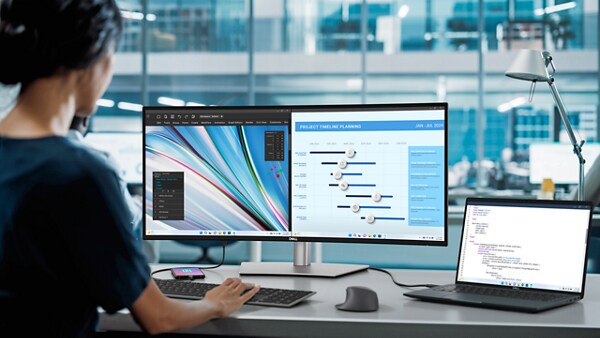
Monitor Built-in Diagnostics
Get step-by-step instructions to run a hardware test on a Dell monitor.
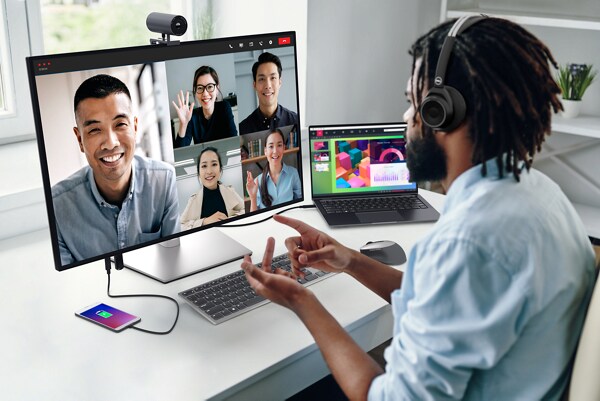
Webcam Diagnostics
Use SupportAssist to run a diagnostic test on your Dell webcam or integrated webcam on Dell laptops to identify hardware issues.
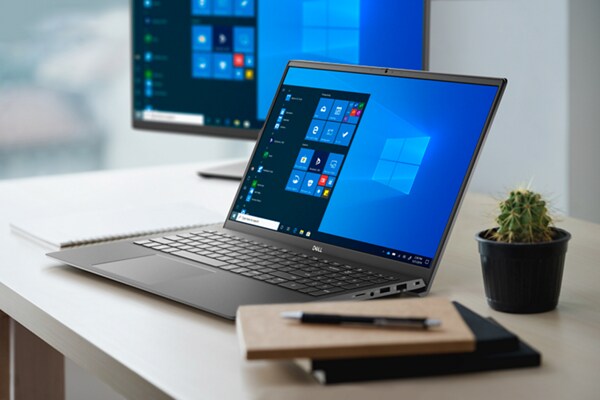
Laptop LCD Diagnostics
Get step-by-step instructions to run a hardware test on the display of a Dell laptop.
Laptop Screen Not Working: Fix Common Display Issues
Discover how to fix common laptop screen issues, like a blank display, flickering, color issues, and more. Get tips to resolve your laptop display problems.Computer Turns On But No Display: Troubleshoot Display Problems
Fix common monitor issues like no video, black screens, or no display. Discover why your computer powers on but the screen stays off and how to resolve it.Multi-Monitor Displays: Black Screen or Not Detected
Fix common multi-monitor issues like black screens, undetected displays, and resolution problems. Get tips on extending displays and adjusting window sizes.Touchscreen Not Working on Laptop: Common Touch Issues
Learn how to troubleshoot laptop touchscreen issues. Resolve problems like touch screen not working, stopped responding, or not working on Windows, including Dell laptops.Camera Does Not Work in Windows: Laptop or USB Webcams
Get help to fix camera issues with integrated laptop webcam or external USB webcams.Dell Display and Peripheral Manager for Windows
Manage your Dell monitors, keyboards, mice, webcams, and docks on Windows. Configure displays, customize settings, enable KVM, and keep devices updated in this unified app.Dell Display and Peripheral Manager for macOS
Download Dell Display and Peripheral Manager to adjust display settings, manage windows, control your webcam, and use KVM features on macOS devices.Connect an External Display to Your Laptop
Learn how to connect your laptop to an external display, whether it's a Dell monitor, TV, or projector. Follow these simple steps for seamless setup.How to Connect a Monitor to Your Computer
Easily connect a monitor to your computer with our simple guide. Whether it's your first time or you're troubleshooting, we've got you covered.How to Set Up Dual Monitors
Learn how to set up a dual monitor or multi-screen setup with our easy guide. Follow the steps for configuring dual screen settings and optimizing your workspace with multiple monitors.How to Daisy Chain Monitors for a Multi-Display Setup
Learn how to daisy chain multiple Dell monitors using DisplayPort, USB-C, or Thunderbolt with this comprehensive guide. Follow our step-by-step instructions to set up your multi-monitor display and enhance productivity.KVM Setup for Dell Monitors – Ultimate Guide & Tips
Find instructions to setup KVM on your Dell monitor. Dive into our comprehensive guide to setting up and troubleshooting KVM for supported Dell monitors.Dell Display Manager (No Longer Supported - Use DDPM Instead)
Dell Display Manager reached end of life on June 24, 2025. Download Dell Display and Peripheral Manager for continued support, updates, and new features.Fix Common Projector Issues
Follow these quick steps to resolve display issues with Dell projectors. Find additional resources for troubleshooting display or video problems with Dell projectors.Video Resources


This video provides a step-by-step guide for troubleshooting no video iss ues on your Dell laptop or desktop. It covers checking connections, running hardware diagnostics, and using built-in self-tests to identify possible hardware failures. If the issue persists, it also gives advice on using an external monitor to determine whether the problem lies with your laptop screen. Contact Dell support for further assistance if needed. ...

Other Resources

Audio and Speakers
Get support for audio-related issues for speakers, headphones or microphones. Audio and Speakers
Dell Docking Stations
Learn how to set up your Dell docking station, install drivers, and update the firmware. Dell Docking Stations
Mouse, Keyboard, and Touchpad
Get help to resolve common issues with your mouse, keyboard, or touchpad. Mouse, Keyboard, and Touchpad