PowerEdge: Dell iDRAC9 Support and Management Guide for PowerEdge Servers
Summary: The Integrated Dell Remote Access Controller 9 (iDRAC9) provides comprehensive, embedded management across the PowerEdge family of servers. IDRAC9 automation that lets your organization grow, and security that ensures peace of mind. It is a key technology in the OpenManage portfolio. Users can build a management solution that matches your needs, and by leveraging iDRAC, ensures optimal server management. ...
Instructions

Integrated Dell Remote Access Controller 9
- Agent-free local and remote embedded server management
- Automate with RESTful Application Programming Interface (API) with Redfish support
- Deploy, update, monitor, and maintain your server
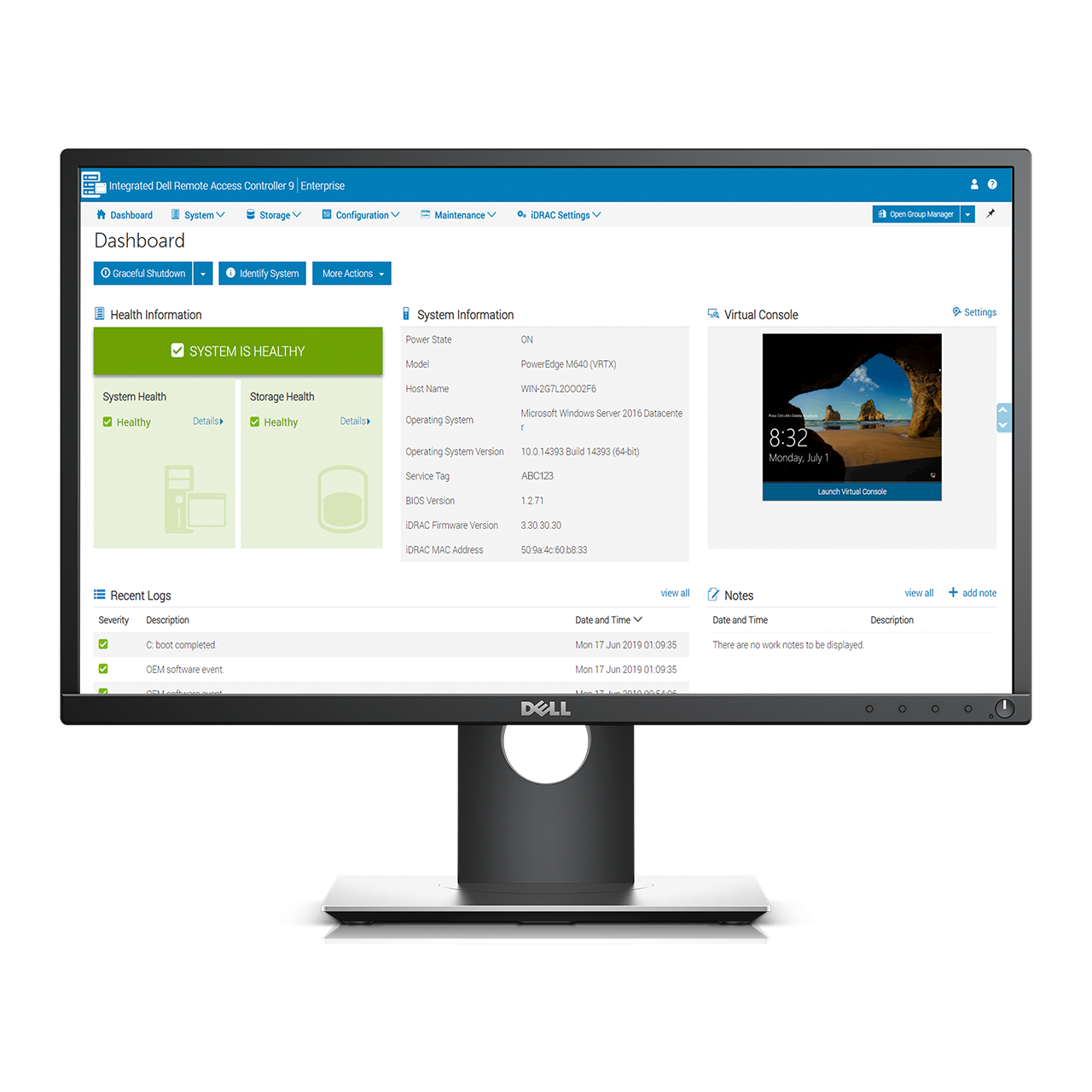
The iDRAC9 provides comprehensive, embedded management across the PowerEdge family of servers, automation that lets your organization grow, and security that ensures peace of mind. iDRAC is a key component of the OpenManage portfolio. Users can build a management solution that matches their needs, and by leveraging iDRAC to ensure optimal server management.
Benefits Features Licenses Updates Resources Community DRAC8 iDRAC Service Module
Benefits of iDRAC9
Scalable Automation: By using standards-based APIs and robust scripting, you can efficiently manage thousands of servers and increase productivity.
Secure Management: Security-Enhanced Linux and configurable options like HTTPS, TLS 1.2, Smart Card authentication, LDAP, and Active Directory integration provide security in your working environment. Users can also protect their system from unwanted configuration changes using system lockdown mode.
Streamlined Support: With embedded SupportAssist tools, you can view a continuously updated health and status report that monitors 5,000+ system parameters.
For additional information about iDRAC solutions, award and reviews and related offerings, Learn More on the iDRAC Product page >
Features in iDRAC9
| Feature | Benefit |
|---|---|
| BIOS Recovery | Detect an invalid, untrusted BIOS image when a boot is attempted and recover to an authenticated, trusted BIOS image. |
| Connection View | Quickly check if server LOMs/NDCs and iDRAC are connected to the correct switches and ports using the UI or by command-line interface. This helps prevent costly remote work orders for technicians to remediate cabling errors. |
| Full Power Cycle | Save time troubleshooting using the iDRAC Service Module for DC power and auxiliary power. It can be temporarily removed using local or remote control to reset all power nodes in a server, saving time. |
| iDRAC Direct | Secure front-panel USB connection to iDRAC web interface, which eliminates the need for crash carts or a trip to the hot aisle of your data center. You can use the same port to insert a USB drive to upload a new system profile for secure, rapid system configuration. |
| iDRAC Group Manager | Provides integrated "one-to-many" monitoring and group inventory of local iDRACs - There is no software to load, which is Ideal for customers who do not want to install and maintain a separate monitoring console - This feature does require iDRAC Enterprise licenses |
| DRAC RESTful API | With this API, iDRAC enables support for the Redfish standard and enhances it with Dell extensions. |
| Cipher Select | Cipher Select is an advanced user setting where the user can choose to block undesired ciphers negotiated by iDRAC, providing increased security. |
| OpenManage Mobile and Quick Sync 2 | OpenManage Mobile 2.0 (or higher) app on your handheld device to securely retrieve critical health data. Users can perform "bare-metal" server configuration tasks over BLE/Wi-Fi connectivity. Compatible with various iOS and Android-based devices |
| System Erase | With proper authentication, administrators can securely erase data from local storage (hard drives, SSDs, NVMe drives) |
| System Lockdown | Helps to prevent configuration or firmware changes to a server when using Dell tools. Requires the iDRAC Enterprise License |
| Zero-touch deployment and provisioning | When ordered with Zero Touch, PowerEdge servers can be automatically configured when they are initially connected to your network. This process uses a Server Configuration Profile to ensure that each server is set to your specifications. |
| Security-Enhanced Linux (SELinux) | iDRAC code is built upon SELinux, an integrated security feature that helps protect the server from an attack. |
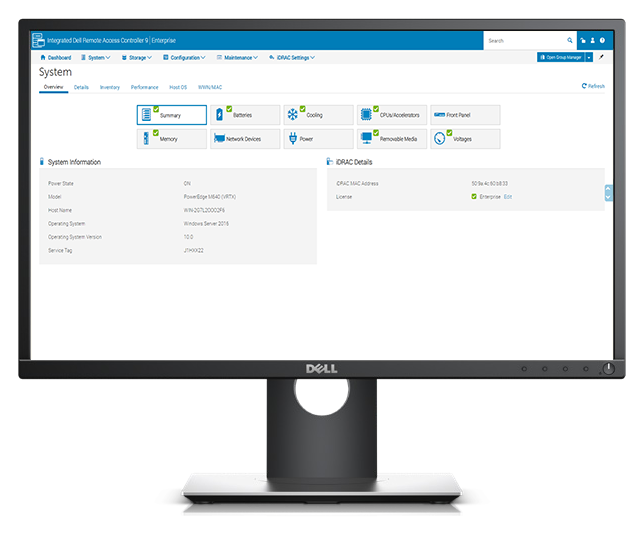
For a complete listing of licensed features in iDRAC9, Learn More below at View the list of licensed iDRAC9 features >
Licensing for iDRAC9
iDRAC9 features' availability are based on the type of the license, for a complete listing of licensed features, expand the following feature list:
View the list of licensed iDRAC9 features
iDRAC9 Licensed Features
| Basic | Express | Enterprise | Datacenter |
|---|---|---|---|
|
|
|
Granular Insight and Control
|
|
|
Enhanced Security
|
|
|
|
Thermal Manage Features:
|
|
|
|
||
|
|
||
|
|
||
|
|
| iDRAC Model | 100-500 Series Rack or Tower | 600+ Rack, Tower or
Modular |
|---|---|---|
| Basic: Basic instrumentation with iDRAC web GU5 is the default license included with 100-500 series rack and tower servers. | Standard | N/A |
| Express: All the features of Basic and expanded remote management and server life-cycle features is the default license included with 600+ series rack, tower, and modular servers. | Upgrade | Standard |
| Enterprise: All the features of Express and additional remote presence features with advanced, Enterprise-class, management capabilities | Upgrade | Upgrade |
| Datacenter: All the features of Enterprise, with the additional features such as extended remote insight into server details, focused on high-end server options, and granular power and thermal management | Upgrade | Upgrade |
An iDRAC9 license is a perpetual license. The license is valid for the life of a server, and is bound to the Service Tag of a unique server. Upgraded iDRAC9 license can be included at the time of server purchase or purchased separately and downloaded from Dell Digital Locker.
Trial License:
- A 30-day evaluation Enterprise and Datacenter trial licenses are available to fully test and experience all the features to help with the purchasing decision. Learn More and download a trial license following article 000176472 >
Upgrade License:
- Upgrading iDRAC9 license can be included at the time of server purchase or to purchase separately, contact your local Dell Technologies sales representative.
Downloading an upgraded or replacing a lost license:
- The iDRAC9 license can be downloaded from Dell Digital Locker. License keys are stored online and can be downloaded if needed. If an existing license key is not available in the Dell Digital Locker or there is an issue with a license key, contact Dell Technologies Technical Support or Customer Care.
Managing iDRAC9 Licenses
iDRAC licenses can be managed on either an individual server basis or through the Dell License Manager which is a one-to-many license and deployment tool.
- Individual server
Use iDRAC to manage the license for an individual server. iDRAC web interface, License tab can be used to import, export licenses or the RACADM CLI License command can be used to manage licenses as described in the RACADM CLI Guide. - Group of servers Dell License Manager is a one-to-many license deployment and reporting tool for OpenManage Enterprise Advanced, iDRAC, and Chassis Management Controller (CMC) licenses. By using License Manager, users can download, bind, deploy, inventory and back up OpenManage Enterprise Advanced Licenses as well as iDRAC, CMC, and storage sled licenses. This tool can also inventory licensable systems to report the licensing status and features enabled management controller.
Update to latest iDRAC9 Firmware
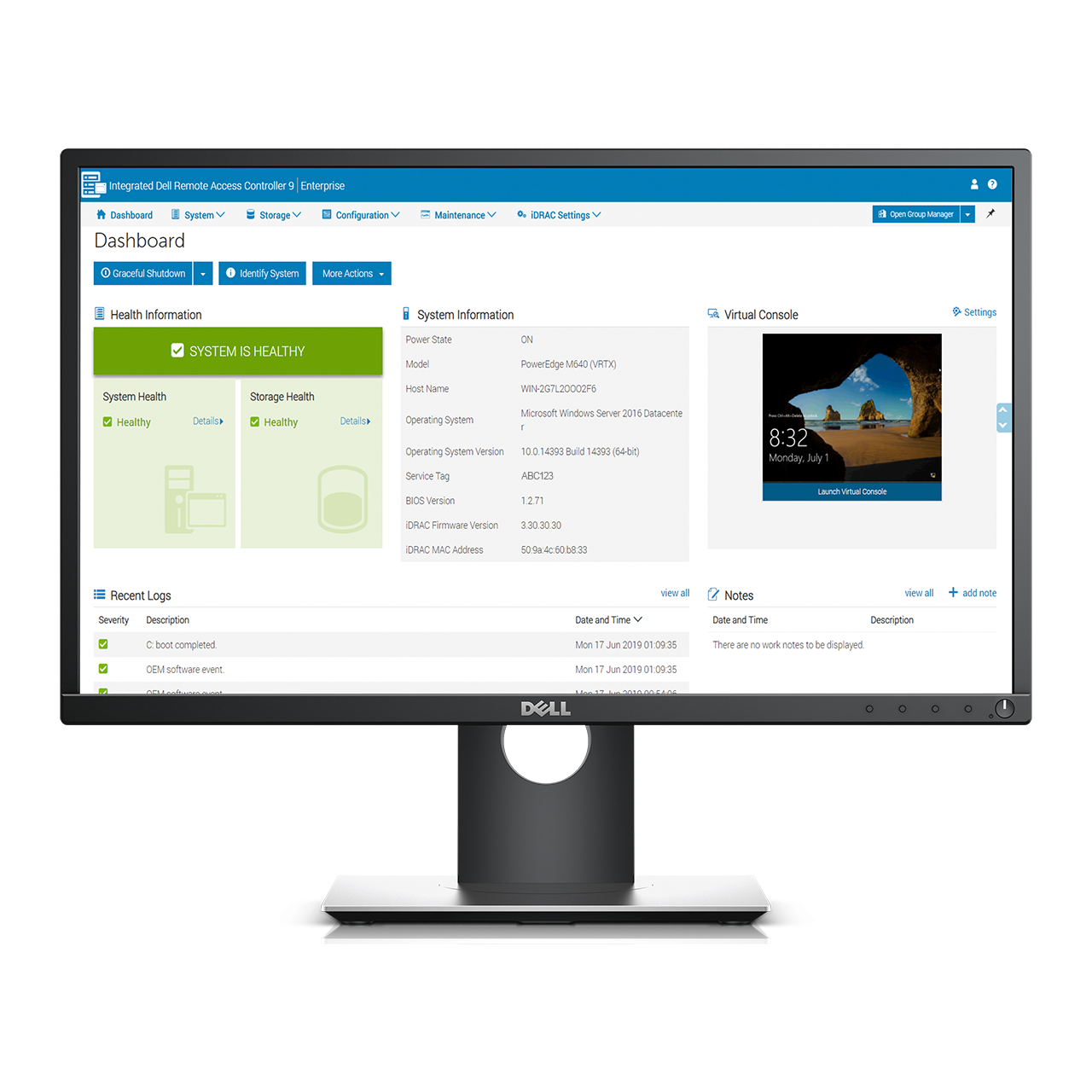
Dell Technologies recommends keeping your system up to date with the latest iDRAC9 firmware available. This ensures the best performance and the latest security updates and issue fixes. iDRAC updates do not require a reboot of the host, allowing for in-place updates. The iDRAC firmware version can differ from one system to another, for the listing of iDRAC9 versions available, Learn More from article 178115 >
>The last scheduled release of iDRAC9 firmware that includes 14G servers was version 7.00.00.000 on July 2023.
|
Release |
Date released |
14G iDRAC9 Comments |
|
7.00.00.00 |
July 2023 |
|
|
7.00.00.171 |
February 2024 |
Discretionary Sev1 security fix |
|
7.00.00.172 |
June 2024 |
Discretionary Sev1 security fix |
|
7.00.00.173 |
August 2024 |
Discretionary Sev1 security fix |
|
7.00.00.174 |
November 2024 |
Discretionary Sev1 security fix |
|
7.00.00.181 |
March 2025 |
Discretionary Sev1 security fix |
|
7.00.00.182 |
August 2025 |
Discretionary Sev1 security fix |
|
7.00.00.183 |
October 2025 |
Discretionary Sev1 security fix |
|
7.00.00.184 |
April 2026 |
Discretionary Sev1 security fix |
|
7.00.00.185 |
August 2026 |
Discretionary Sev1 security fix |
- End of Feature Development Date
- The last date of a planned iDRAC9 firmware update that includes enhanced features and functionality.
- After this date, there are no planned feature releases.
- Security updates and issue fixes are addressed on an as needed basis.
- Security updates follow the standard security update cadence as needed.
- End of Software Maintenance Date
- The last date for Dell Technologies iDRAC Engineering to release any software maintenance releases, security updates, or issue fixes.
- After this date, iDRAC Engineering is no longer obligated to maintain or repair the firmware.
- The planned End of Software Maintenance date is 3 years after the End of Feature Development date.
- iDRAC Firmware Support
- iDRAC hardware is covered under the server hardware contract.
- Active hardware support contracts continue to receive hardware support for the life of the contract.
- Released iDRAC firmware updates are available regardless of support contract.
Resources for iDRAC
Community
Engage in the Systems Management community to find:
- Boards to post questions and answers
- Blogs to read and comment on articles
- Idea exchanges to improve products and vote for ideas that other community members have posted
- And more community-based support
Documentation
- Managing PowerEdge server software licenses by using Digital Licensing
- Using Server Message Block (SMB) in iDRAC9 of Dell Technologies PowerEdge Servers
- In-band or out-of-band: Advantages of iDRAC and iSM compared to OMSA
- iDRAC9 Virtual Power Cycle: Remotely power cycle Dell Technologies PowerEdge Servers
- Discovery and Reporting of NUMA topology with iDRAC9 on Dell Technologies PowerEdge Servers
- iDRAC9 Virtual Media Solution for ISO and IMG
- Viewing the network switch connections between iDRAC and server network ports
- Signing UEFI images for Secure Boot with PowerEdge servers
- Setting up BIOS on 14th Generation Dell Technologies PowerEdge servers
- Online Capacity Expansion and RAID-Level Migration of Virtual Drives by using PERC 9 and PERC 10
- Configure iDRAC to use Active Directory Authentication
Telemetry
- iDRAC9 Telemetry Streaming: What you require to get started
- Telemetry Streaming with iDRAC9 Server - Telemetry Performance Reports
- Telemetry Streaming with iDRAC9 - Storage Reports
- Telemetry Streaming with iDRAC9 - Power and Thermal Metrics
- How to integrate iDRAC9 Telemetry Data into the Splunk platform
- iDRAC9 Telemetry streaming visualization with Splunk
- Telemetry Streaming with iDRAC9— Custom Reports Get Started
- Telemetry Metric Report Definition Explained
- Telemetry Configuration using Server Configuration Profile
Scripting
- RESTful NIC and HBA Management with iDRAC RESTful API
- RESTful Storage Management with iDRAC RESTful API
- Implementation of the DMTF Redfish API on Dell Technologies PowerEdge servers
- RESTful Server Configuration Profiles with iDRAC RESTful API
- RACADM Error Codes for iDRAC RACADM command-line utility
- Using Server Configuration Profiles to Deploy Operating Systems to Dell Technologies PowerEdge Servers
- Server cloning by using Server Configuration Profiles on PowerEdge servers
- Getting Started with iDRAC Command-Line Interface RACADM
- Zero-Touch, Bare-metal Server Provisioning Using the iDRAC9 with Auto Config
- iDRAC9 and iDRAC10 User Interface to Redfish Mapping
Security
- System Erase with iDRAC9 to erase storage devices, caches, and logs
- Improved security with iDRAC9 using Root of Trust and BIOS Live Scanning
- Using iDRAC9 RSA SecurID 2FA
- Cyber Resilient Security in Dell PowerEdge Servers
- Introduction to iDRAC Delegated Authorization
- Improved security with iDRAC9 using Root of Trust and BIOS Live Scanning
- Enable iDRAC Local Key Management (iLKM) on Dell PowerEdge Servers
- Enable OpenManage Secure Enterprise Key Manager (SEKM) on Dell Technologies PowerEdge Servers
Monitoring and Alerting
- Understanding OpenManage Mobile and Quick Sync Security
- Managing the Rollup Health status by using iDRAC9 on PowerEdge servers
- Monitoring and configuring Server Group by using iDRAC Group Manager
- Managing iDRAC9 Event Alerts on 14th generation PowerEdge Servers
- Accessing Remote Desktop using VNC on PowerEdge Servers and MX7000
- Prefailure alerts provided by Dell PowerEdge server systems management
- Manage iDRAC alerts by using the Redfish Eventing feature in iDRAC8 and iDRAC9
Support Assist
- SupportAssist Collections on Dell Technologies 14th generation of PowerEdge servers
- SupportAssist on Dell Technologies 14th generation of PowerEdge servers
iDRAC Service Module
- In-Band iDRAC SNMP Alerts by using iDRAC Service Module
- iDRAC Service Module - iDRAC Access using Host Operating System
- Installing iDRAC Service Module using iDRAC9 on PowerEdge servers
- iDRAC Service Module - OS-based capabilities for Out-of-band management with iDRAC9
Videos
Dell Technologies iDRAC9 v4.0 UI Enhancements
Highlights of the iDRAC9 v4.0 enhancements and benefits including use of search, job status dashboard, system lockdown, and virtual clipboard.
February 2020Data Telemetry Streaming with iDRAC9
This 4-1/2 minute video describes how customers are using analytics to proactively manage and optimize their IT infrastructures.
February 2020Automatic Certificate Enrollment with iDRAC9
This concise 2-minute video gives an overview of the Automatic Certificate Enrollment feature in iDRAC9.
February 2020Evaluation of the performance and efficiency of iDRAC9 Telemetry Streaming
Discussion of the iDRAC9 Telemetry Streaming feature providing an overview, use cases, description of the feature.
February 2020PowerEdge server life cycle management with iDRAC9
Tech Talk covering simplified and automated PowerEdge server management with iDRAC9
February 2019iDRAC9 videos for initial setup and updates
iDRAC9 playlist of seven videos:
Setup of iDRAC9
Setup of SupportAssist
Login with default password
iDRAC9 Connection View to remotely view the server's network connection
With iDRAC9 Connection View, see how a PowerEdge server's Network Daughter Card ports and iDRAC are connected to the switches/ports.
July 2017Secure Boot Configuration and Certificate Management using RACADM
Certificate management tasks such as exporting, importing, deleting, and restoring the secure boot certificates using RACADM
July 2017Introducing OpenManage Mobile and Quick Sync 2
Demonstration of OpenManage Mobile and PowerEdge servers with Quick Sync 2
July 2017Secure Boot Configuration and Certificate Management using WS-Man
Certificate management tasks such as exporting, importing, deleting, and restoring the secure boot certificates using WS-Man
July 2017