PowerEdge: Windows Server 2025 Deployment Using LC Fails on 17G AMD Platforms
Summary: Operating System (OS) installation through the Lifecycle Controller (LC) (using F10 → OS Deployment) fails when using older Windows Server 2025 ISO images over iDRAC Virtual Media.
This article applies to
This article does not apply to
This article is not tied to any specific product.
Not all product versions are identified in this article.
Symptoms
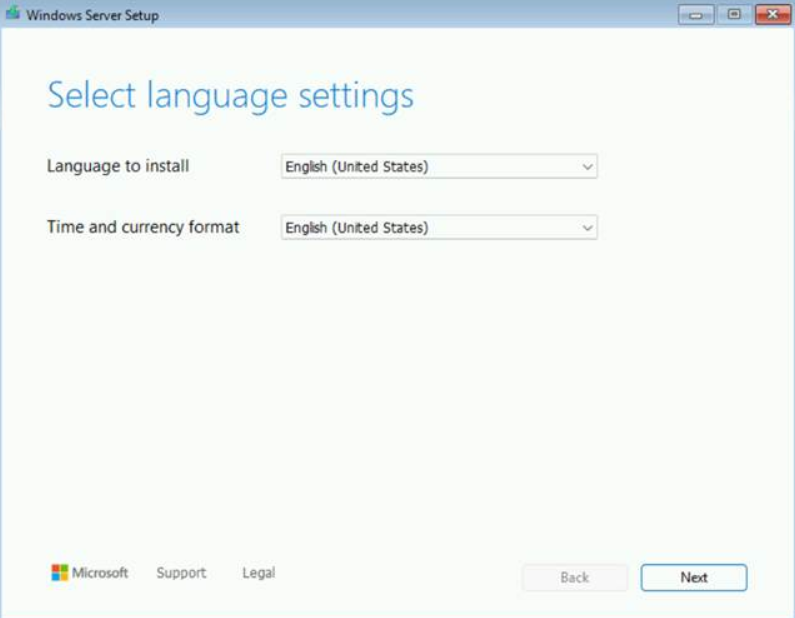
After the "Loading files…" screen, an "Install driver to show hardware" prompt appears instead of the expected language selection screen.

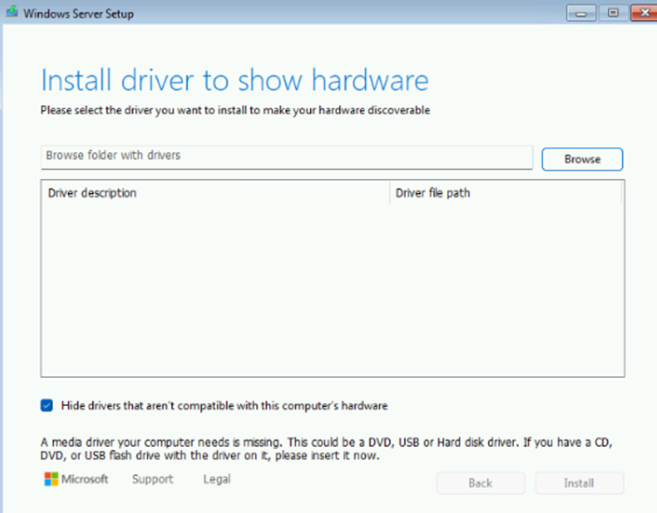
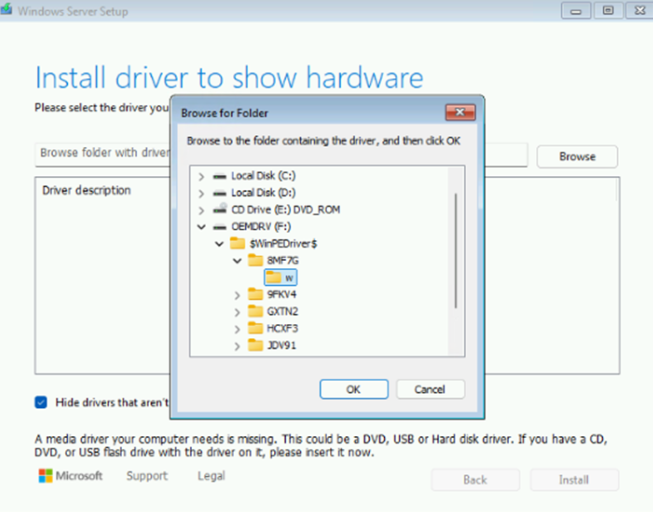
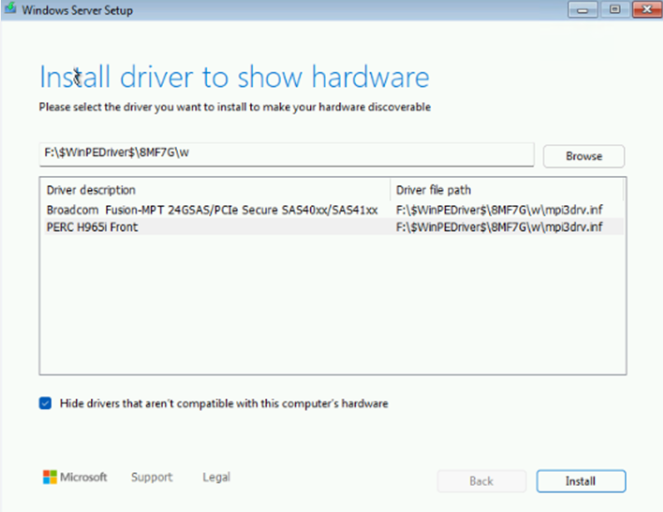
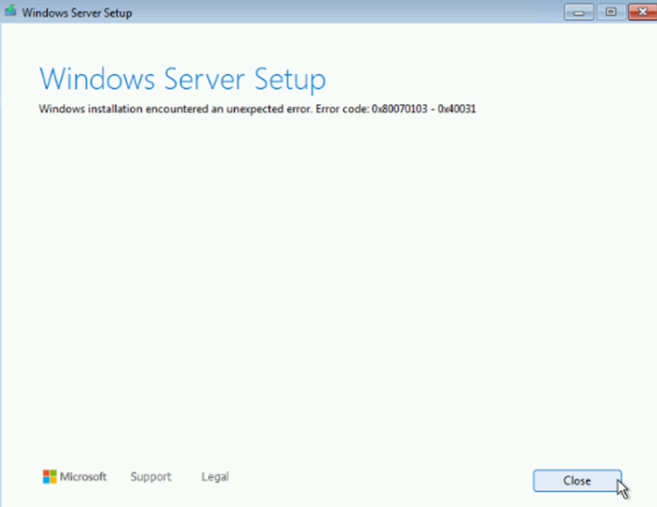
When the PERC H965i driver is loaded manually, the Windows installation encounters an unexpected error.
Cause
This is a known issue with older Windows Server 2025 ISO images, including:
- Windows Server 2025 evaluation image
- Windows Server 2025 Dell OEM images:
YD82YA00_WS25_MUL1_DC.isoT0K5WA00_WS25_MUL3_DC.iso
Resolution
This issue is resolved in newer Windows Server 2025 images, such as the March or September releases downloaded from MSDN or the Dell OEM image: 00MCFA00_WS25_MUL_DC.iso
If newer images are unavailable and LC deployment is required, use one of the following workarounds:
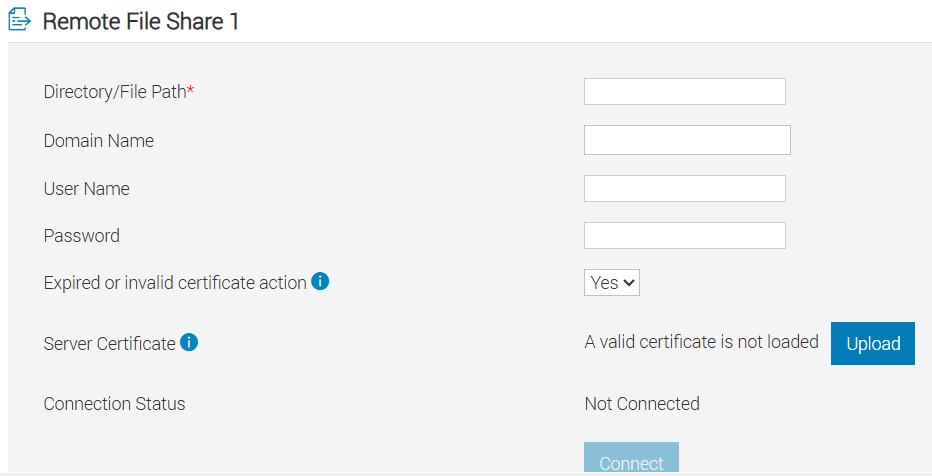
- Use Remote File Share (RFS) in iDRAC instead of iDRAC Virtual Media
- Use physical DVD media if available
Additional Information
Which generation does my PowerEdge server belong to?
Affected Products
Microsoft Windows Server 2025, OEMR XL R6715, OEMR XL R6725, OEMR XL R7715, OEMR XL R7725, PowerEdge R6715, PowerEdge R6725, PowerEdge R7715, PowerEdge R7725, PowerEdge R7725xdArticle Properties
Article Number: 000387609
Article Type: Solution
Last Modified: 24 مايو 2026
Version: 5
Find answers to your questions from other Dell users
Support Services
Check if your device is covered by Support Services.