Alienware Pro 무선 게이밍 마우스가 Alienware Command Center 설정을 저장할 수 없음
Summary: Alienware Pro 무선 게이밍 마우스가 Alienware Command Center에서 사전 설정을 저장하거나 설정을 조정할 수 없는 경우 수행할 작업에 대해 알아봅니다.
Symptoms
Alienware가 아닌 컴퓨터에서 Alienware Pro 무선 게이밍 마우스를 사용하는 경우 두 가지 문제가 발생할 수 있습니다. 이러한 문제는 AWCC(Alienware Command Center) 버전 6.1.11이 설치되어 있을 때 발생합니다. 문제는 다음과 같습니다.
- Alienware Pro 무선 게이밍 마우스를 연결한 후 Alienware Command Center에 프리셋을 저장할 수 없음
- Alienware Pro 무선 게이밍 마우스를 연결한 후 Alienware Command Center에서 폴링 속도, DPI(Dots Per Linear Inch) 수준, 배터리 절약 모드 및 LOD(Lift-off-Distance)를 조정할 수 없음
영향을 받는 제품
- Alienware Command Center
- Alienware Pro 무선 게이밍 마우스
Cause
Alienware Command Center 설치 프로그램이 RGB 조명 제어가 필요하지 않은 컴퓨터(Alienware 이외의 컴퓨터)에서 FX 데이터베이스를 로드하지 않았습니다.
Resolution
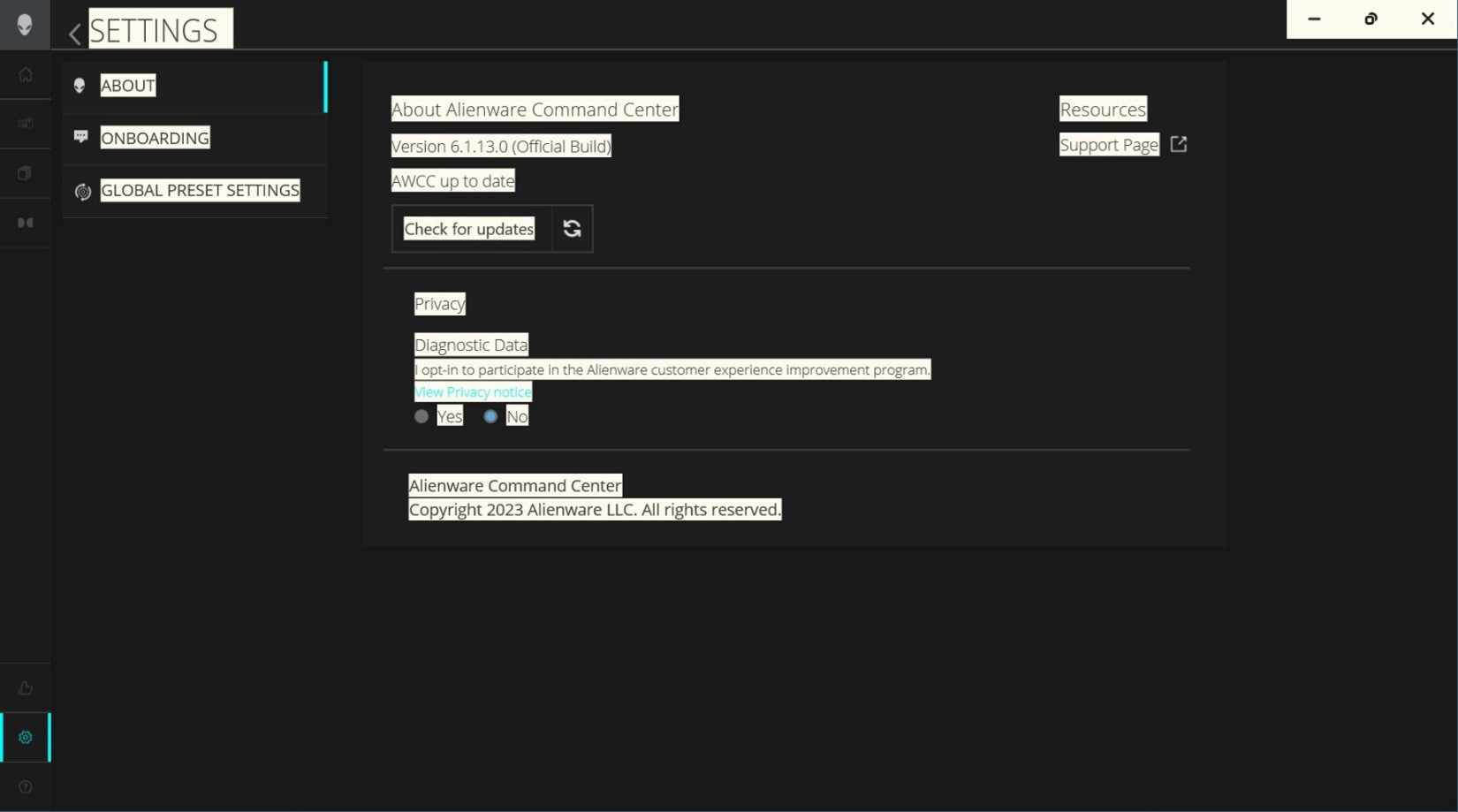
컴퓨터에서 Alienware Command Center 버전 6.1.13 이상으로 업데이트하면 문제가 해결됩니다. Alienware Command Center 업데이트를 다운로드하고 설치하려면 Alienware Pro 무선 게이밍 마우스 드라이버 및 다운로드 지원을 참조하십시오.
Alienware Command Center 버전 6.1.11이 컴퓨터에 이미 설치되어 있는 경우 설치 중에 메시지가 나타납니다. 이 메시지는 "Alienware Command Center Package Manager: 패키지 FXCoreInstaller 오류 : 설치 프로그램은 시스템이 실행되는 동안 업데이트할 수 없는 파일 또는 서비스를 업데이트해야 합니다. 계속하기로 선택한 경우 설치를 완료하기 위해 재부팅해야 합니다." 이 화면이 표시되면 확인을 클릭하여 설치를 완료한 다음 컴퓨터를 재시작합니다.
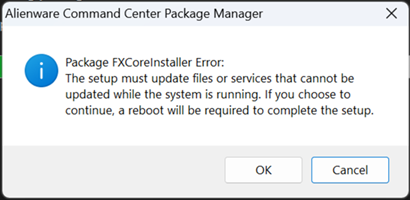
Alienware Command Center 버전 6.1.11이 컴퓨터에 설치되어 있지 않은 경우 설치를 완료한 후 컴퓨터를 재시작합니다.
Alienware Command Center 6.1.13 이상이 설치되면 왼쪽 하단 모서리에 있는 설정 아이콘을 클릭하여 Alienware Command Center 버전을 확인합니다.