Avamar:「導入KB:Avamar Installation Managerへのログイン時に無効なパッケージ アプリケーション パラメーターが発生する
Summary: Avamar Installation Managerへのログインに失敗し、正しいパスワードを使用すると「Invalid Package Applicableパラメーター」が報告されます。
This article applies to
This article does not apply to
This article is not tied to any specific product.
Not all product versions are identified in this article.
Symptoms
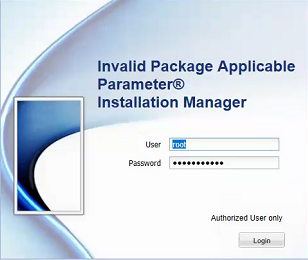
正しいパスワードを使用すると、Avamar Installation Managerへのログインに失敗して「Invalid Package Applicable parameter」という報告がされます。
Cause
正確な原因は不明ですが、以下の解決策のセクションで回避策が提供されています。
Resolution
1.PuTTYを使用して、Avamar Utility NodeへのSSHセッションを確立します。
2.admin.
としてログインします。3.次のコマンドを実行して、avinstallerサービスを再開します。
avinstaller.pl--restartを実行します
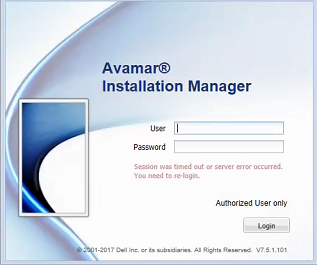
4.サービスが再開されたら、Webブラウザーを更新します。
2.admin.
としてログインします。3.次のコマンドを実行して、avinstallerサービスを再開します。
avinstaller.pl--restartを実行します
4.サービスが再開されたら、Webブラウザーを更新します。
Affected Products
AvamarProducts
AvamarArticle Properties
Article Number: 000048112
Article Type: Solution
Last Modified: 20 Aug 2026
Version: 5
Find answers to your questions from other Dell users
Support Services
Check if your device is covered by Support Services.