「Data Domain:DDOSアップグレード再起動ループ
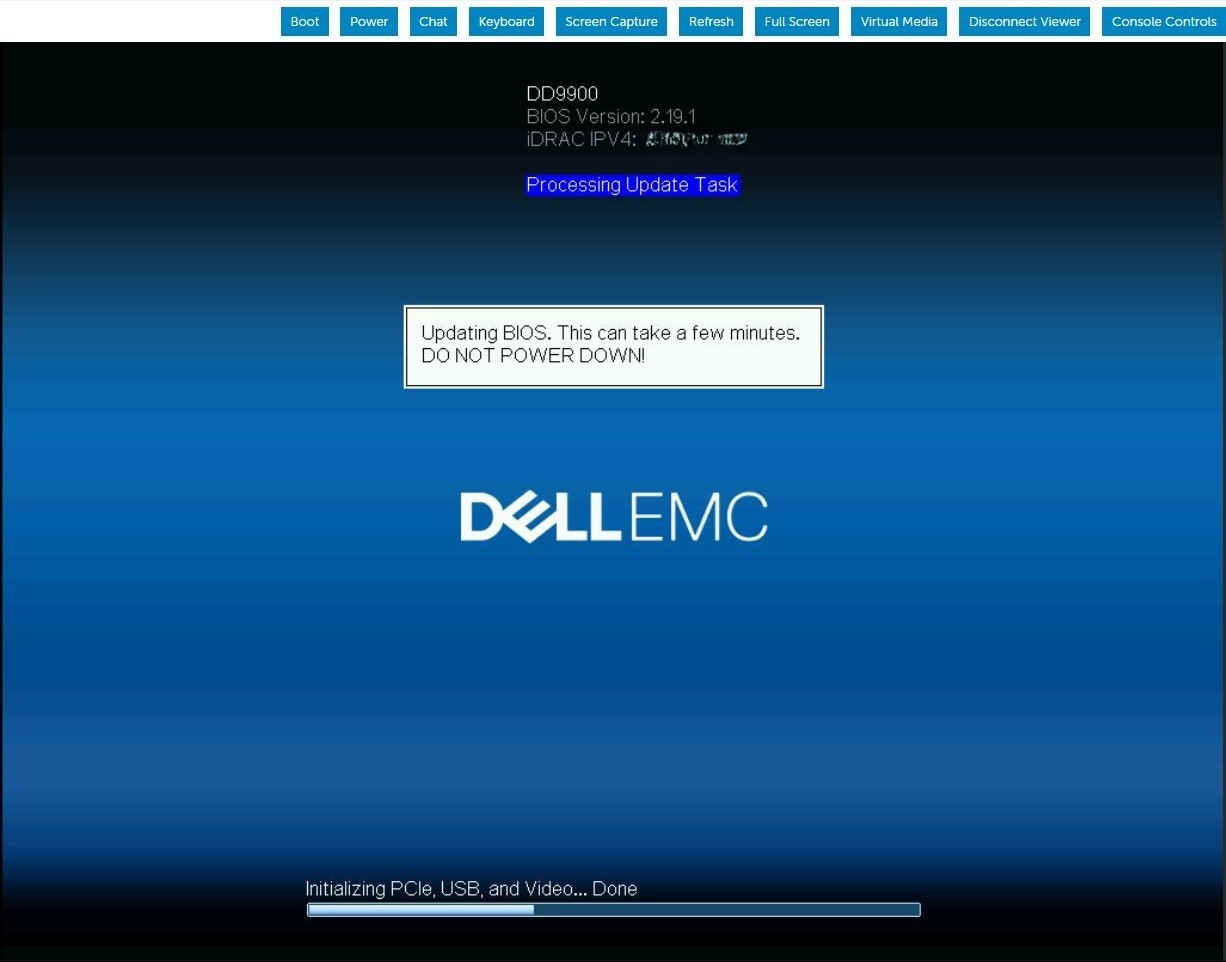
Summary: DDOSアップグレードは、BIOSアップグレード タスク中に継続的に再起動します。iDRACジョブ キューに、ファームウェアがBIOSをアップデート中であることを示しています。
This article applies to
This article does not apply to
This article is not tied to any specific product.
Not all product versions are identified in this article.
Symptoms
サーバーが再起動し、BIOSカプセル ファイルのダウンロードとBIOSアップデートの実行が表示されます。サーバーの再起動後、BIOSアップデート シーケンスが次のPOSTで繰り返されます。このパターンは、手動で介入するまで無期限に繰り返されます。

Cause
ステージングされたBIOSジョブのアップデート中にiDRAC9のメモリーが少なくなると、BIOSファイル転送の処理中にiDRAC SMAデーモンが再起動されます。
Resolution
iDRAC9ファームウェア バージョン6.00.30.00では、メモリー処理が修正され、このステージングされたBIOSアップデートの失敗状態が回避されています。 回避策:
現在のiDRACジョブをクリアして削除し、iDRACをリセットします。#racadm jobqueue delete -i JID_CLEARALL_FORCE (this is the only way to delete a job in running state).racadm>>racadm jobqueue delete -i JID_CLEARALL_FORCERAC1032: JID_CLEARALL_FORCE job(s) was cancelled by the user. #racadm racresetracadm>>racadm racresetRAC reset operation initiated successfully. It may take a few minutes for the RAC to come online again.
Affected Products
DD OS, iDRAC9 - 5.xx SeriesArticle Properties
Article Number: 000248899
Article Type: Solution
Last Modified: 16 Jun 2026
Version: 5
Find answers to your questions from other Dell users
Support Services
Check if your device is covered by Support Services.