PowerProtect:如何从单用户模式重置 root 密码
Summary: 当根密码丢失或恢复过期帐户步骤不起作用时,可以使用重置步骤(戴尔知识库文章538547)。这适用于 PowerProtect Data Manager (PPDM)。
This article applies to
This article does not apply to
This article is not tied to any specific product.
Not all product versions are identified in this article.
Instructions
- 打开 vSphere Web Client 的浏览器会话,并使用管理员帐户进行身份验证。
- 浏览清单以查找 PowerProtect 数据保护存储设备 (PPDM) 并拍摄虚拟机快照。
- 启动 PowerProtect 数据保护存储设备的 VMware Remote Console 窗口。
- 为 PowerProtect 数据保护存储设备选择 “Restart Guest OS” 选项。
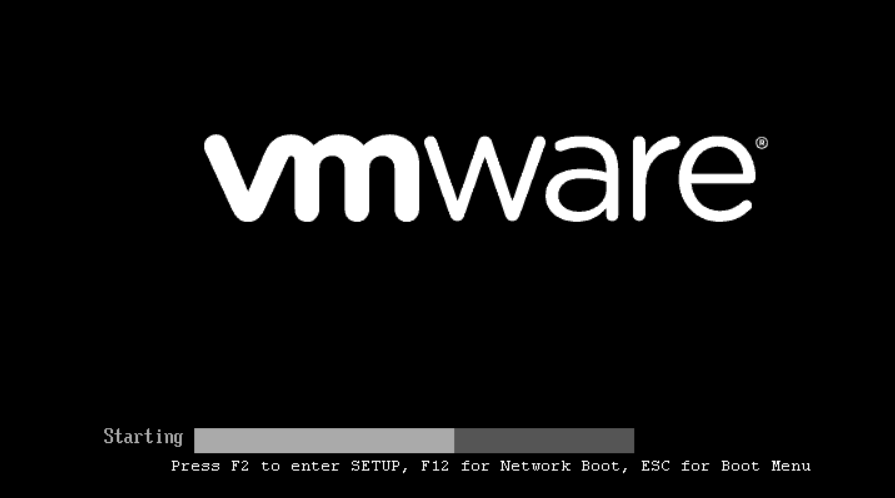
- 重新启动时,按“ESC” 按钮以访问 GNU GRUB 引导加载程序屏幕。
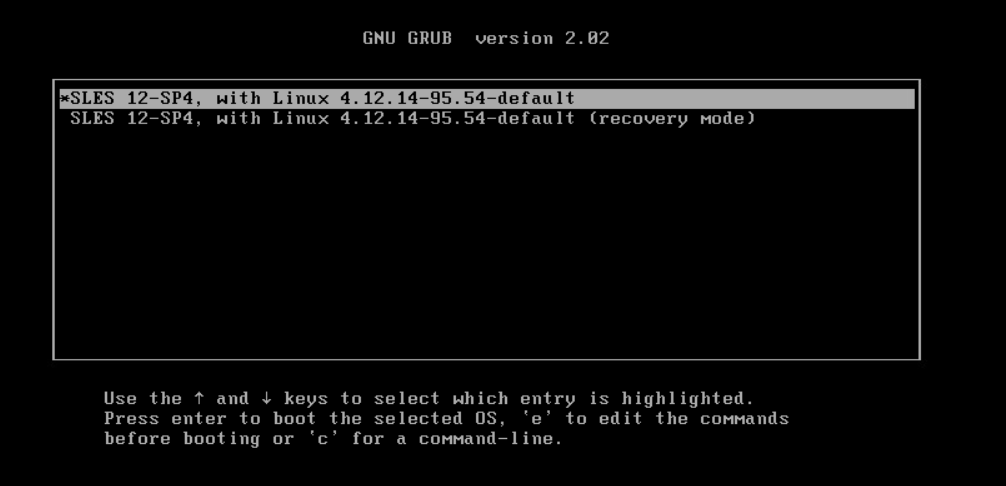
- 选择第一个选项并键入 “e” 以编辑引导命令。(注:按住 Shift 键(如果 GNU GRUB 选项屏幕未加载)
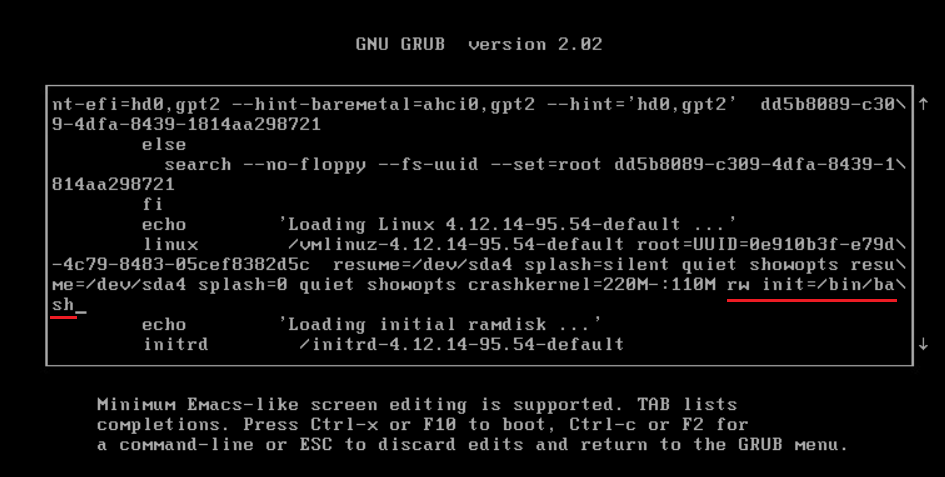
- 在 GNU GRUB 引导加载程序页面中,添加了在 Linux 行中使用写入权限启动 bash shell 的选项(请参见屏幕截图):rw init=/bin/bash
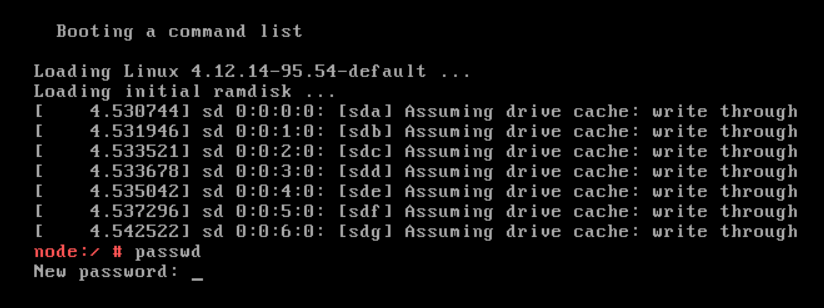
- 按 “CTRL+x” 以单用户模式启动设备,其中包含新的 Linux 内核选项。
- 键入 passwd 命令以设置新的 root 密码: passwd
- 重新启动 PowerProtect 数据保护存储设备: reboot
- 如果 reboot 命令不起作用(错误 = “无法与初始化守护程序通信”),请使用 force 选项: sudo systemctl reboot --force --force
Additional Information
戴尔知识库000020479 - 如何在PowerProtect中更改作系统密码老化策略。
Affected Products
PowerProtect Data Manager, PowerProtect X400 Appliance, PowerProtect SoftwareArticle Properties
Article Number: 000181219
Article Type: How To
Last Modified: 07 Aug 2025
Version: 3
Find answers to your questions from other Dell users
Support Services
Check if your device is covered by Support Services.