PowerStore: CloudIQ performance charts may show gaps
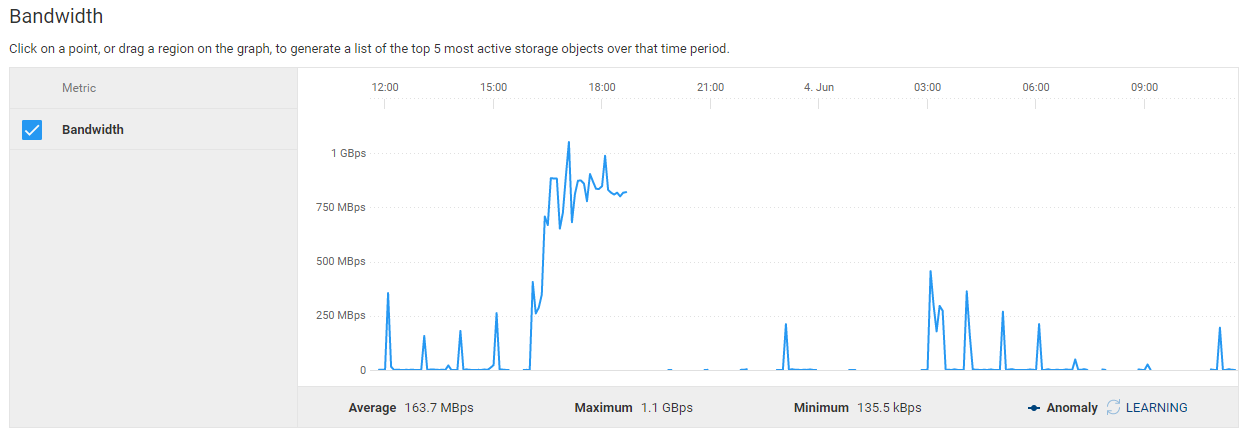
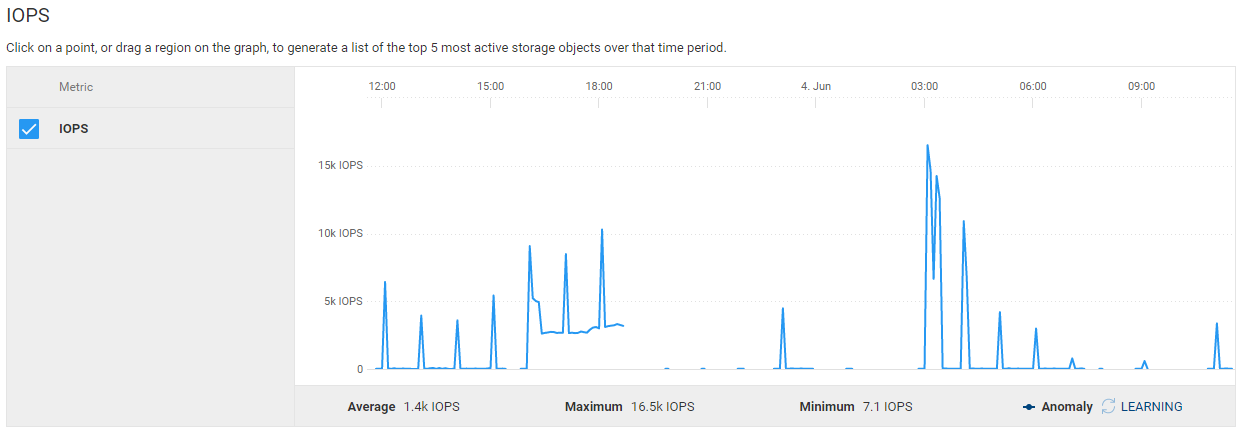
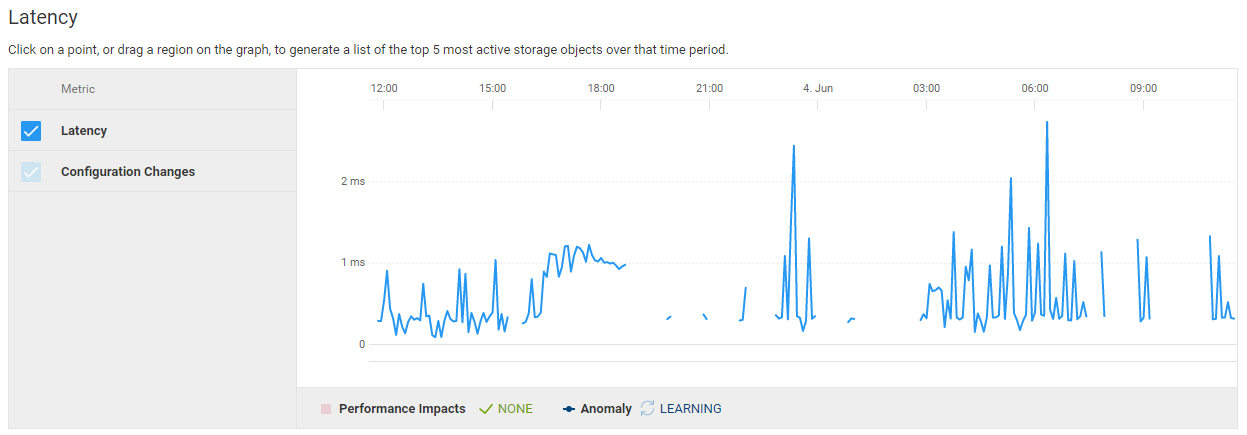
Summary: When logging in to CloudIQ, you may notice that some performance charts have gaps as shown in the examples below.
This article applies to
This article does not apply to
This article is not tied to any specific product.
Not all product versions are identified in this article.
Symptoms
Examples:
Cause
This can happen for various reasons, such as:
- A temporary maintenance outage
- Running support metrics while simultaneously a config-capture metrics data is running.
Each case should be investigated separately.
Resolution
Wait some time and check again. If you have waited a while and the issue persists, or if you continue experiencing gaps intermittently, contact Dell Technical Support or your Authorized Service Representative, and quote this knowledge base article ID.
Affected Products
PowerStoreArticle Properties
Article Number: 000125383
Article Type: Solution
Last Modified: 02 Jun 2025
Version: 10
Find answers to your questions from other Dell users
Support Services
Check if your device is covered by Support Services.